 Doc Summary

Learn how to efficiently add a new commercial sales lead into your system. This guide walks you through inputting contact information, assigning sales representatives, and setting essential deal details to keep your pipeline organized.
Open Opportunities #
- Click Opportunities
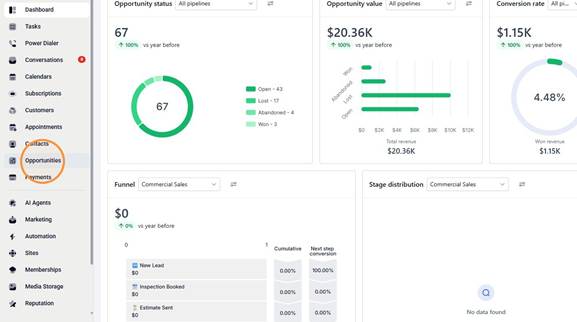
- Open the Opportunities page
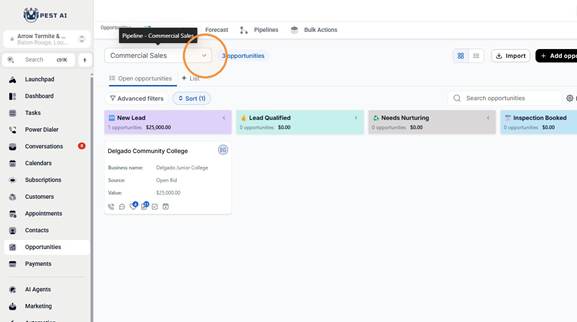
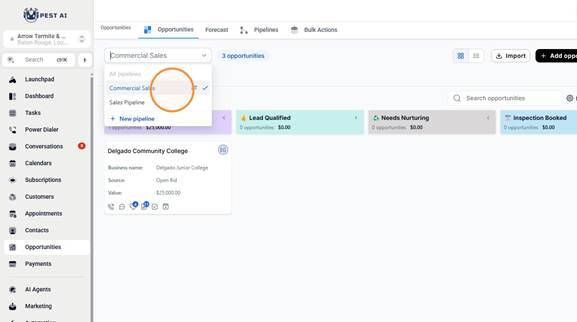
- Open the Commercial Sales pipeline
Create Opportunity #
- Click Add opportunity

- Enter Jordan Belfort as the primary contact
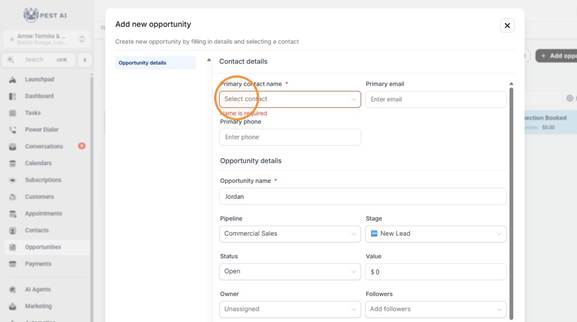
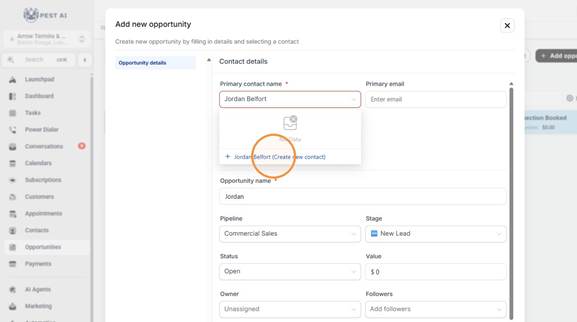
- Select Jordan Belfort (Create new contact)
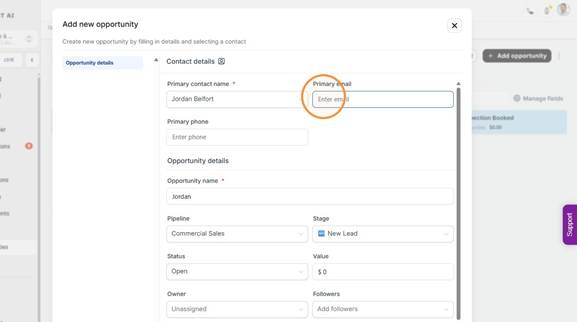
- Enter jordan@fakestratonoakmont.com, 225-225-2222, and Straton Oakmont Rat Problem in the contact and opportunity fields
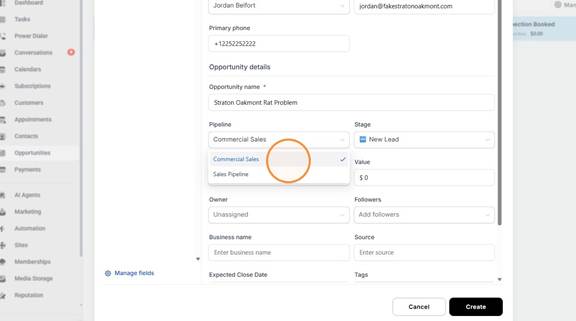
- Select Commercial Sales
- Click the Value field
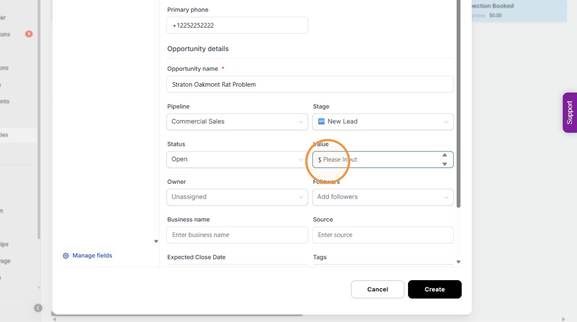
- Type “5000”
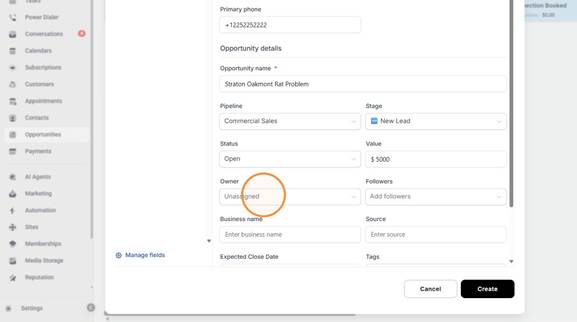
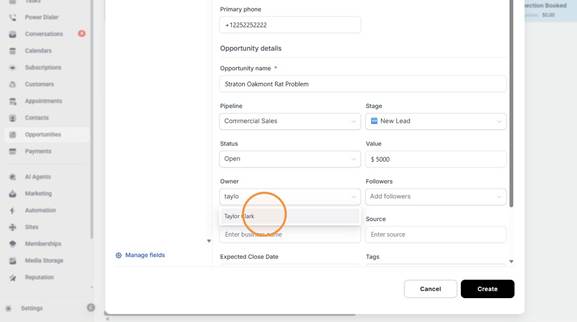
- Set the Owner search text to taylo
- Select Taylor Clark
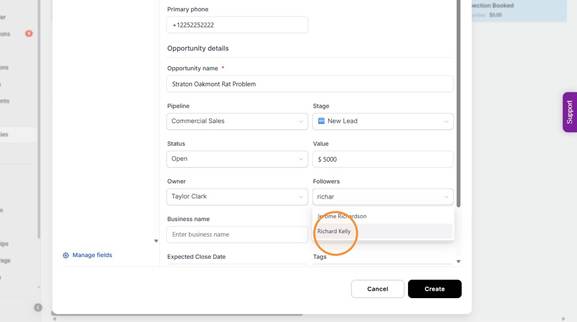
- Set the Followers search text to richar
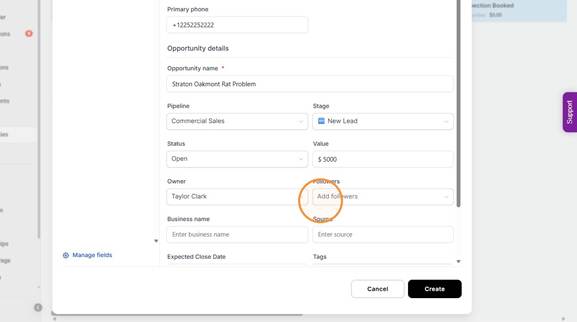
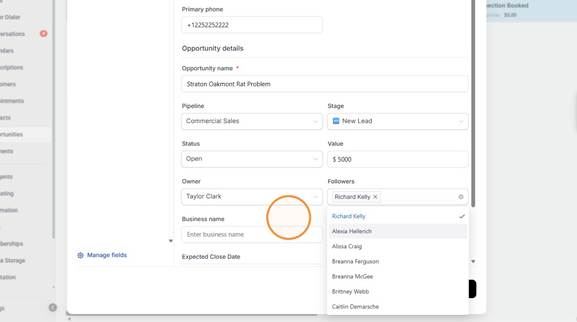
- Select Richard Kelly
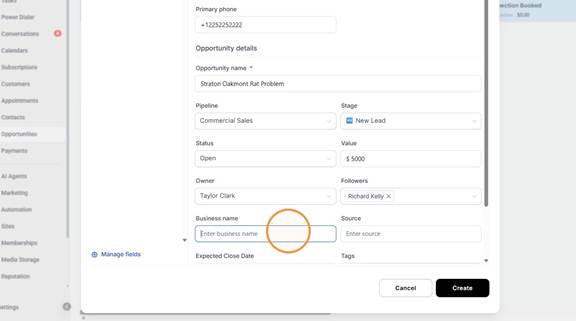
- Enter Straton Oakmont as the business name and Door knocking as the source
- Set the Expected Close Date to August 31, 2026
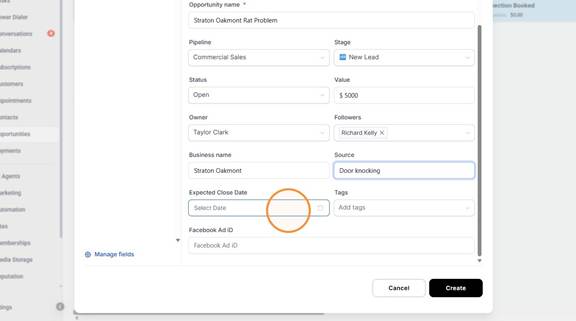
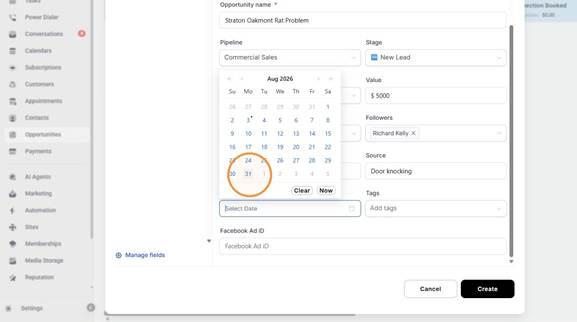
- Click Create

- Open the created opportunity
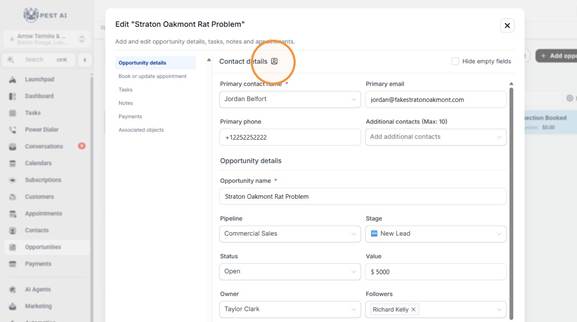
Update Contact Details #
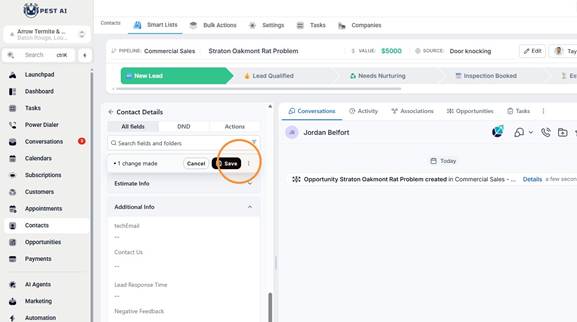
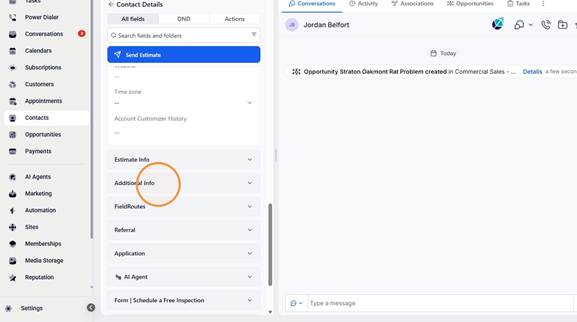
- Expand Additional Info
- Set the Property Type field to Commercial
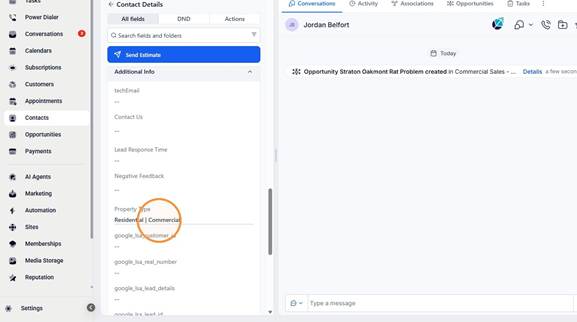
- Click Save