 Doc Summary

Learn how to effectively manage your Google Local Services inbox by disputing irrelevant leads and archiving records. This guide provides a step-by-step process for categorizing non-lead inquiries to ensure your dashboard stays organized.
Lead Identification #
1. Navigate to https://ads.google.com/u/2/localservices/inbox?cid=2141266460&bid=2519174540&pid=2523308901&euid=2548497554&hl=en&gl=US
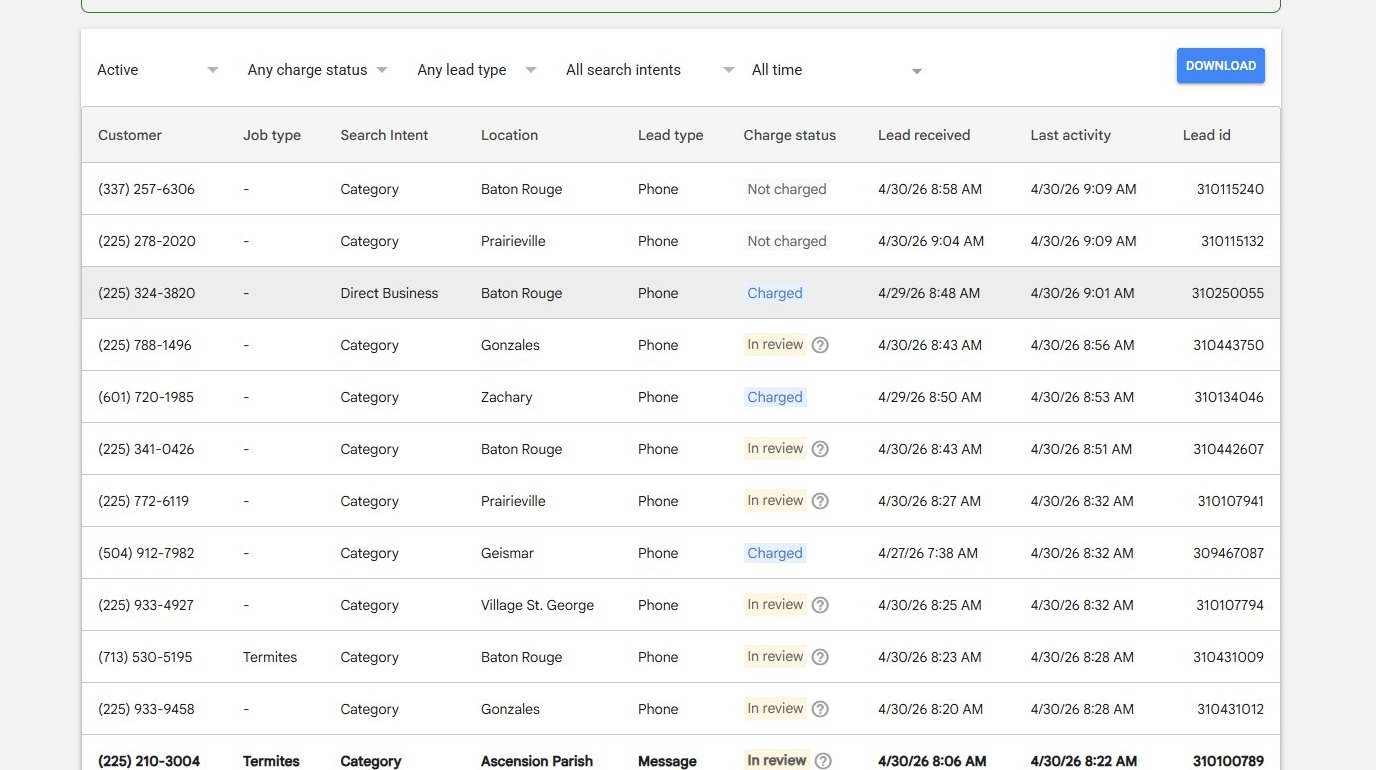
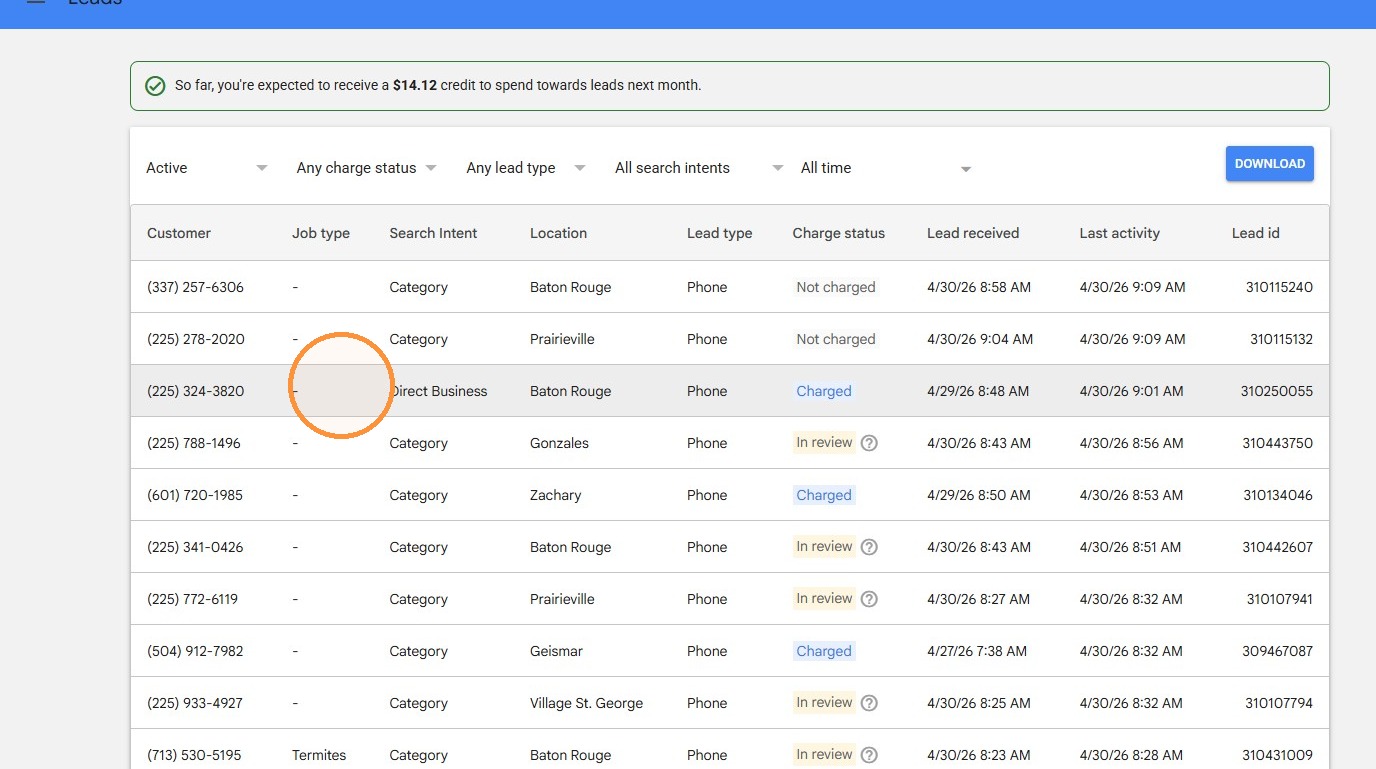
2. Select the lead from the inbox list.
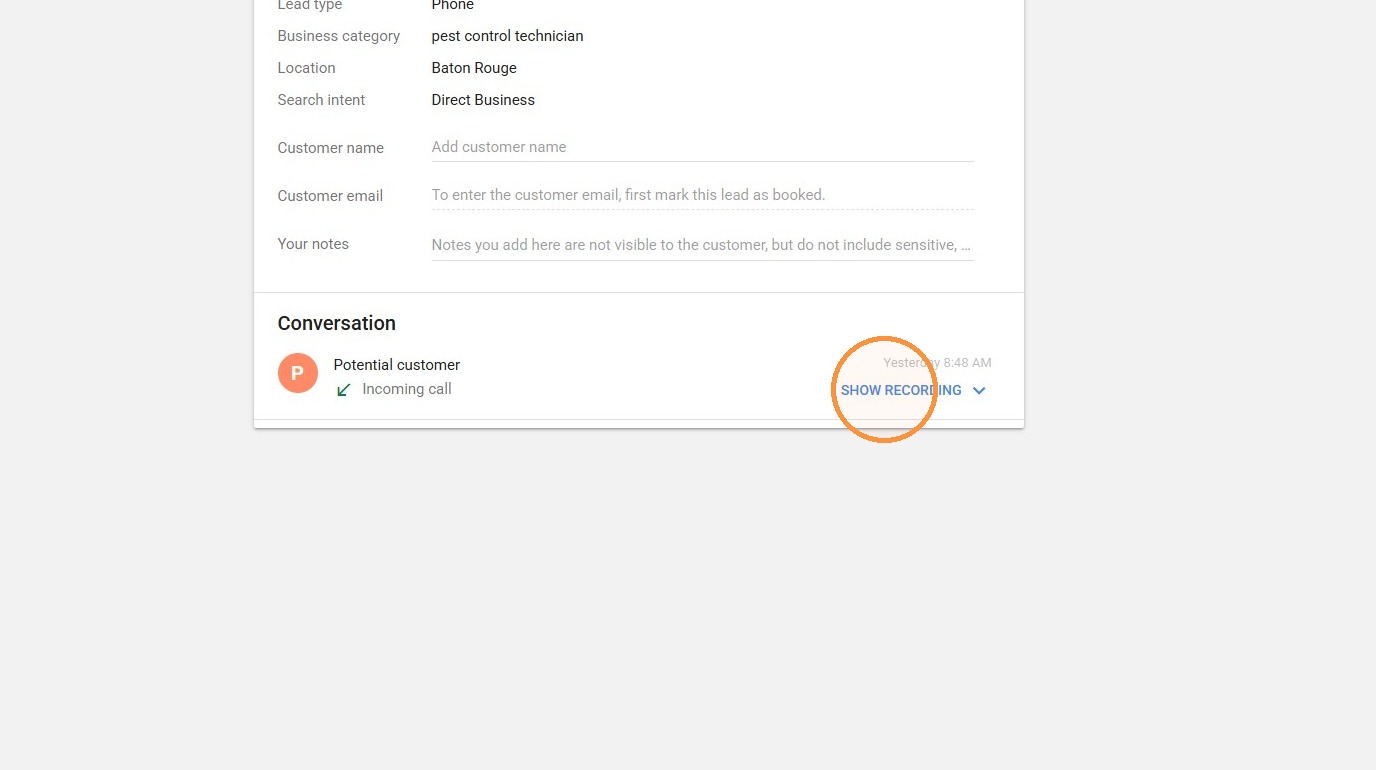
3. Click “SHOW RECORDING” to review the call.
CRM Customer Verification #
4. Search for the customer by phone number in FieldRoutes. In this case, no information is shown under that phone number, so we need to listen to the call for other information.
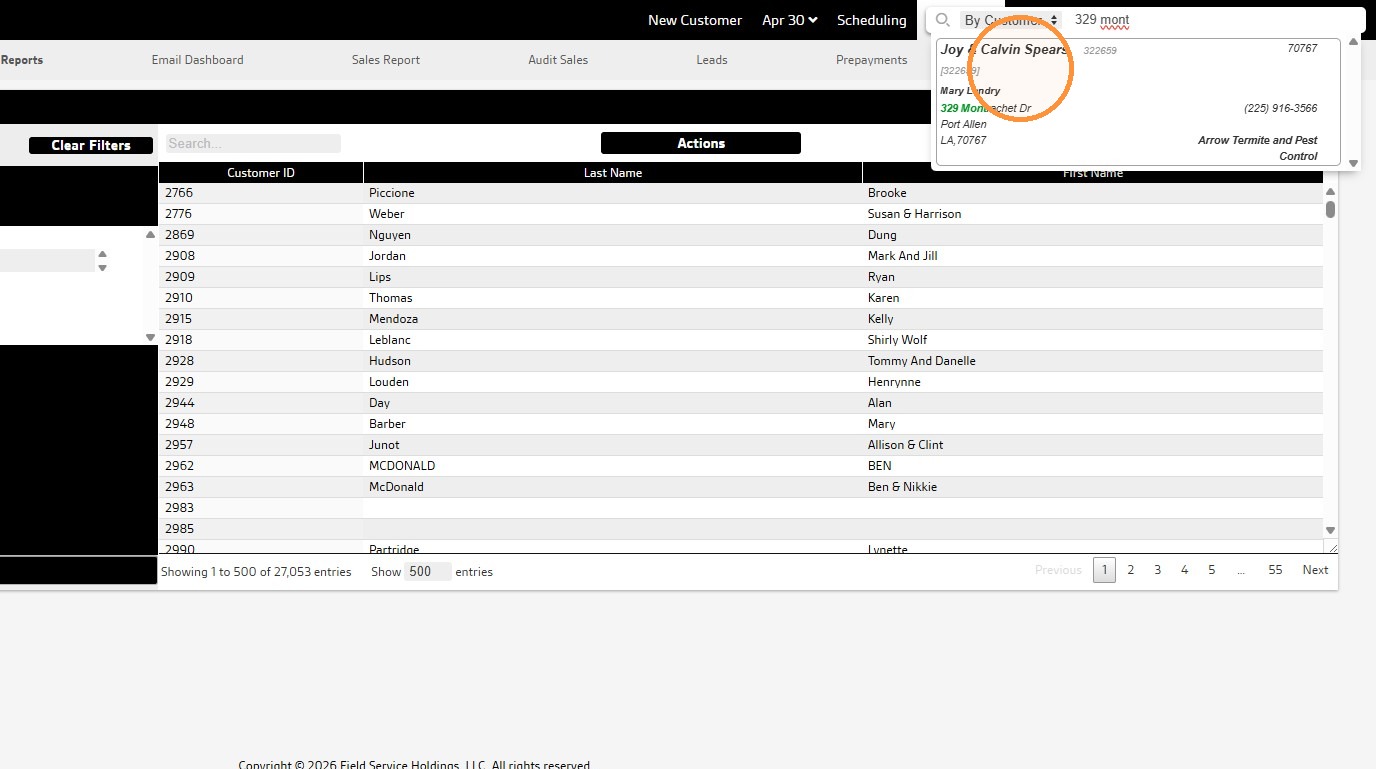
5. In the recording, the customer provides an address. Select the relevant customer from the search results. Select the customer that matches that data.
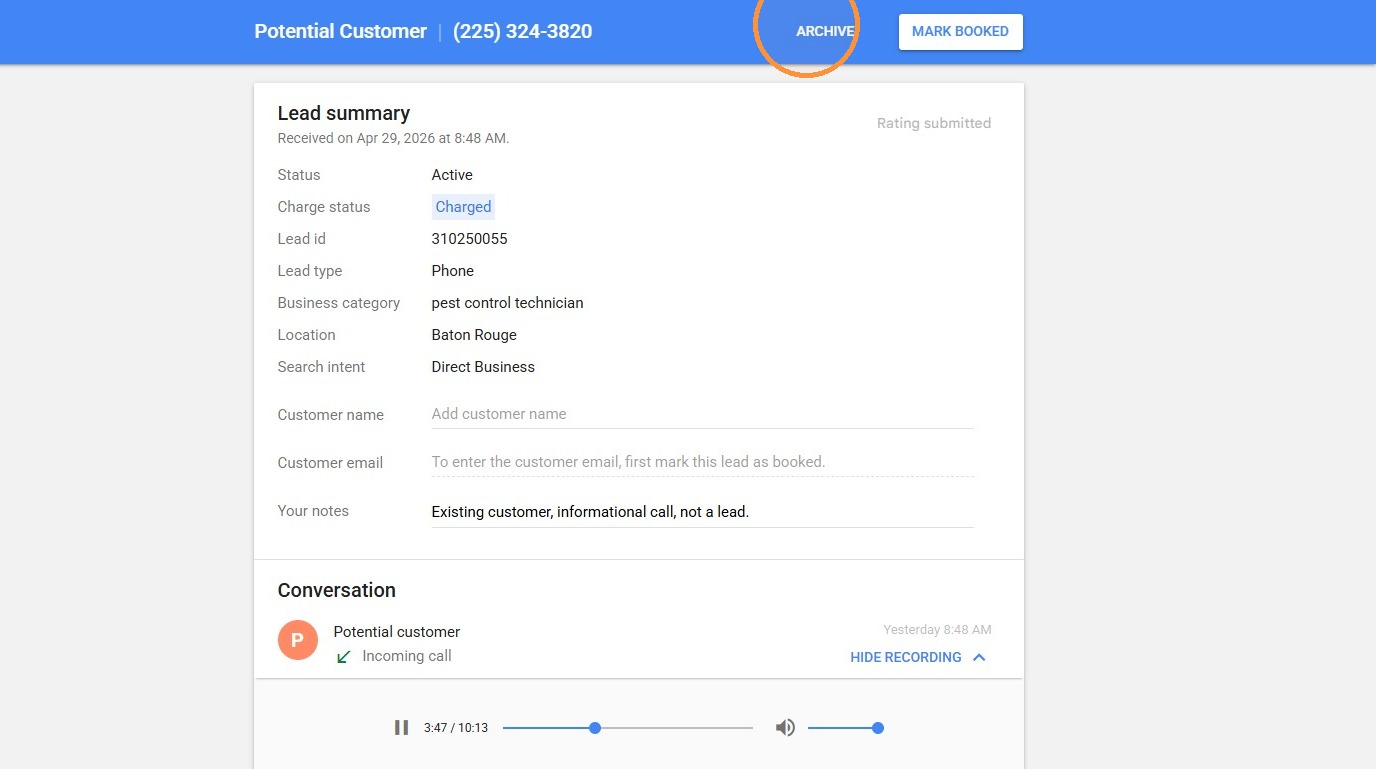
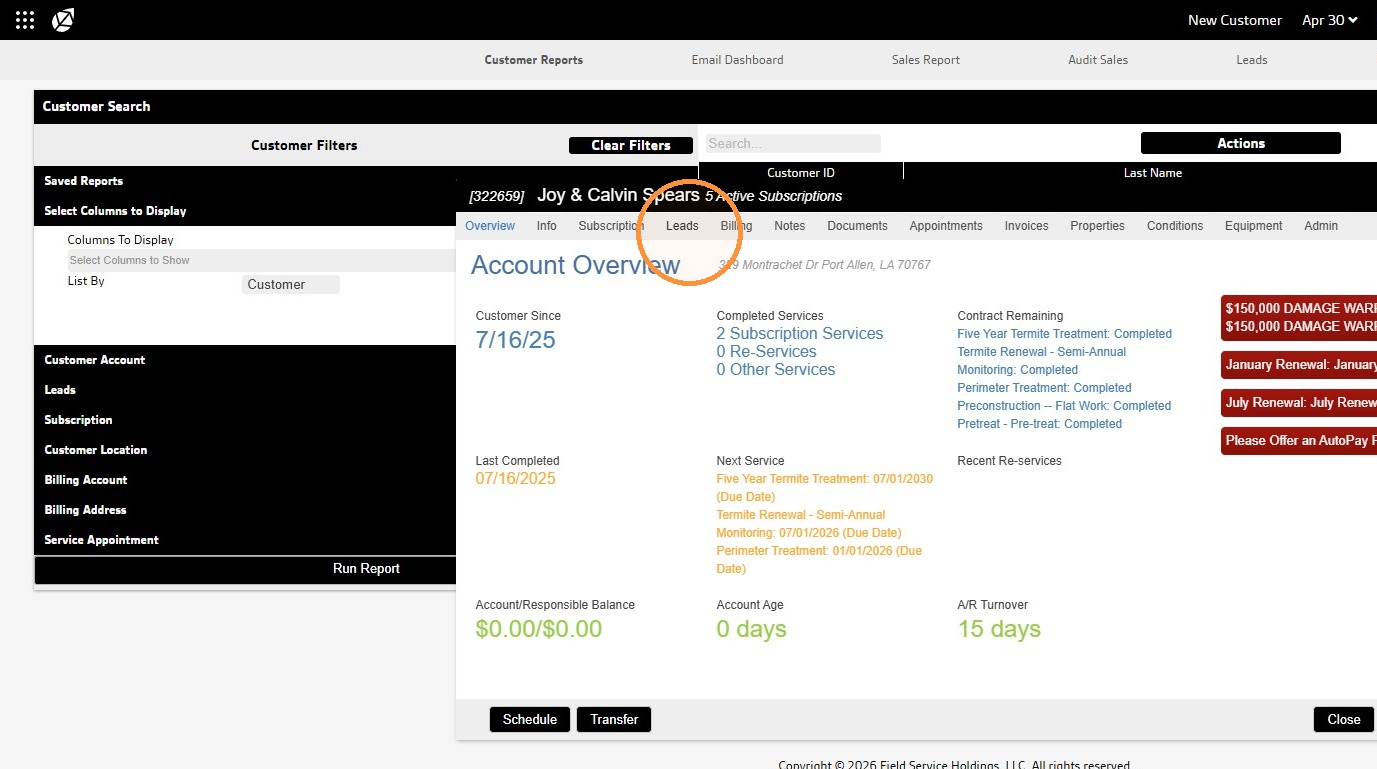
6. Click “Leads” and see if an open lead exists.
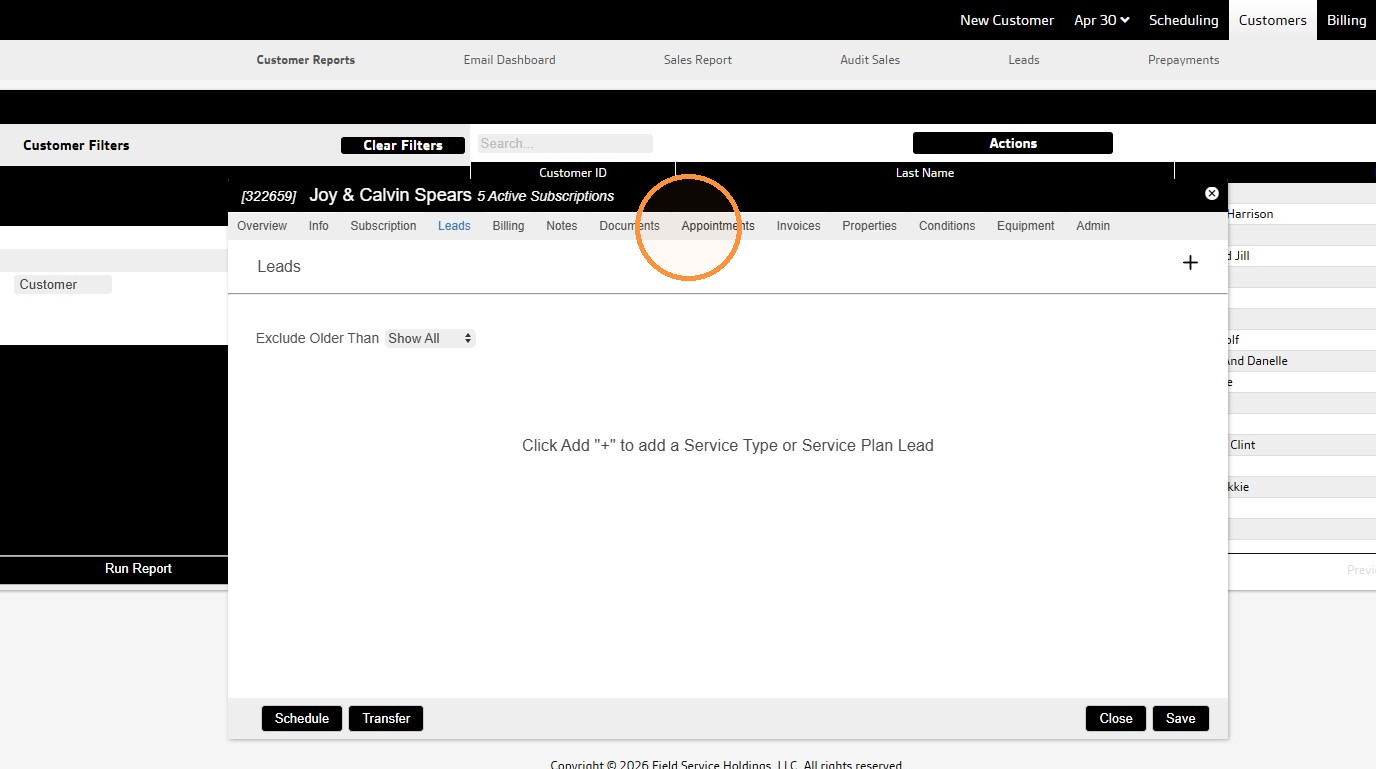
7. Click “Appointments” to see if an appointment was scheduled as a result of the call.
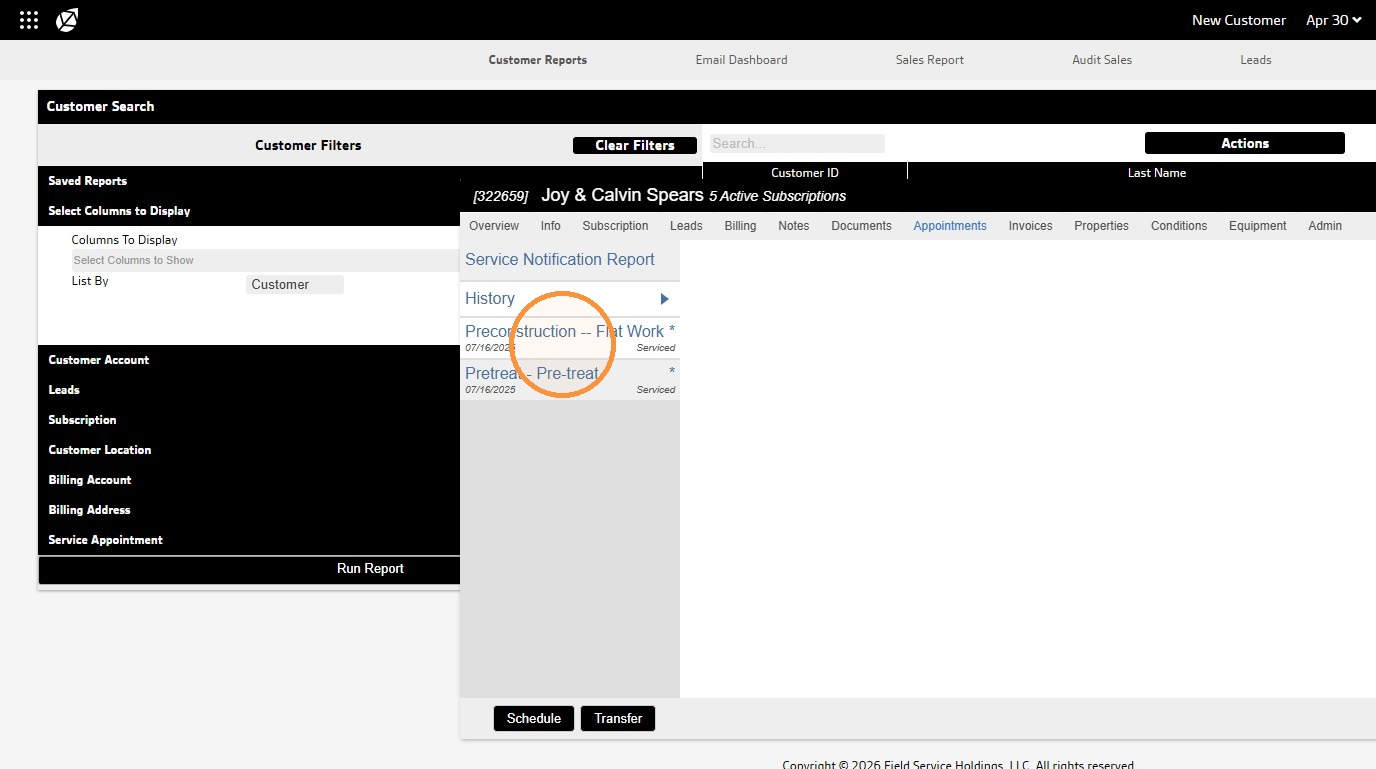
8. From the information in Field Routes as well as the call, we can identify that this is an existing customer, and they did not call to schedule new services.
Lead Disposition #
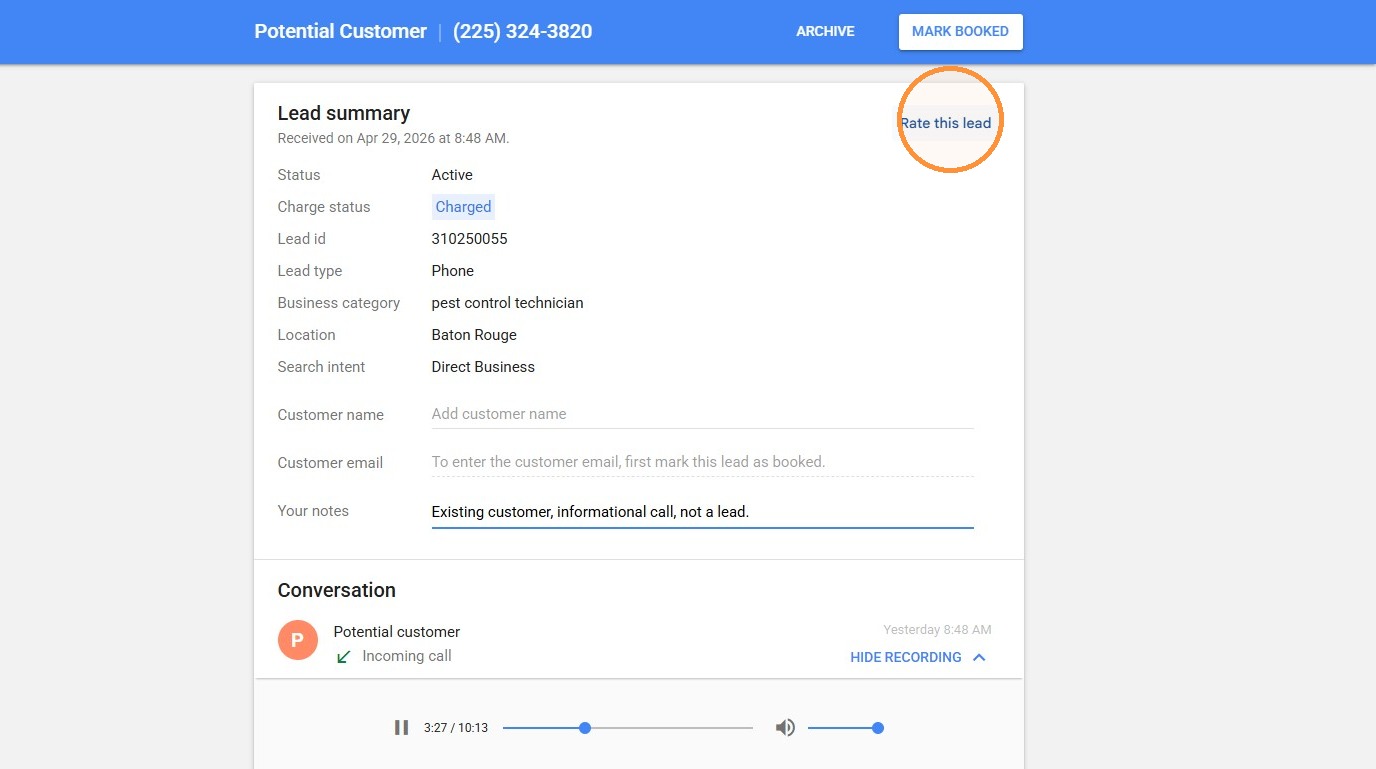
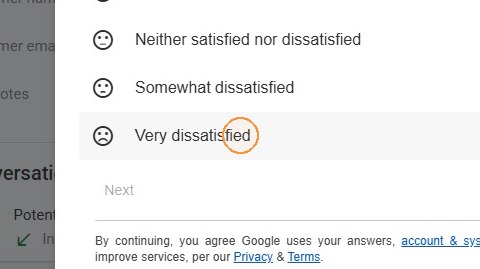
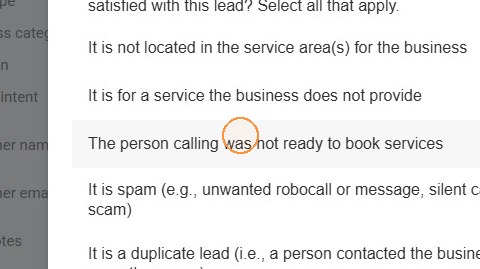
9. Provide notes describing the lead status: “Existing customer, informational call, not a lead.” Since this is not a new customer and they weren’t calling to get new service, we want to provide feedback to Google so we get fewer of these types of calls. Choose “Rate this lead” and choose “very dissatisfied,” then indicate why. In most cases, you’ll always select “not ready to book services” or “duplicate lead.”
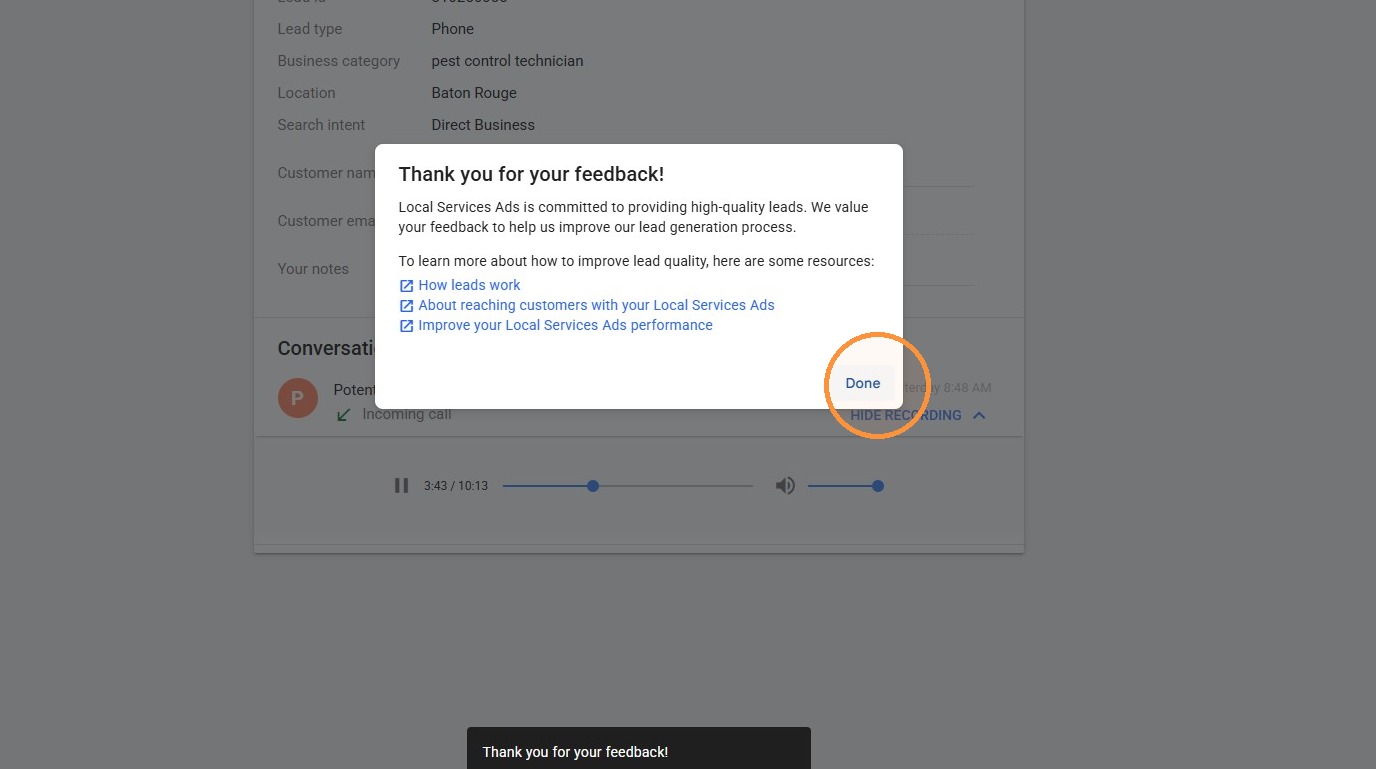
10. Click “ARCHIVE” to close the lead and move on to another.