 Doc Summary

Learn the efficient process for publishing new documentation within the Pest AI platform. This guide provides a clear walkthrough for adding content and categorizing your sales opportunities effectively.
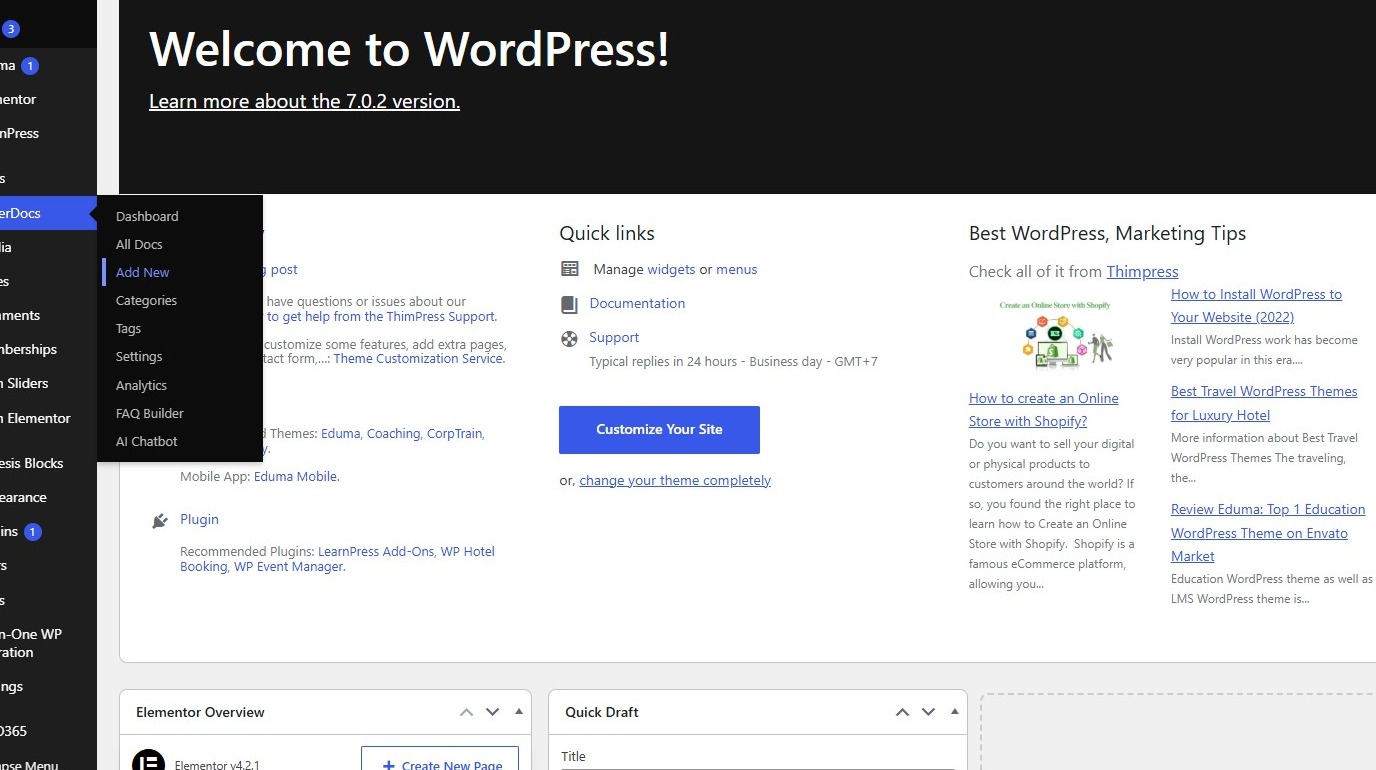
1. Navigate to https://hq.arrowtermiteandpestcontrol.com/wp-admin/index.php
Document Creation #
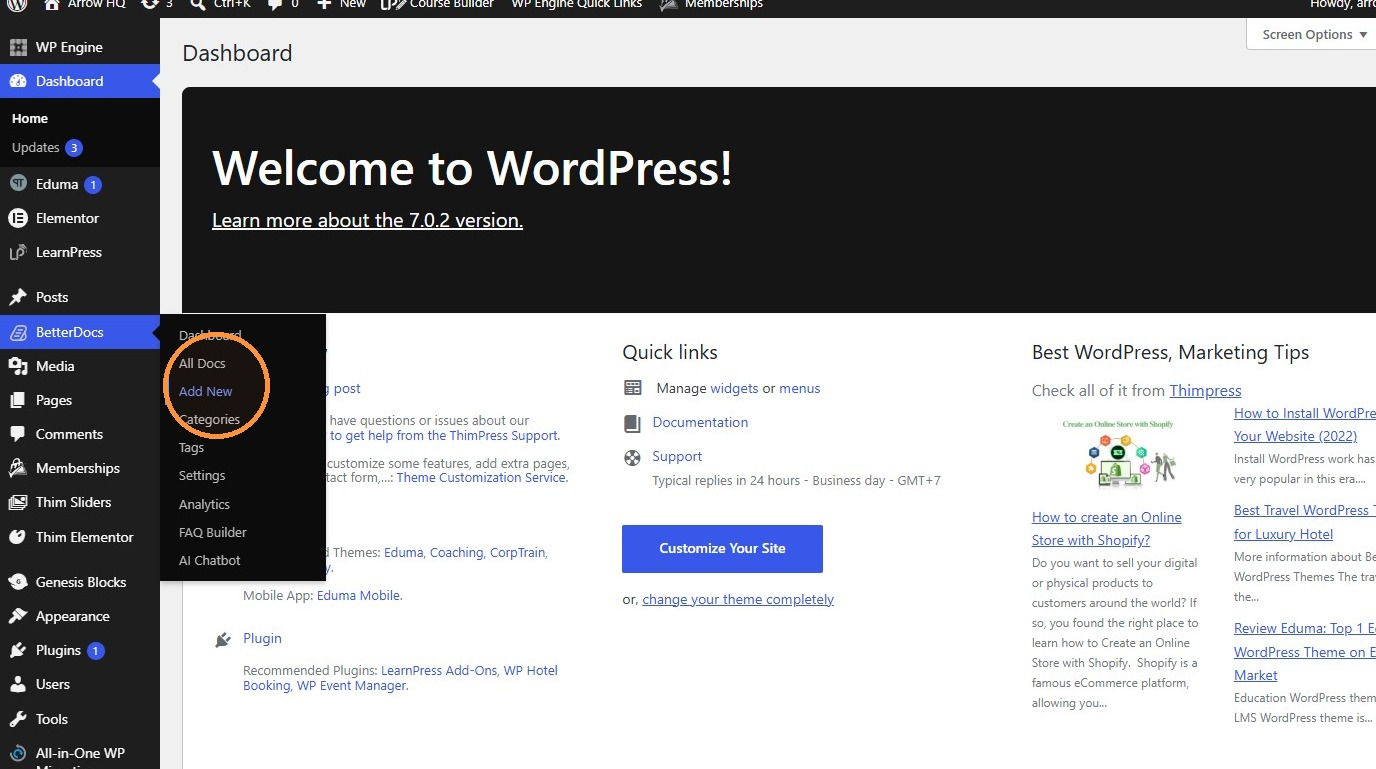
2. Click “Add New”
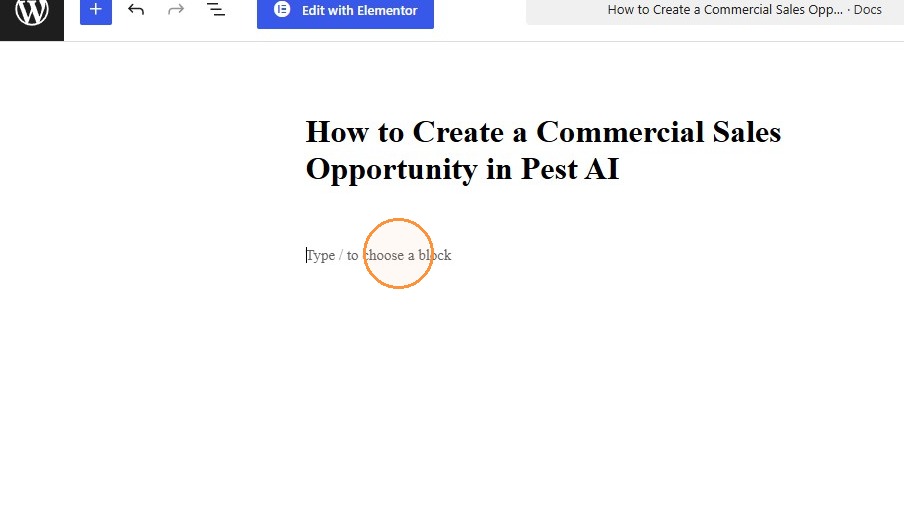
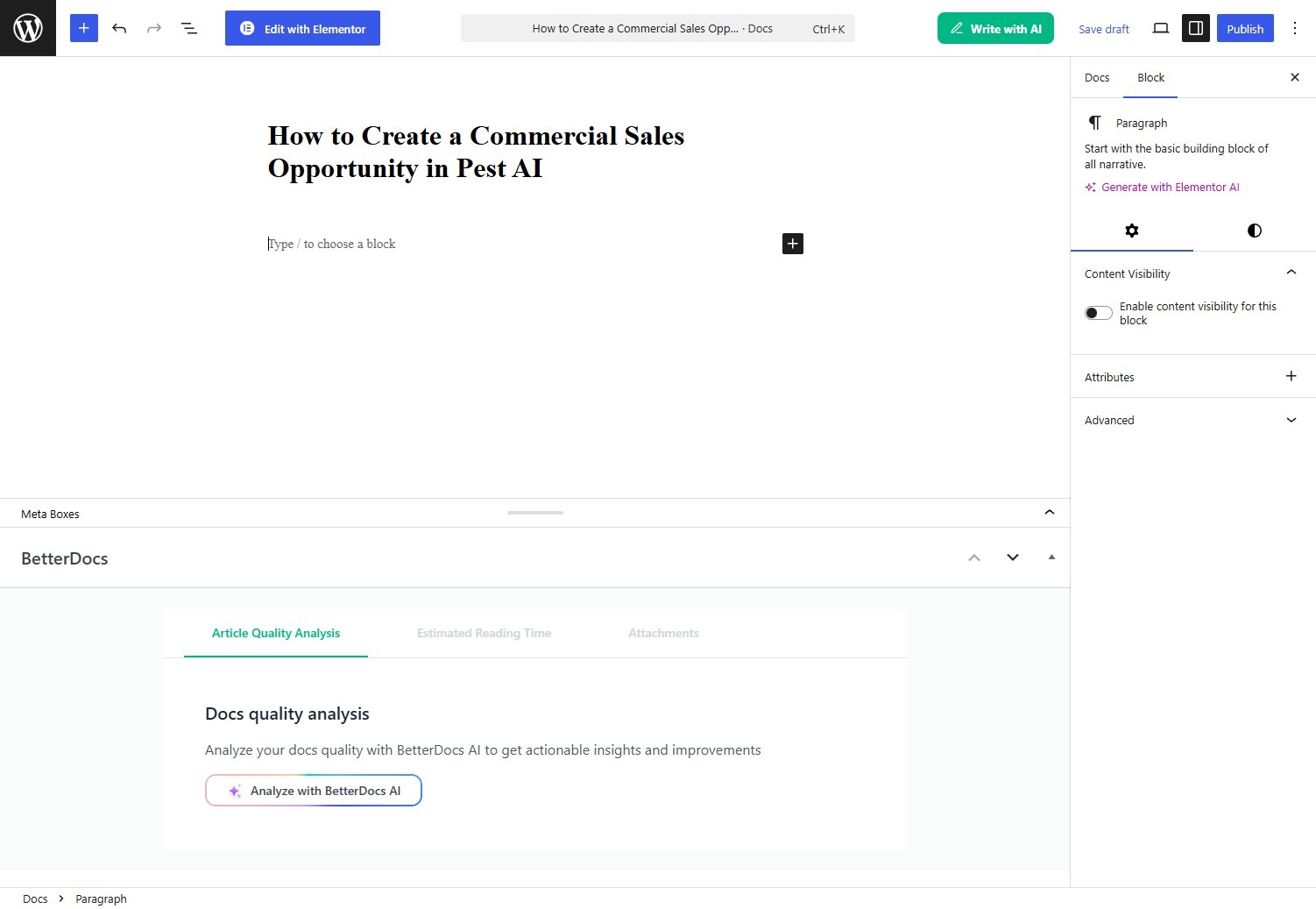
3. Enter the document title “How to Create a Commercial Sales Opportunity in Pest AI”.
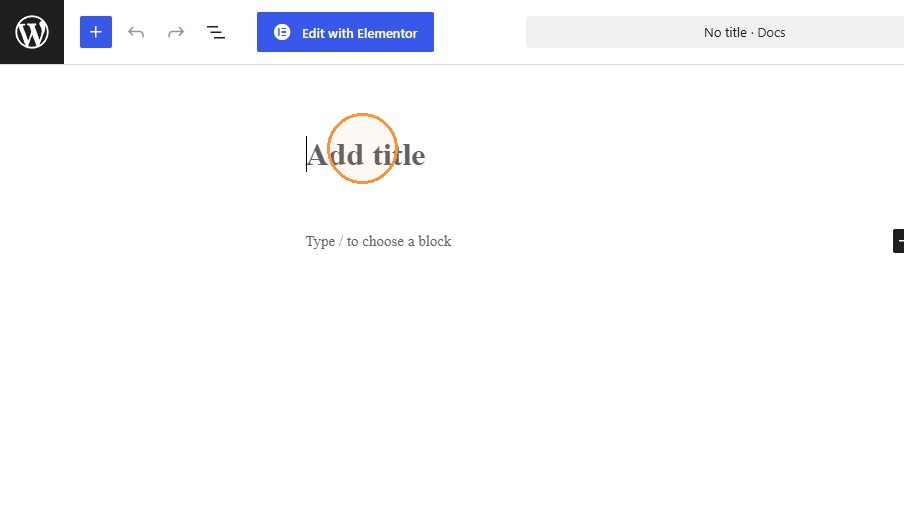
4. Paste the document content into the body.
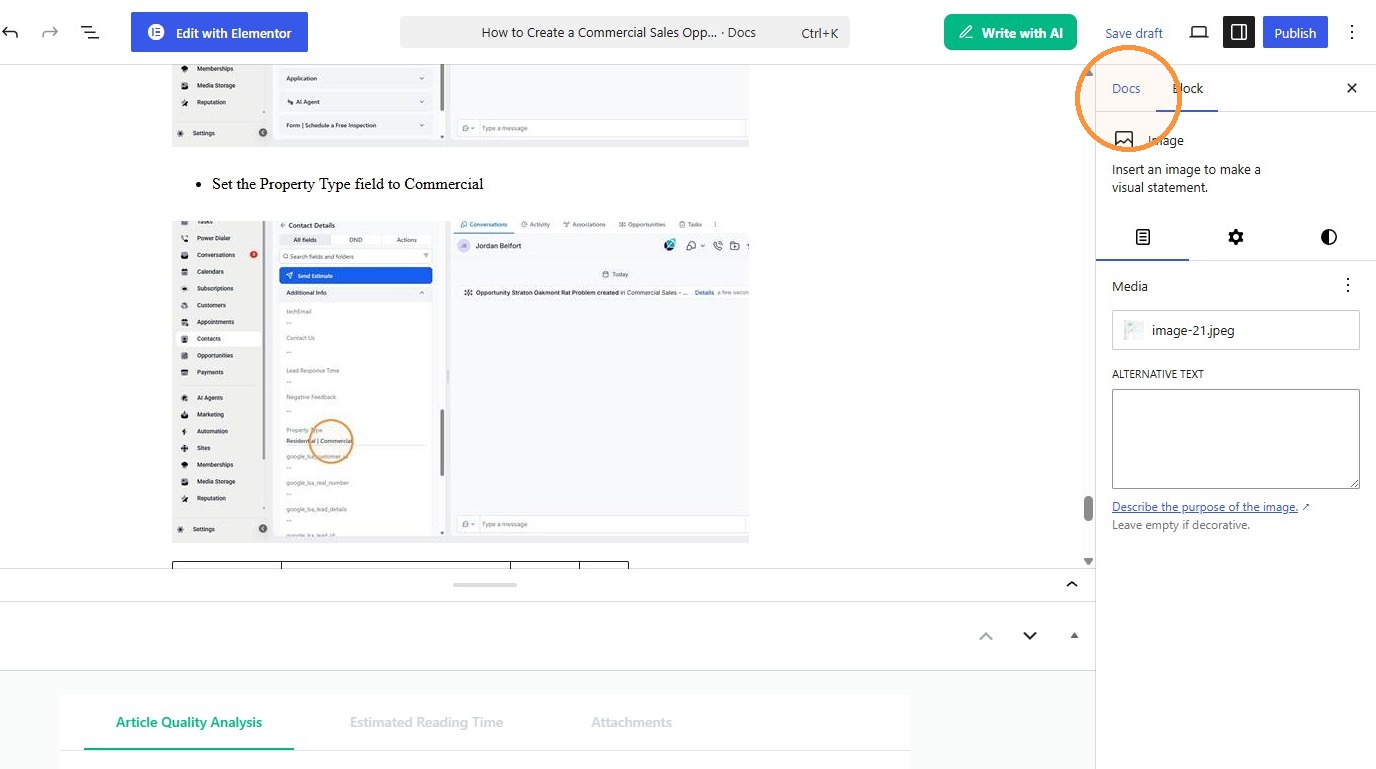
5. Click “Docs”
Category Assignment #
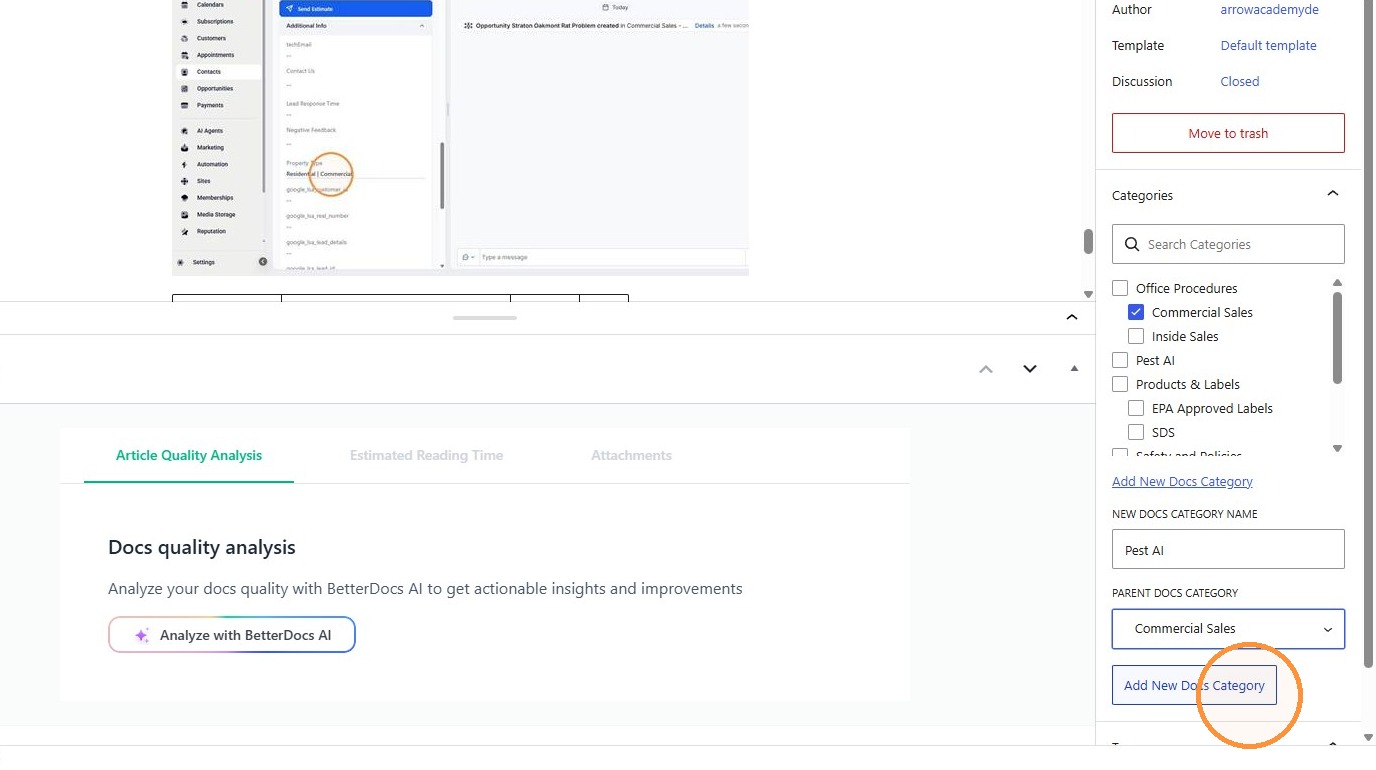
6. Click “Add New Docs Category”
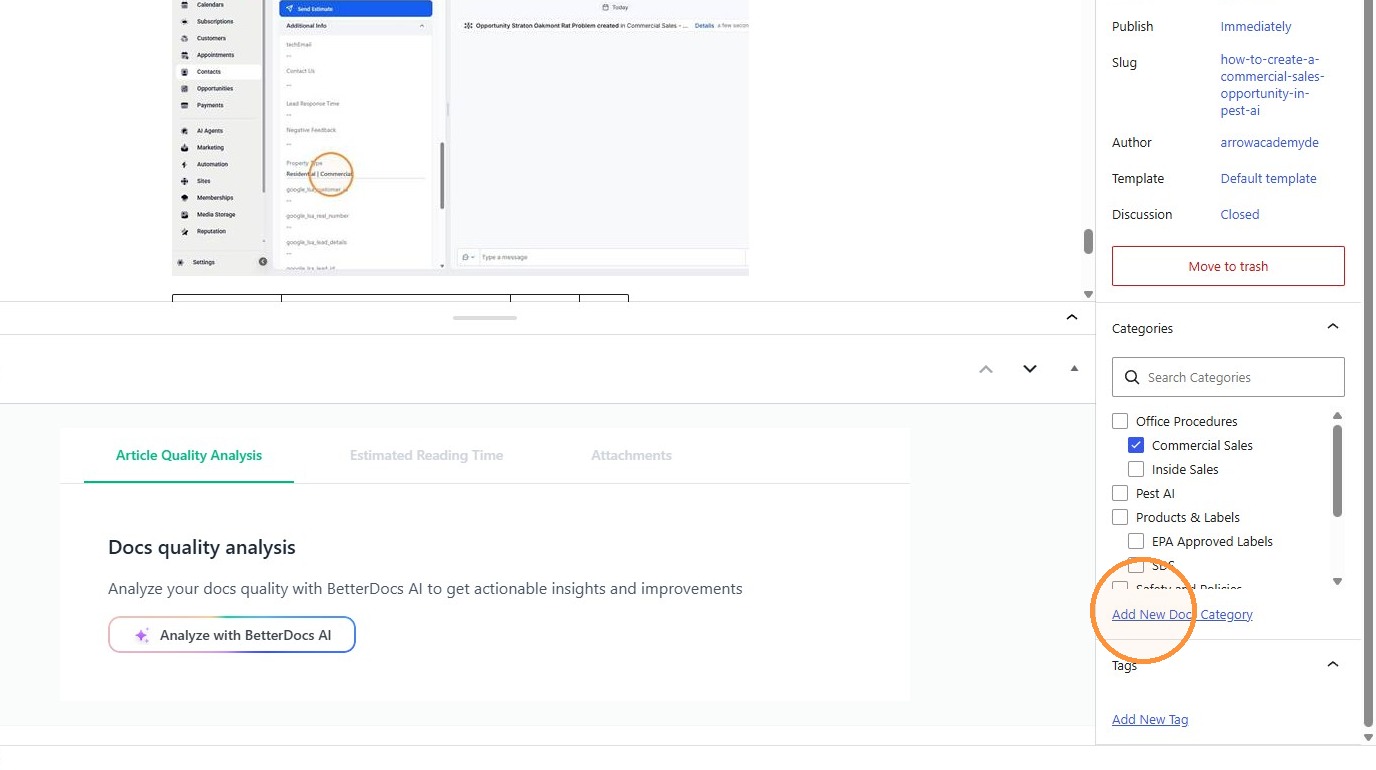
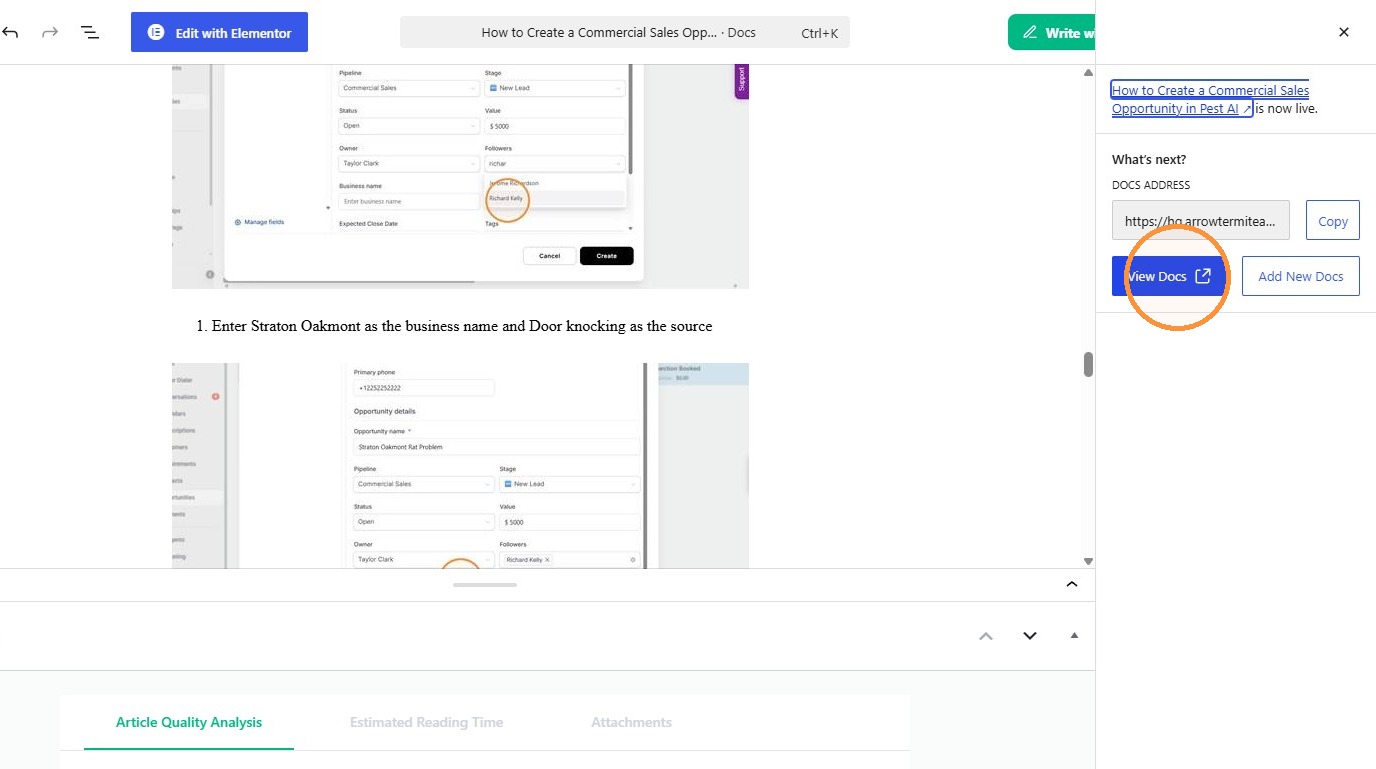
7. Select the ” Commercial Sales” option.
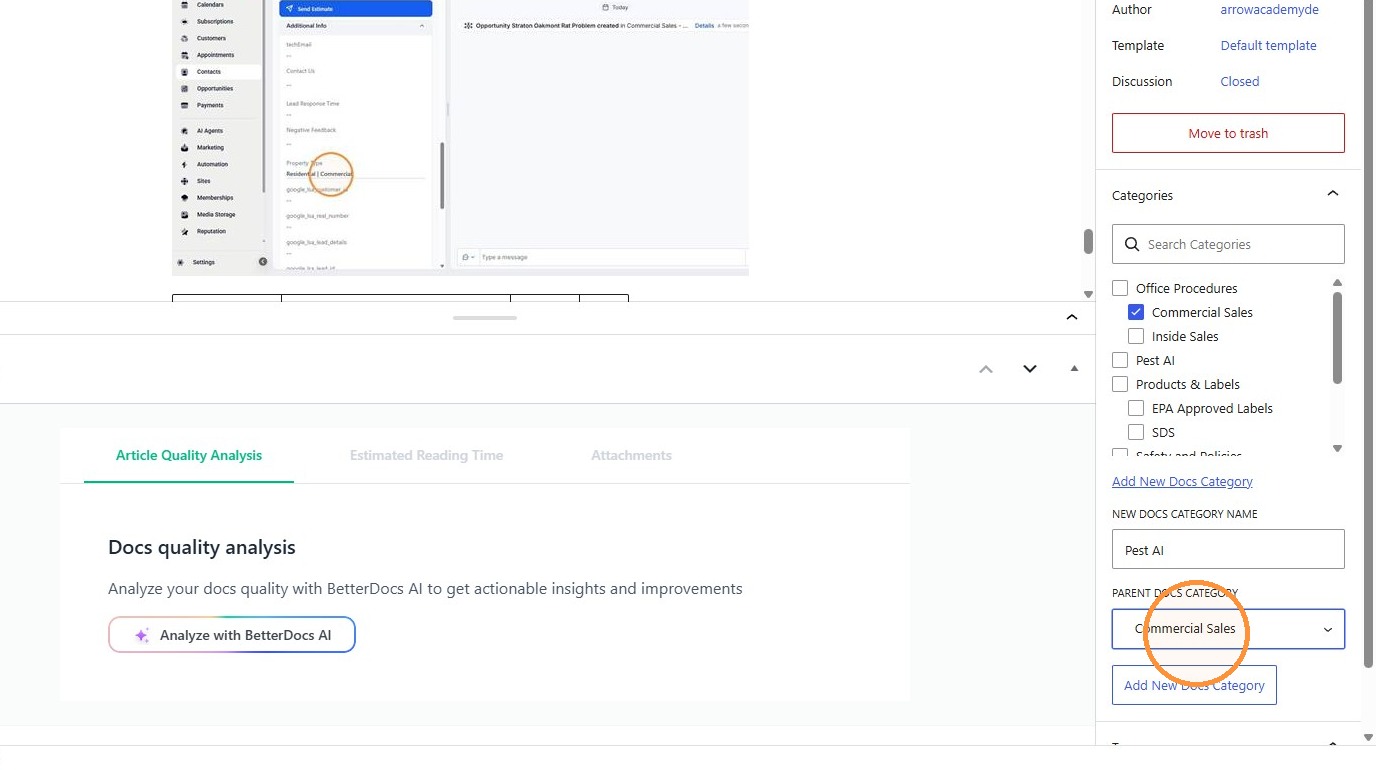
8. Click “Add New Docs Category”
Publishing #
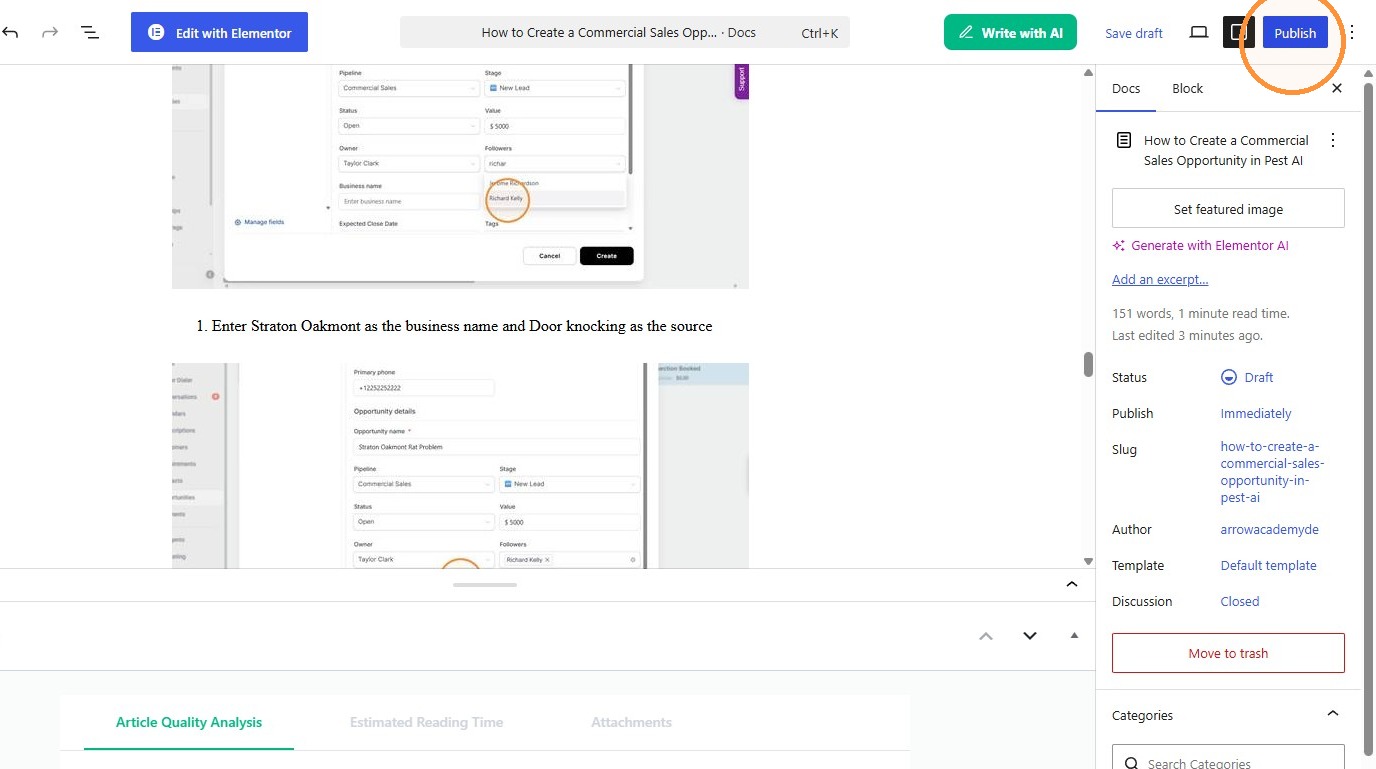
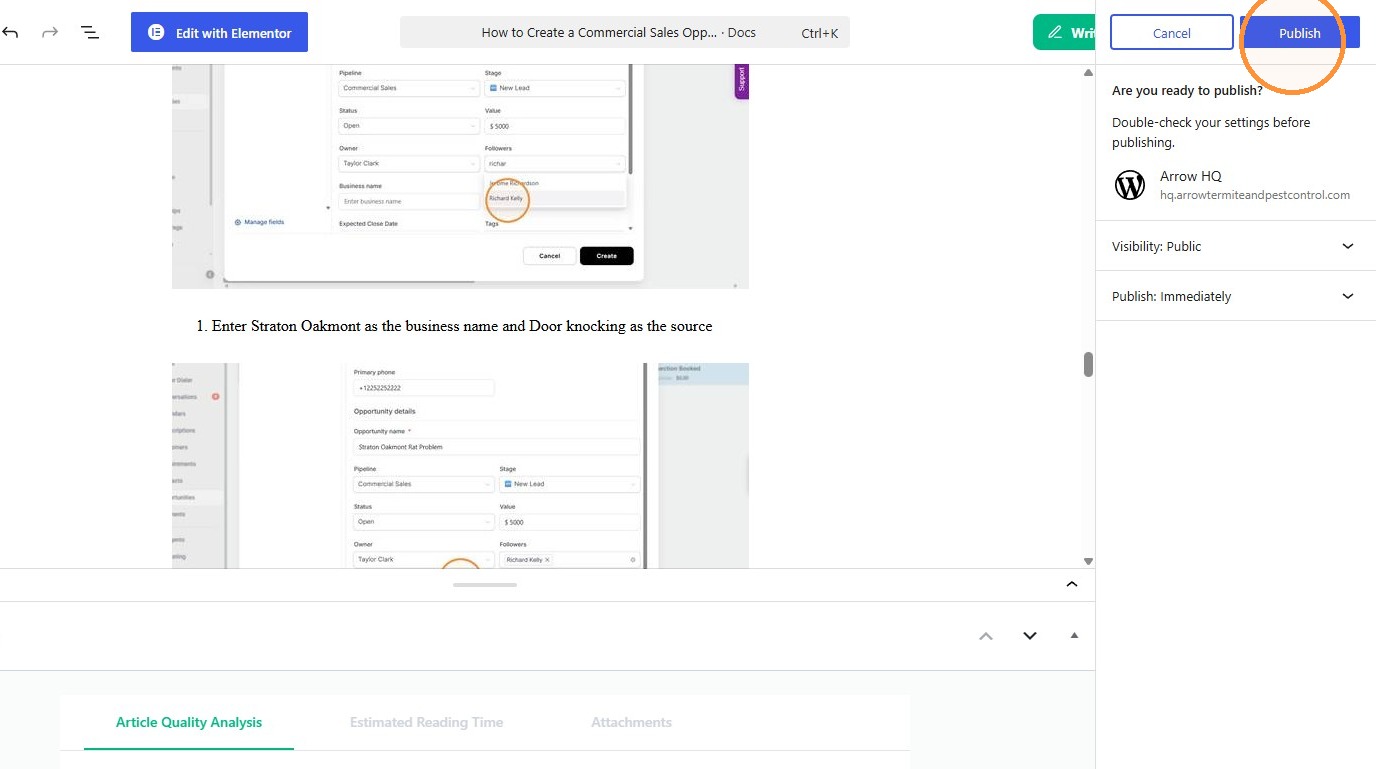
9. Publish the document.
10. Click “View Docs(opens in a new tab)”