 Doc Summary

Learn how to organize your lead data by creating a custom smart list filtered by source and date. This guide also covers how to set sharing permissions so your team can easily access the newly created list.
Configure Filters #
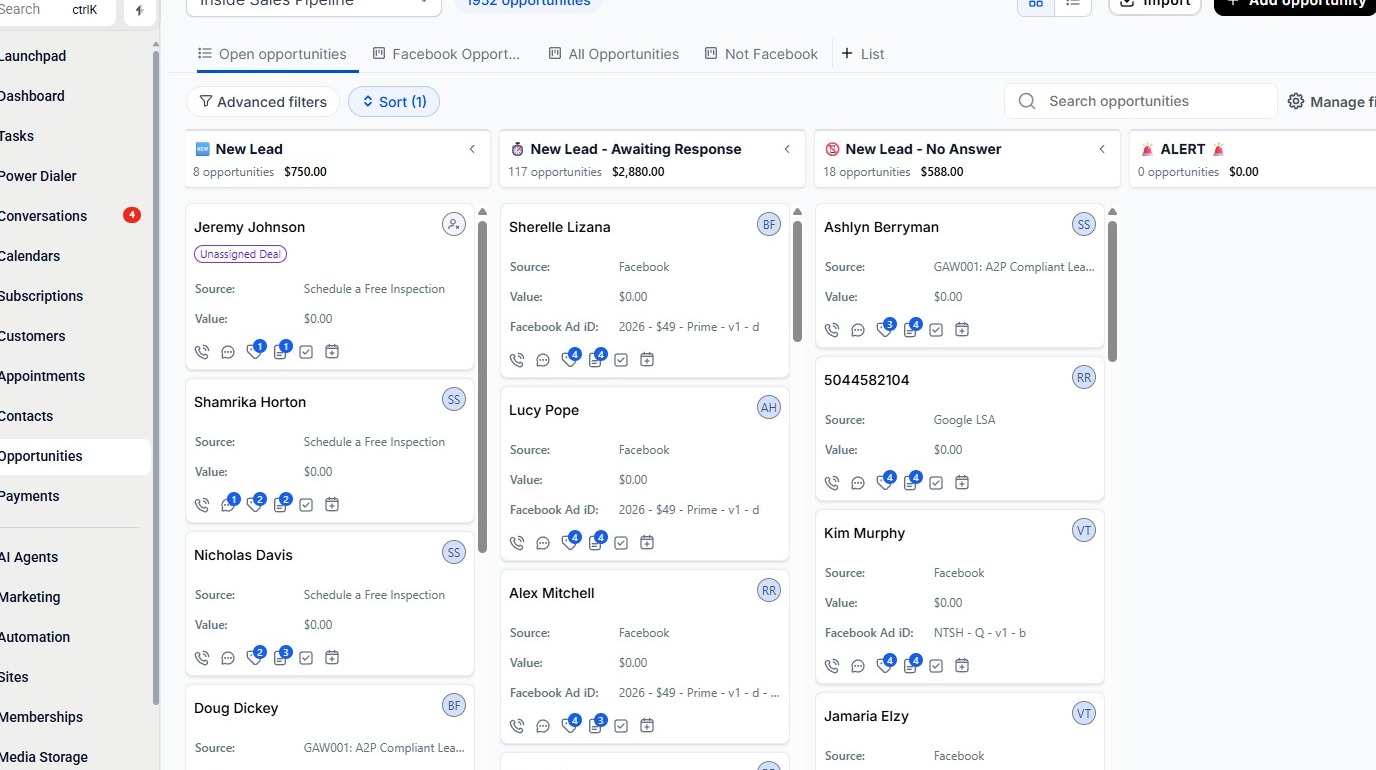
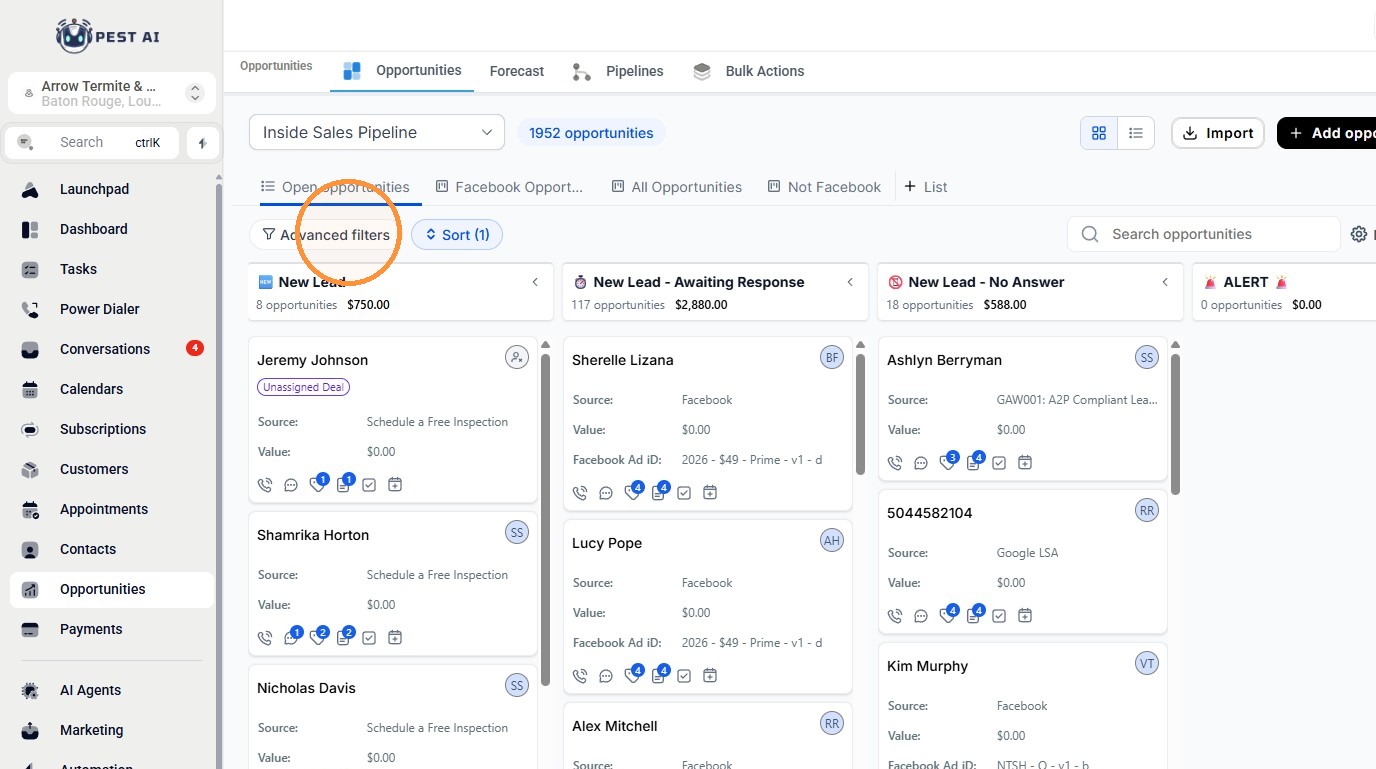
2. Click “Advanced filters”
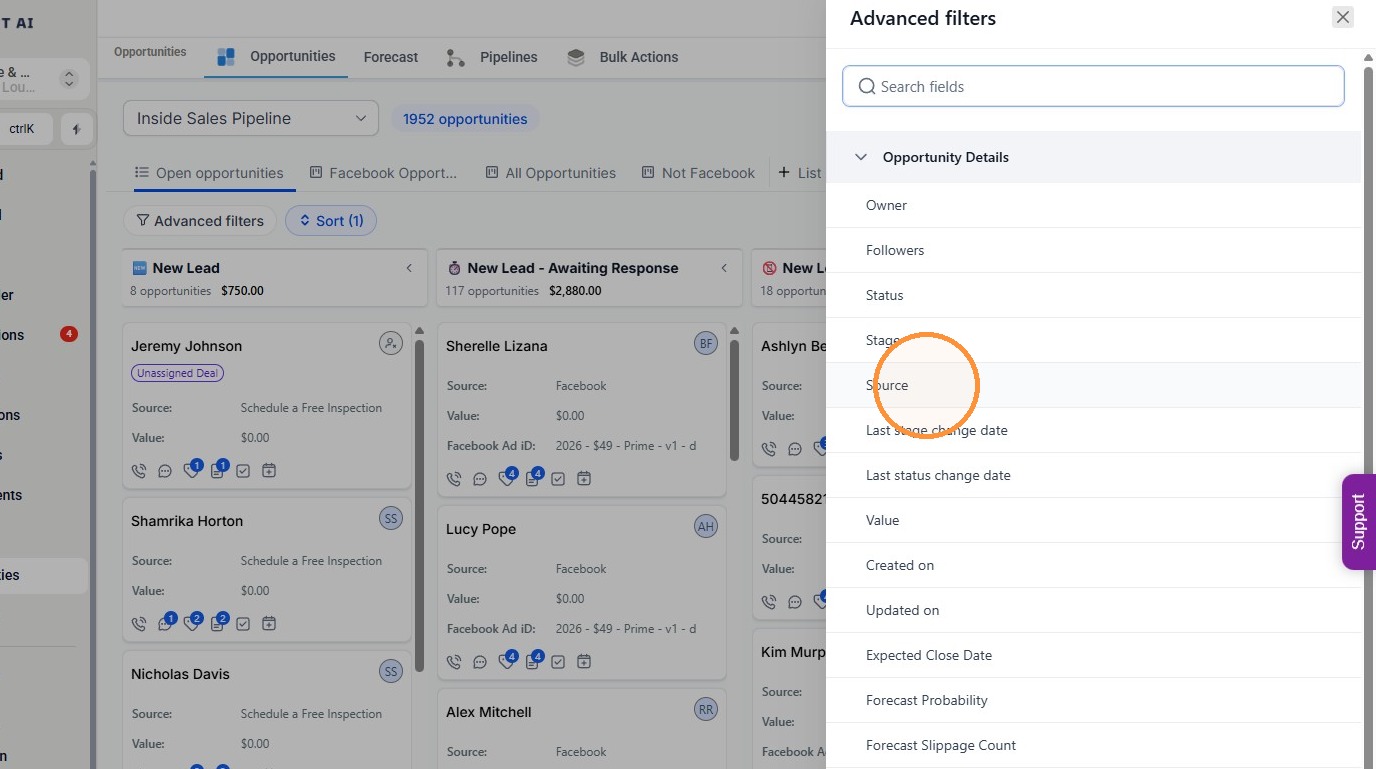
3. Click “Source”
4. Enter Facebook in the Source filter field.
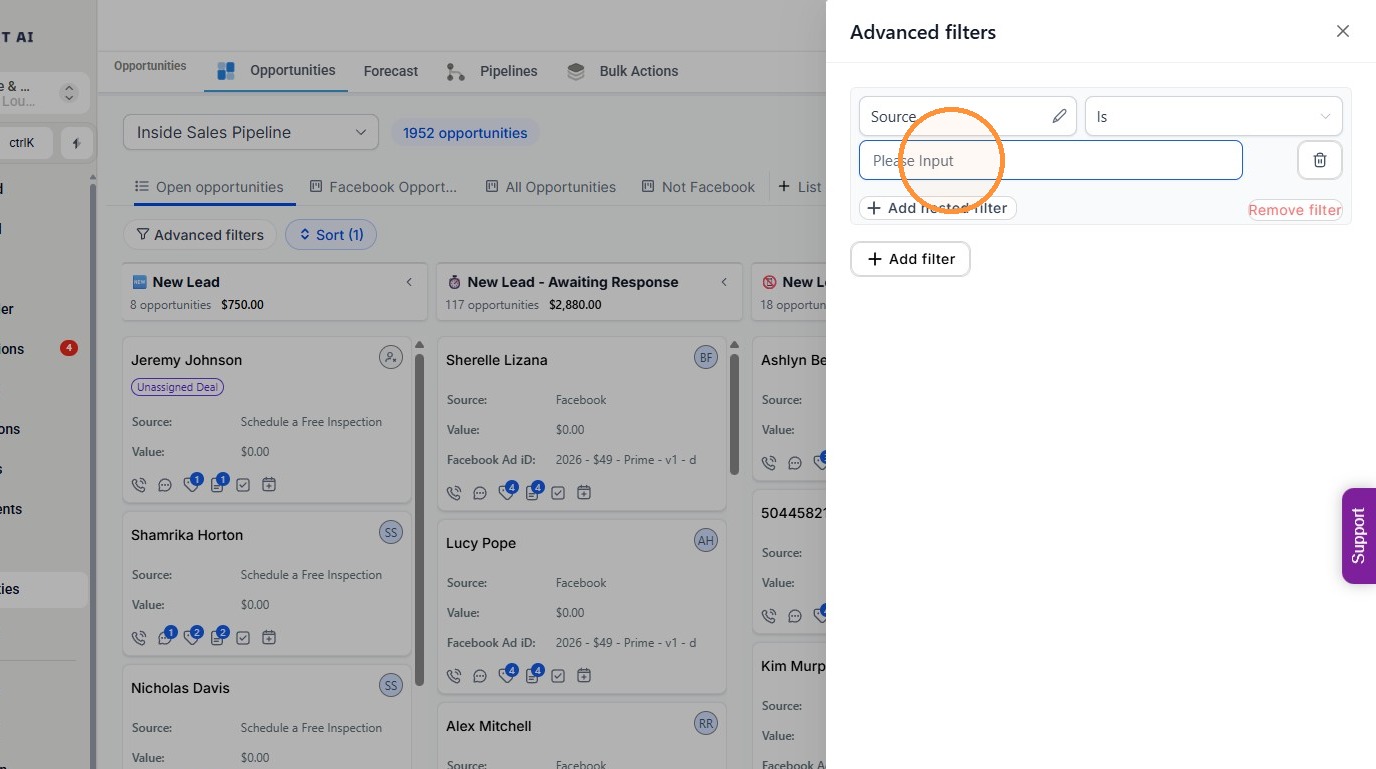
5. Click Add filter.
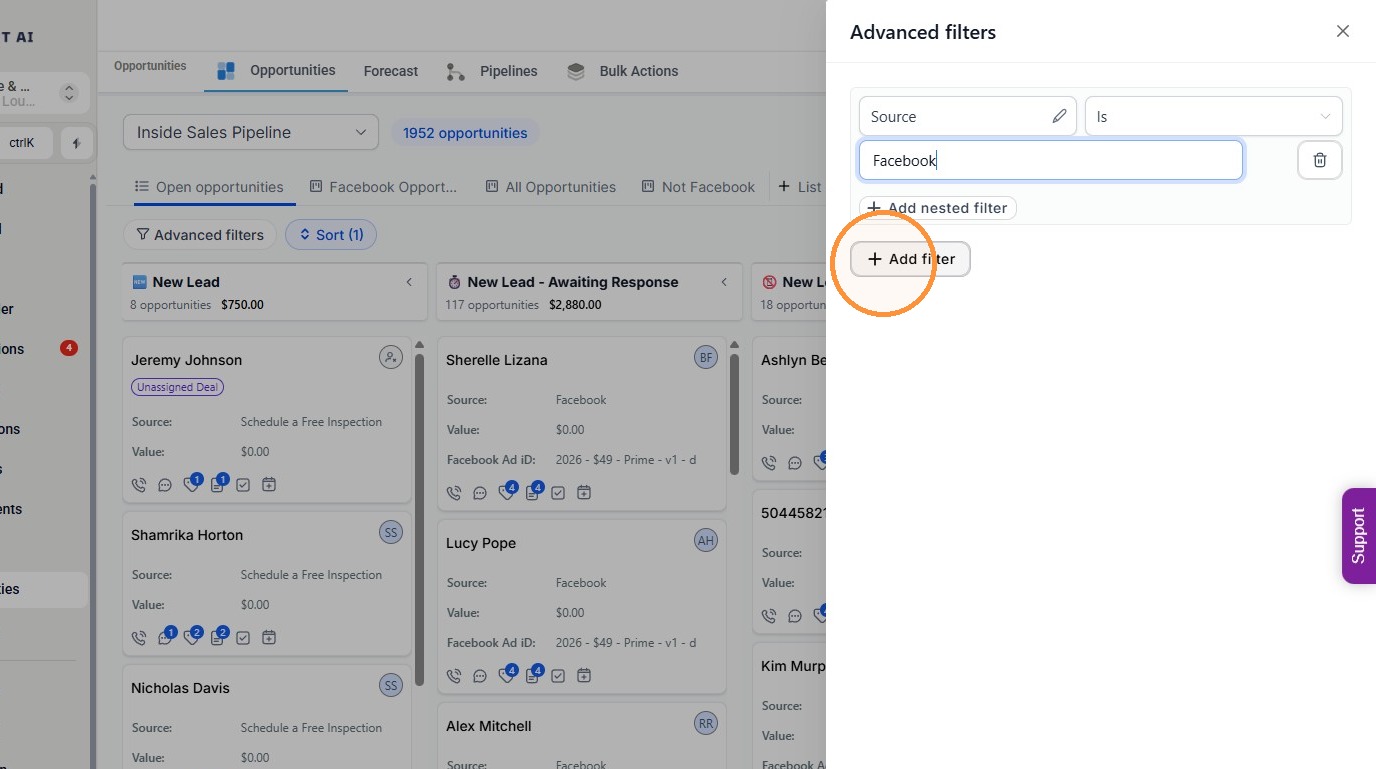
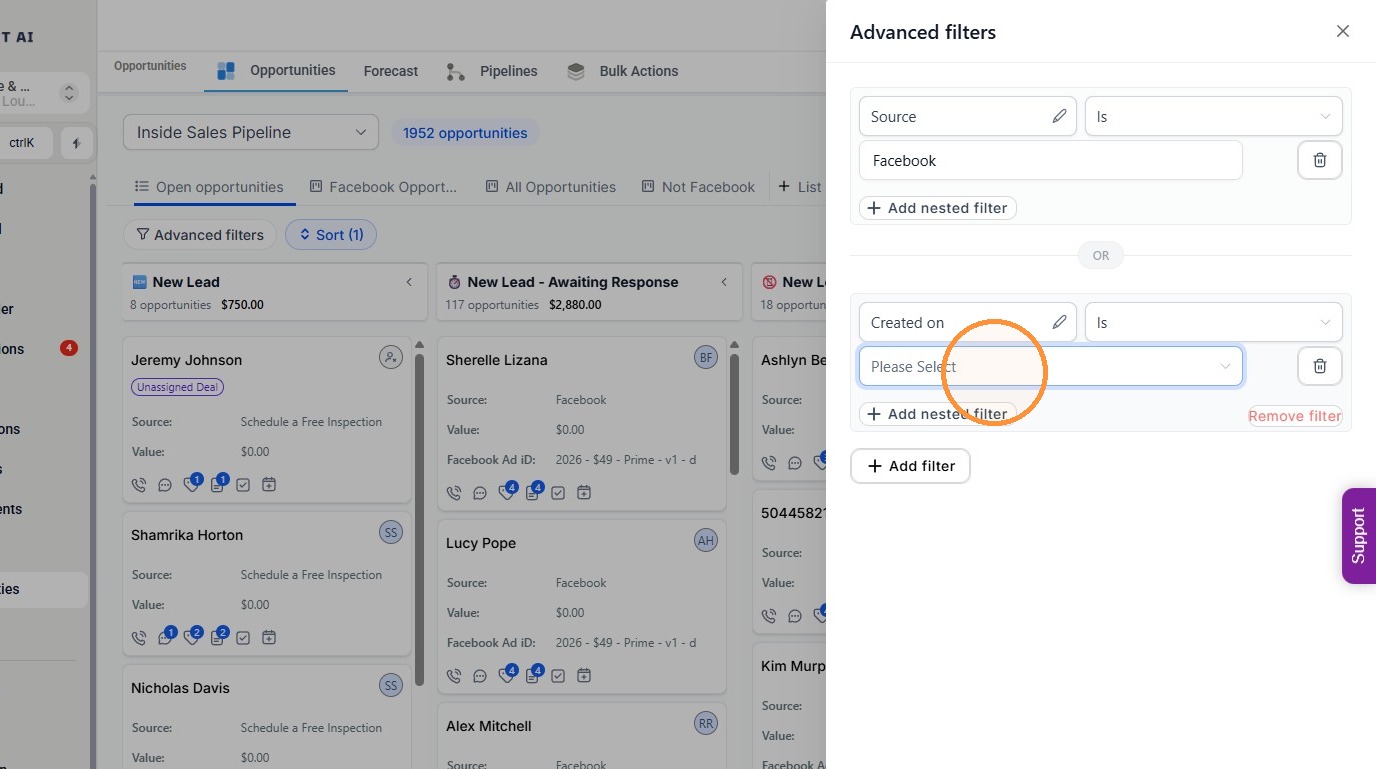
6. Click “Please Select”
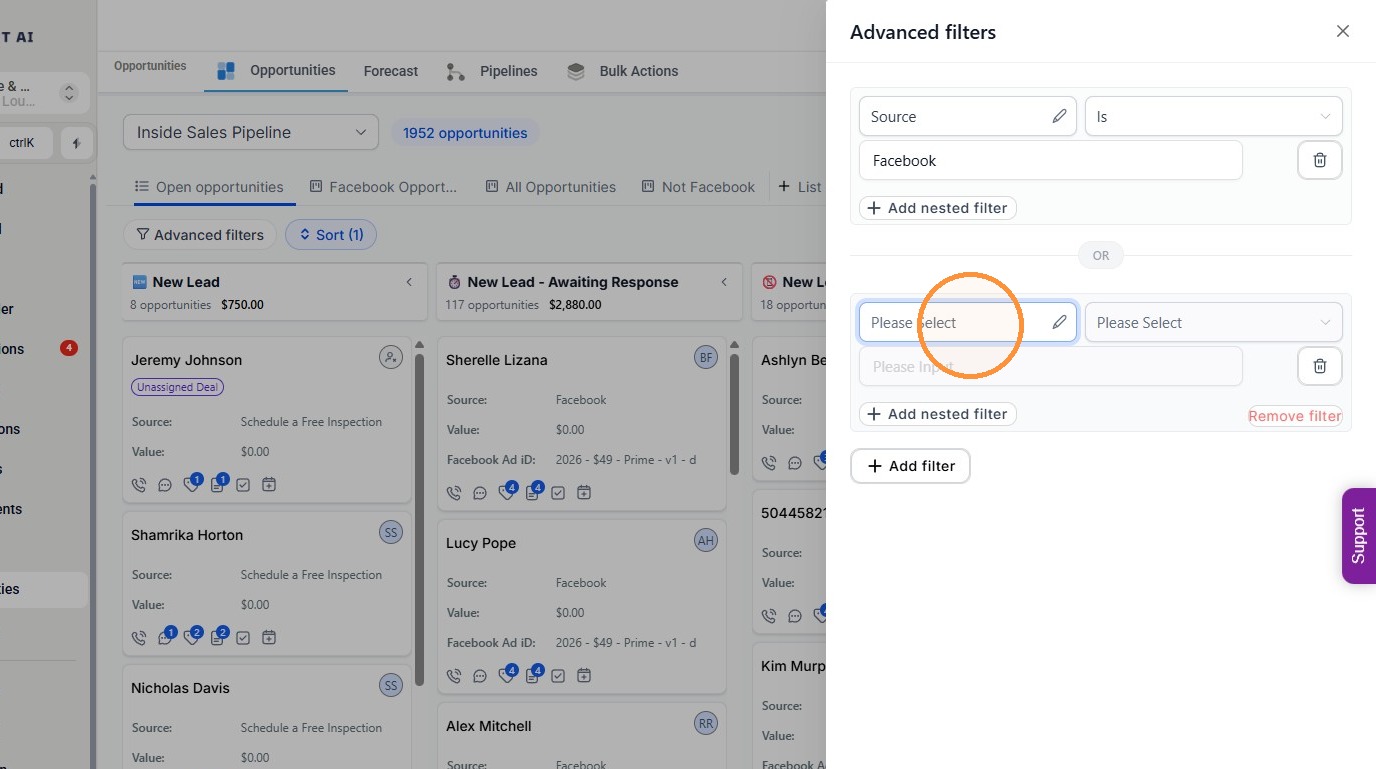
7. Click “Created on”
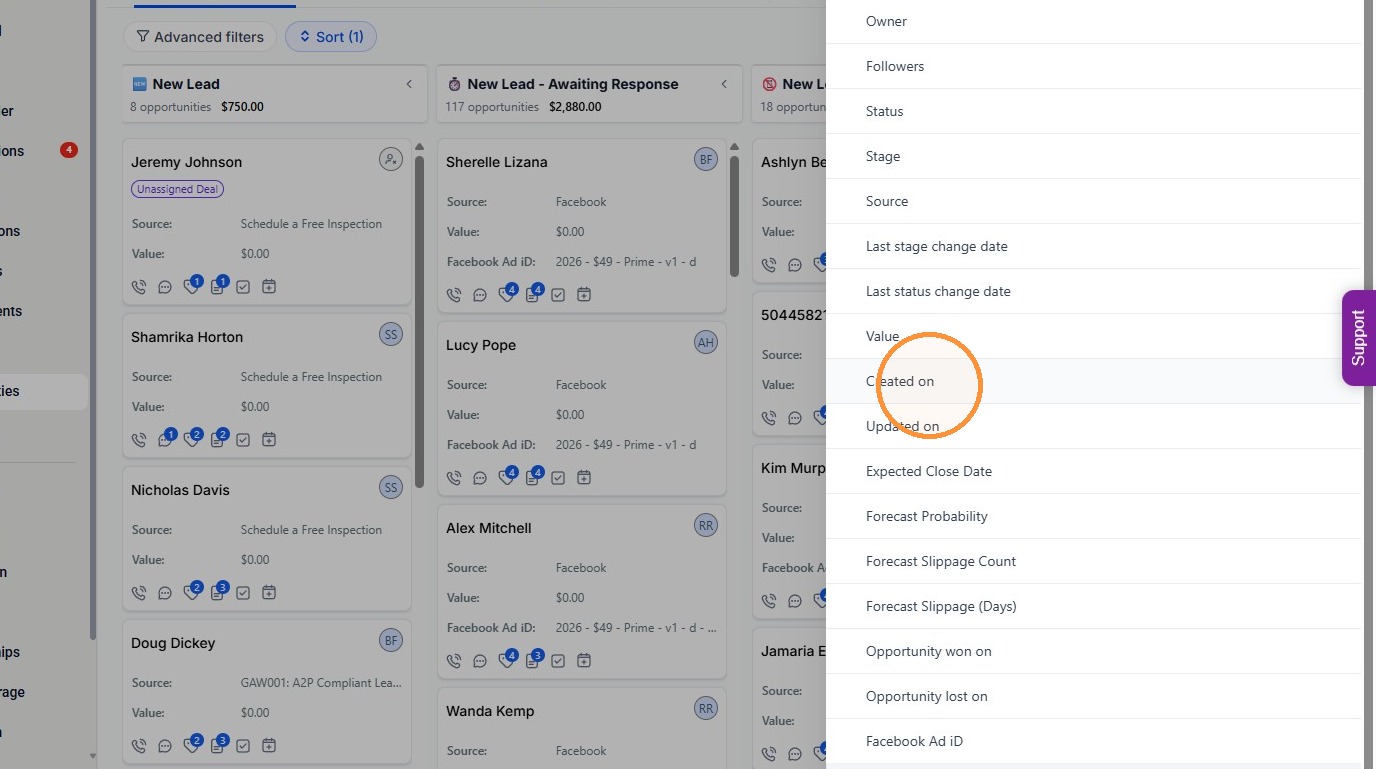
8. Click “Please Select”
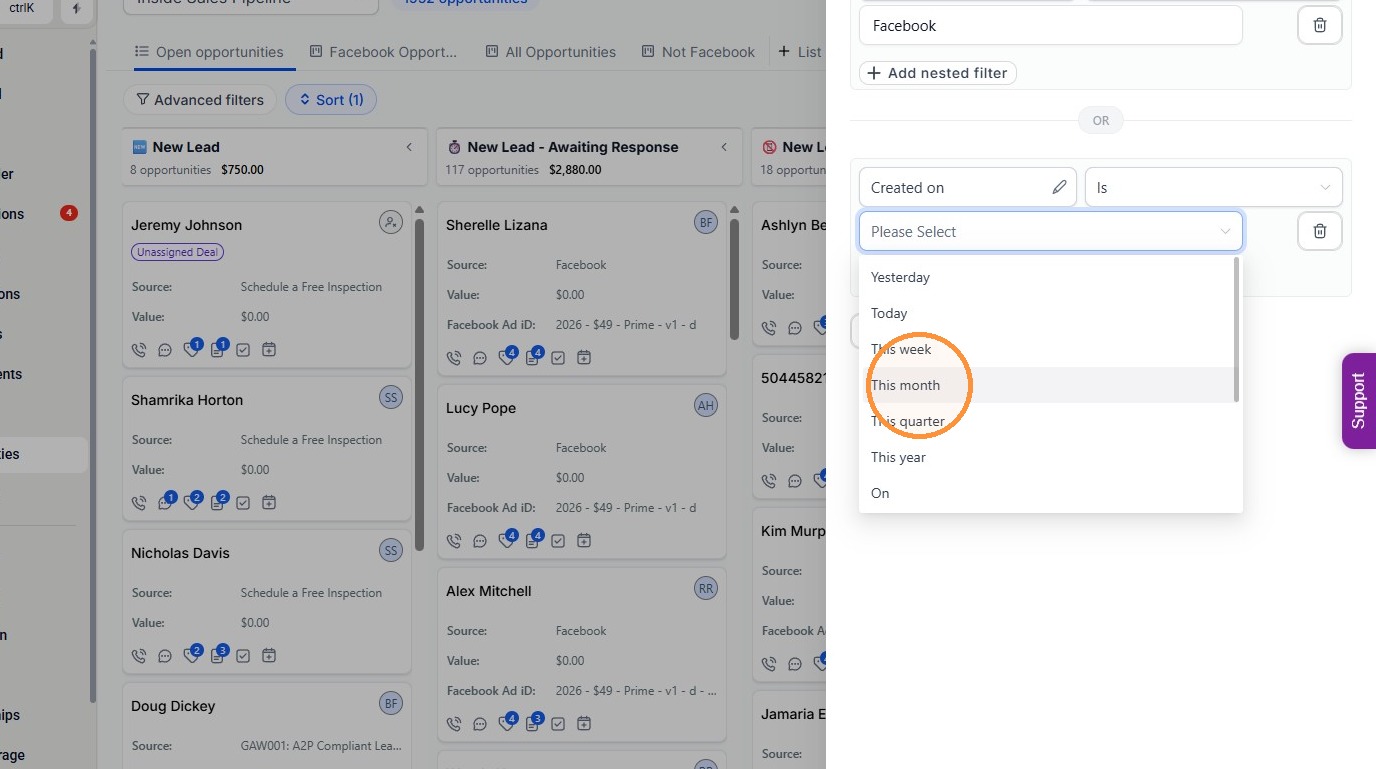
9. Click “This month”
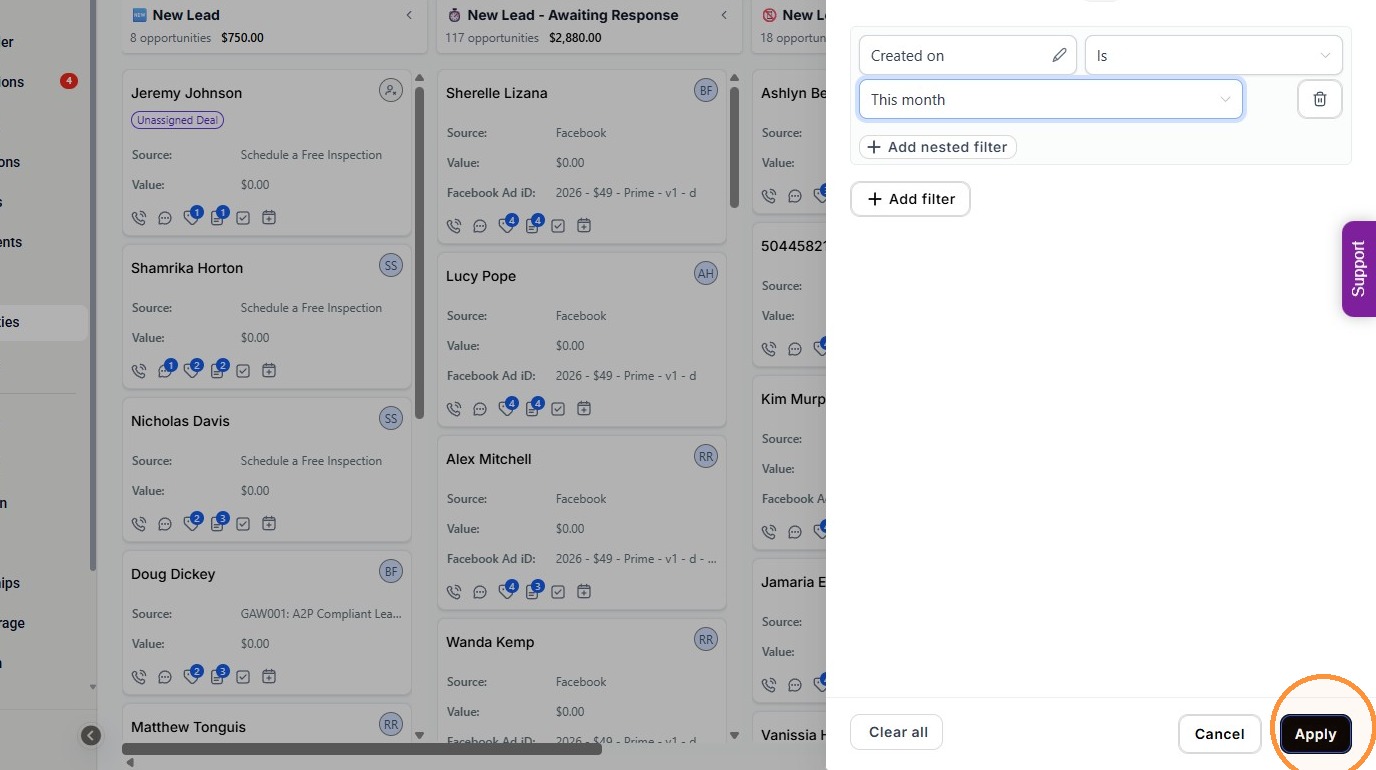
10. Click “Apply”
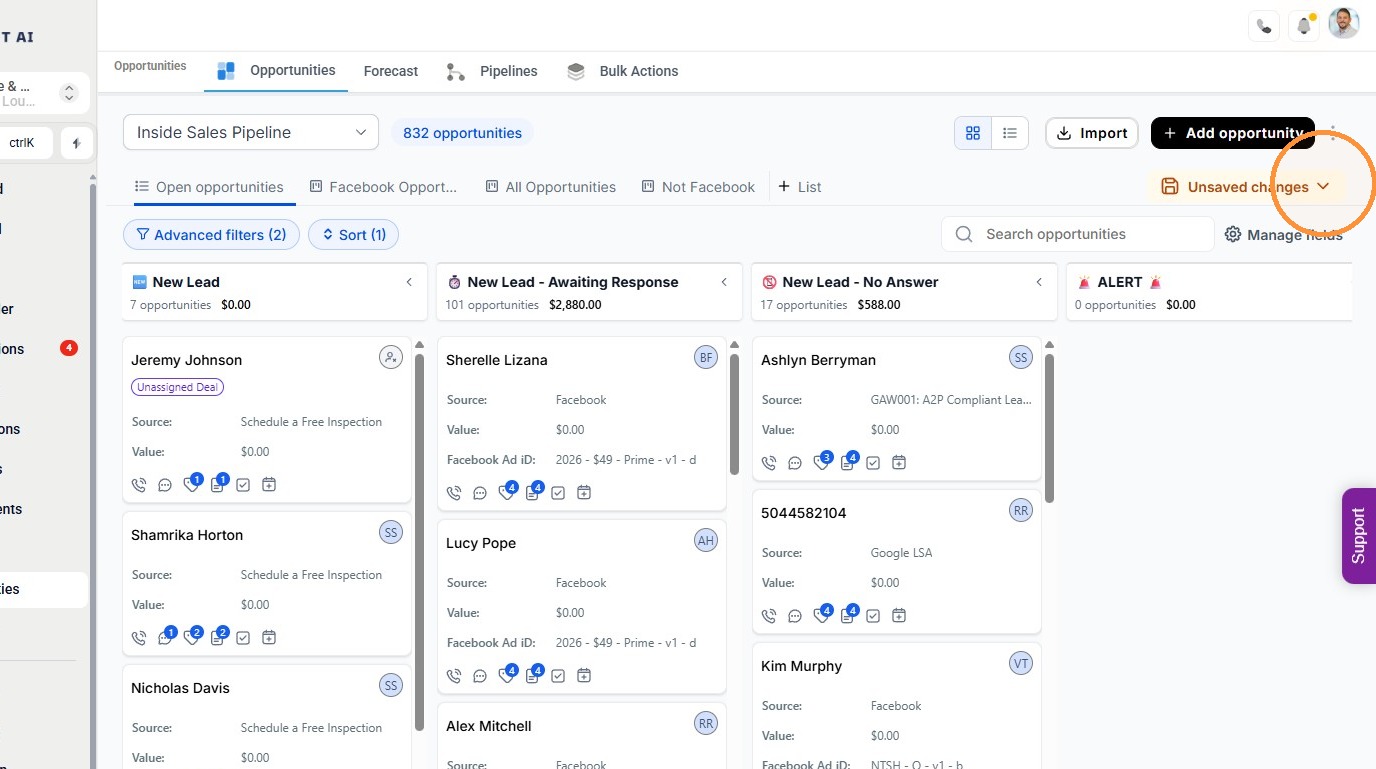
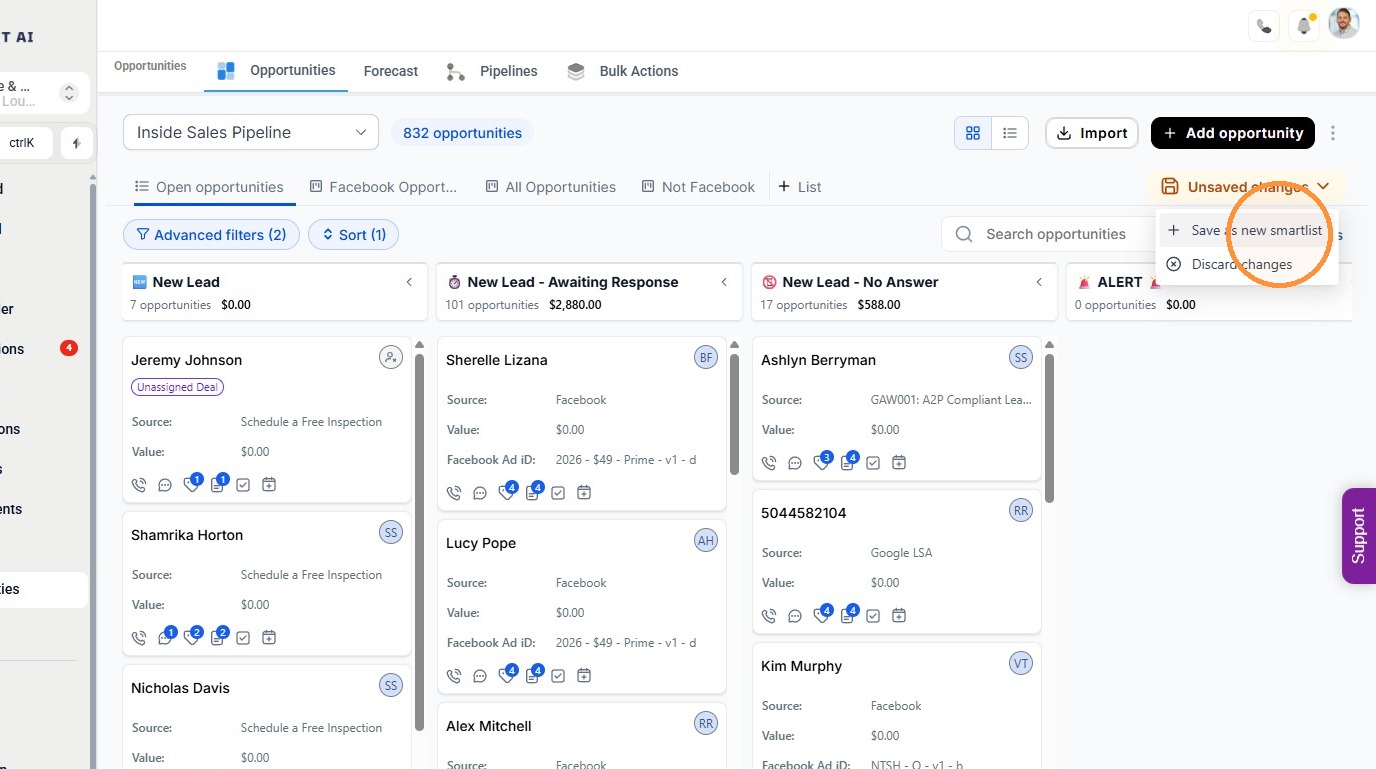
11. Click Unsaved changes.
Save Smart List #
12. Click “Save as new smartlist”
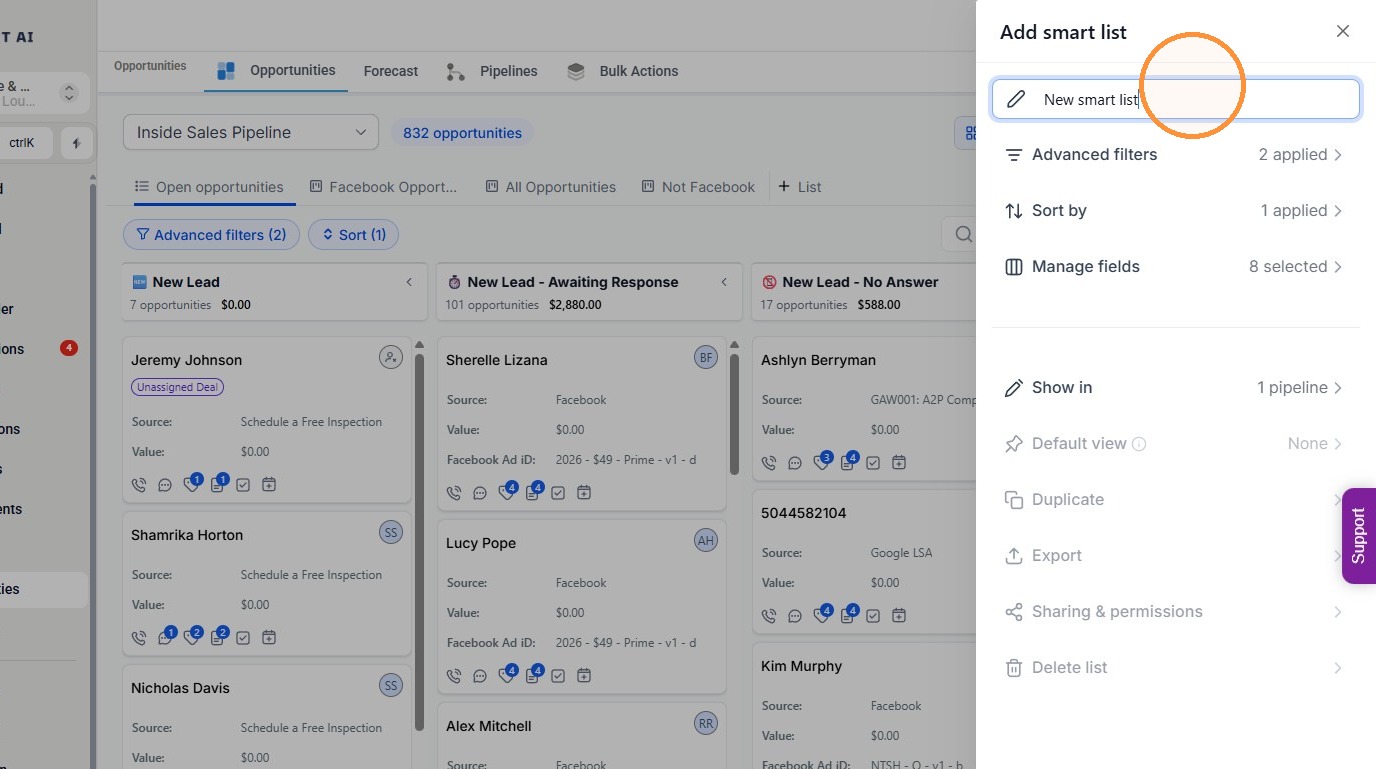
13. Enter Facebook Leads from This Month as the list name.
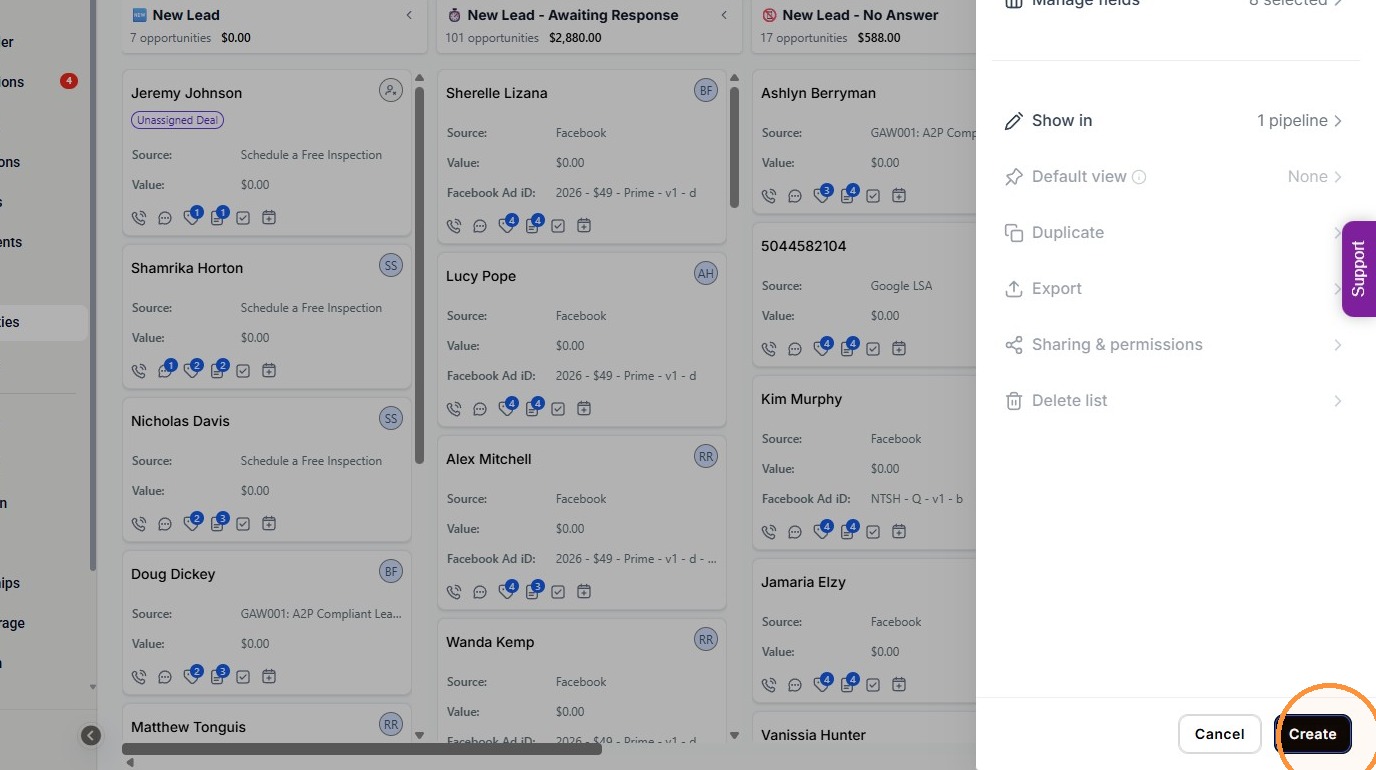
14. Click “Create”
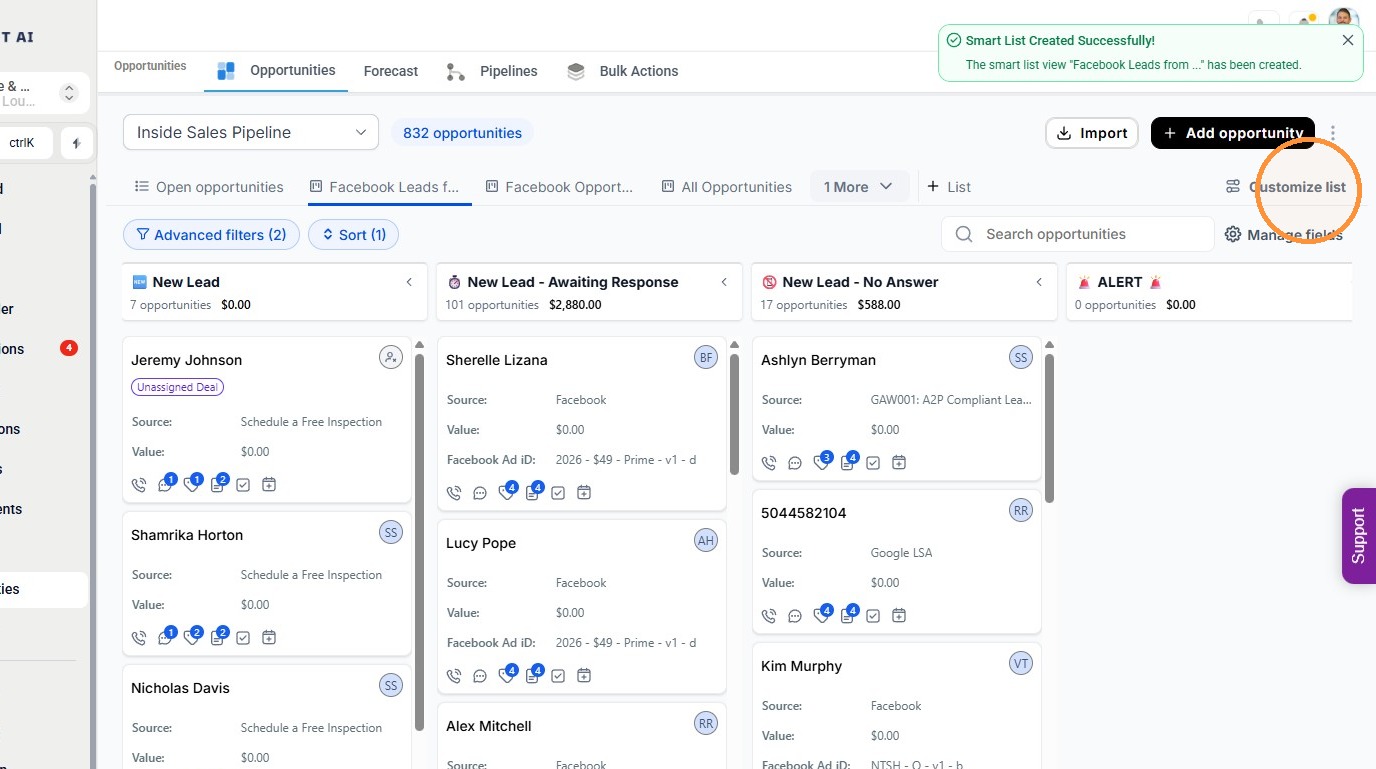
15. Click Customize list.
Set Sharing Permissions #
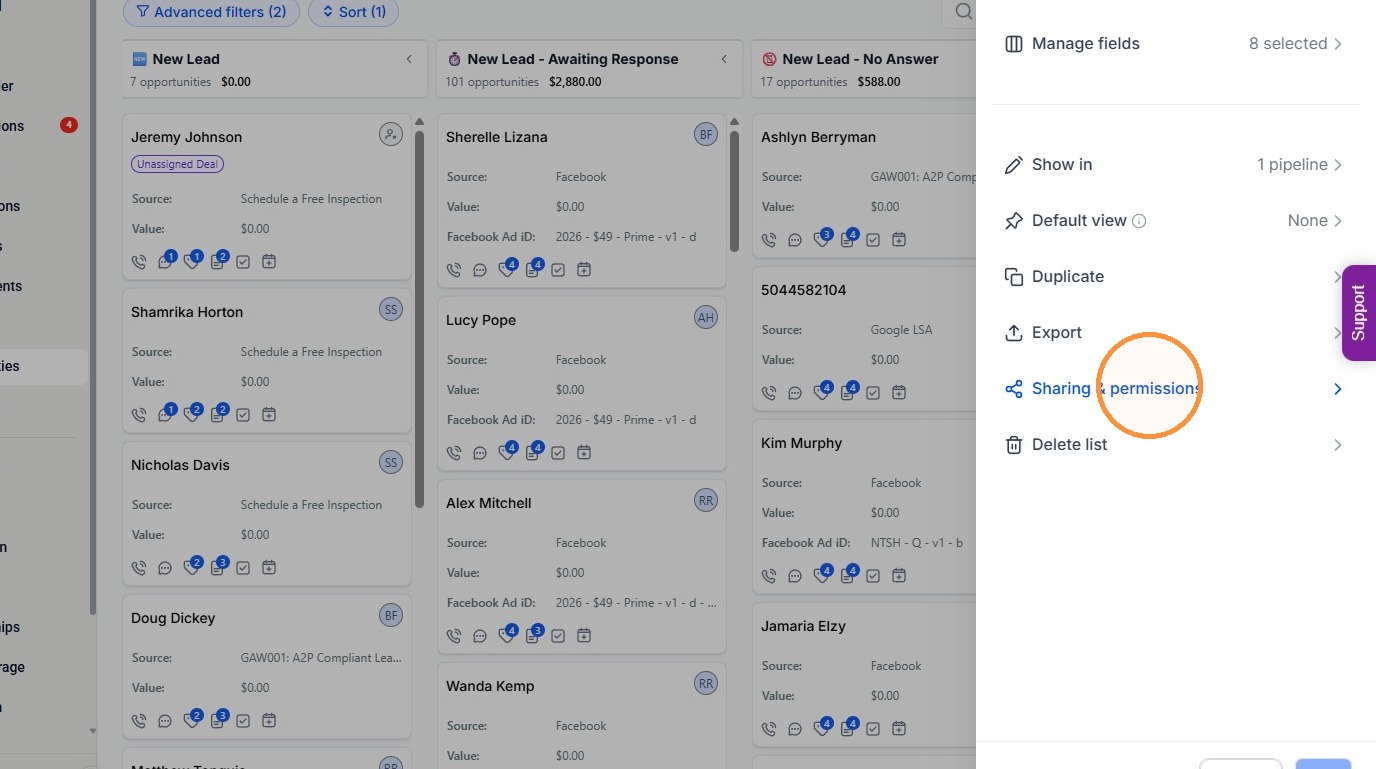
16. Click “Sharing & permissions”
17. Click the “Share with all users” field.
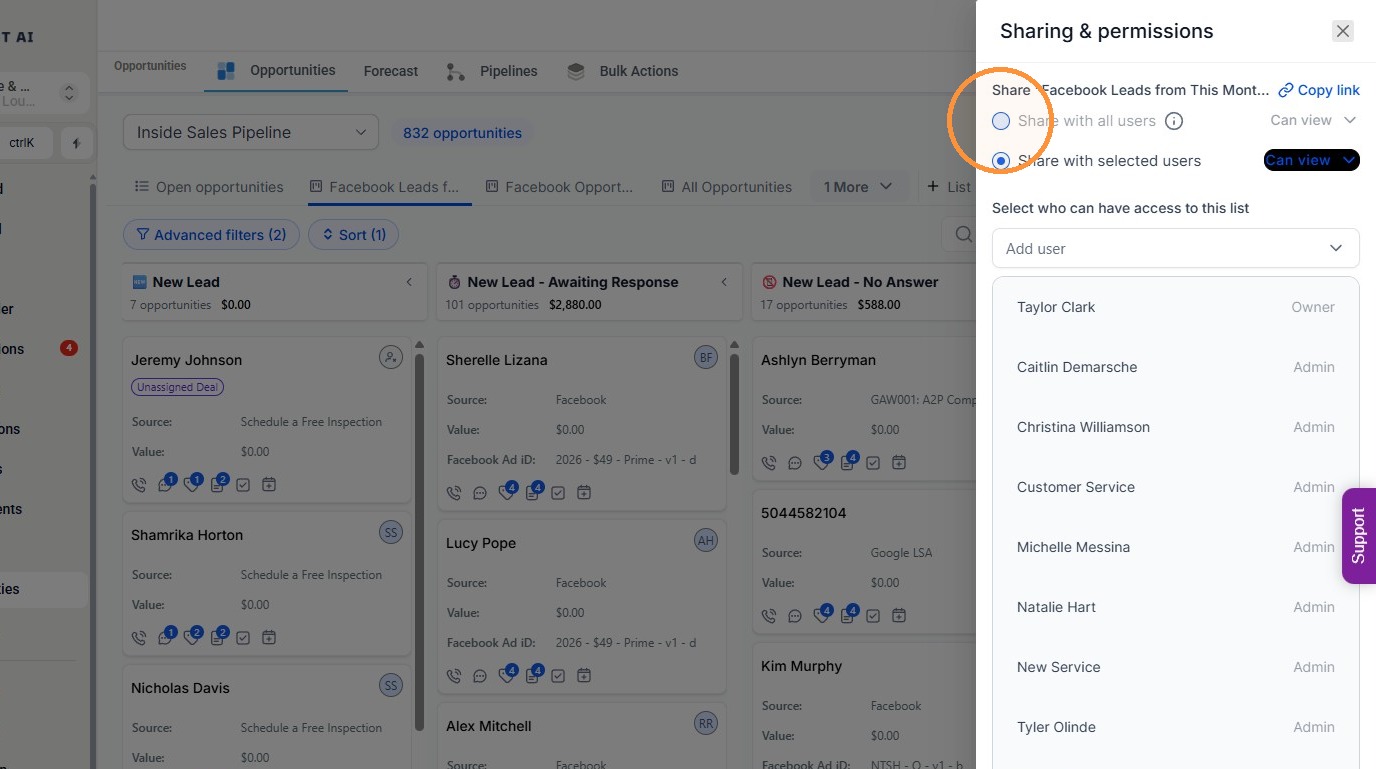
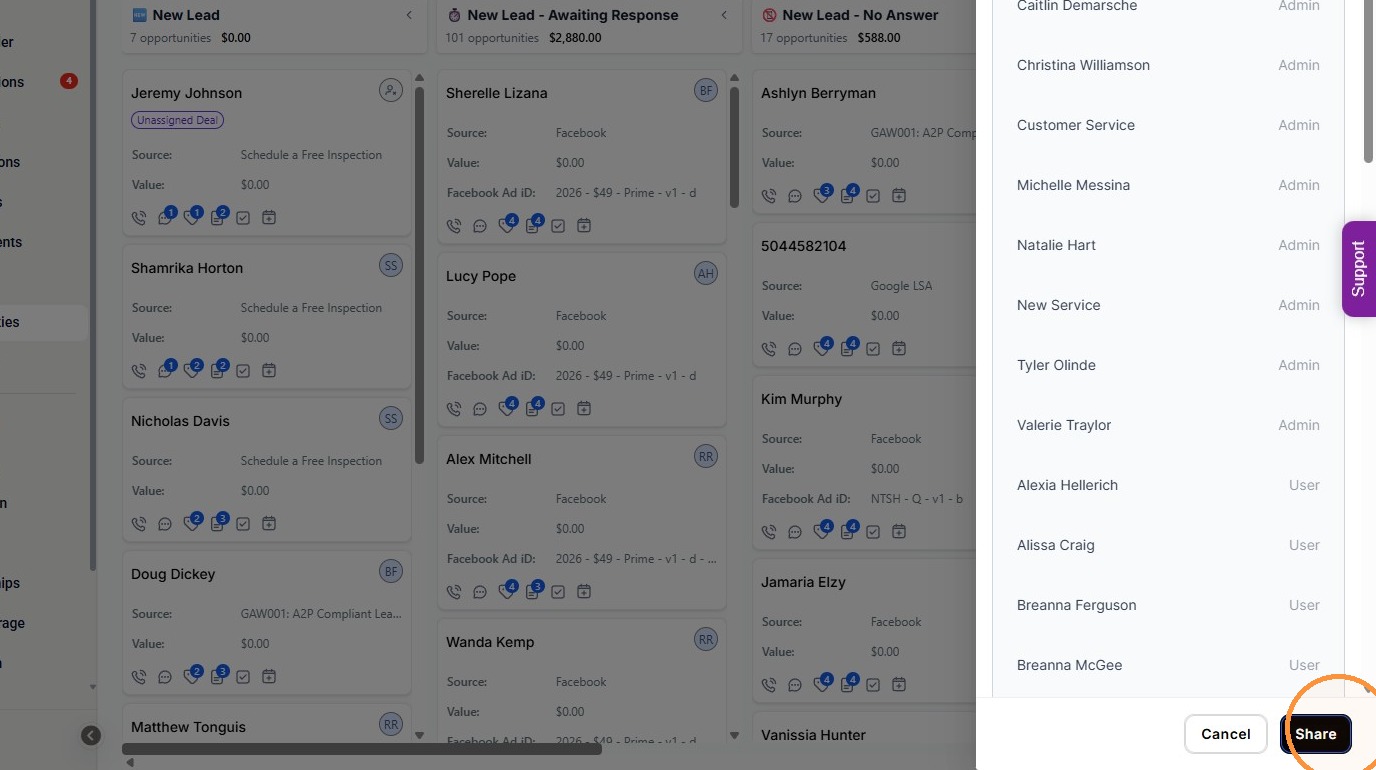
18. Click “Share”