 Doc Summary

How to Access Pest AI Training Resources #
This guide outlines the steps needed to navigate the PestAI training portal and start a course
. Follow these instructions to efficiently access your professional development resources and mark your training as complete.
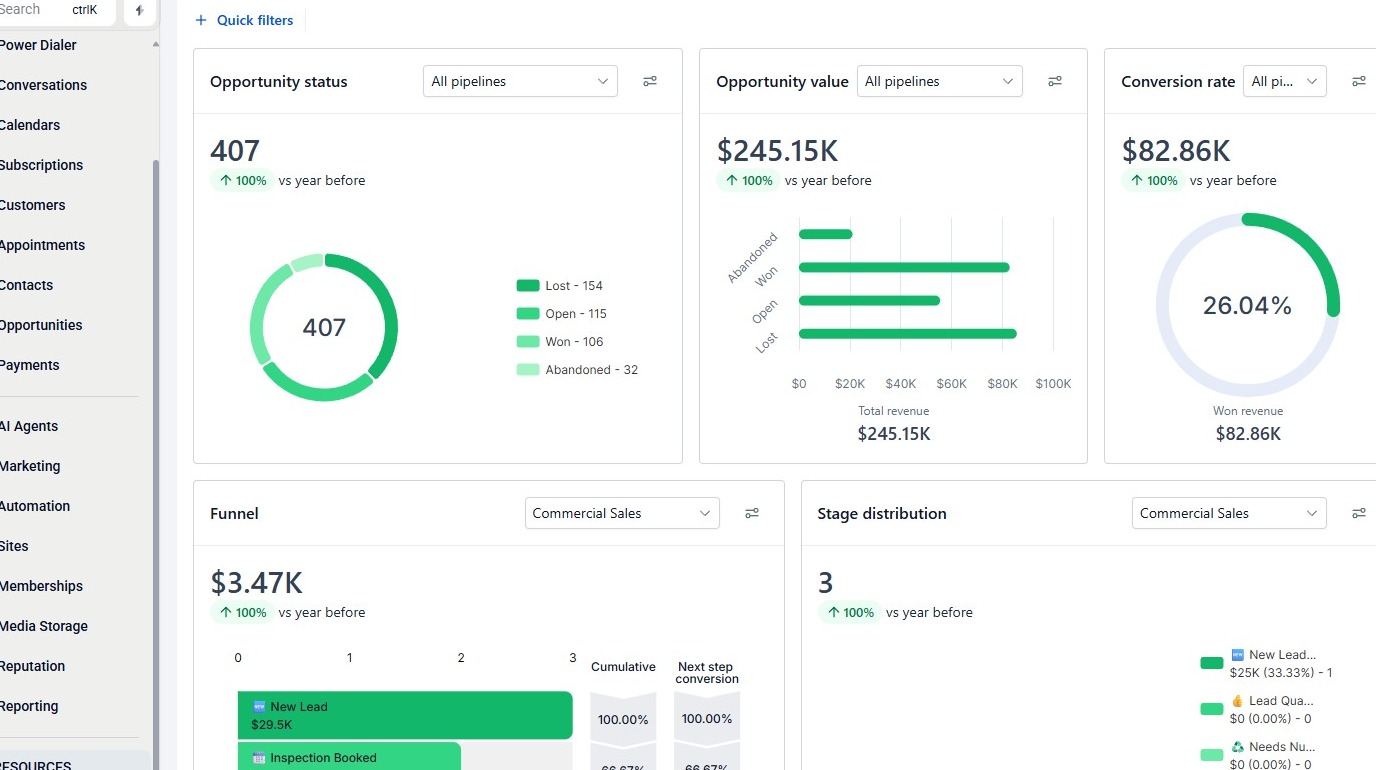
Open Training Resources #
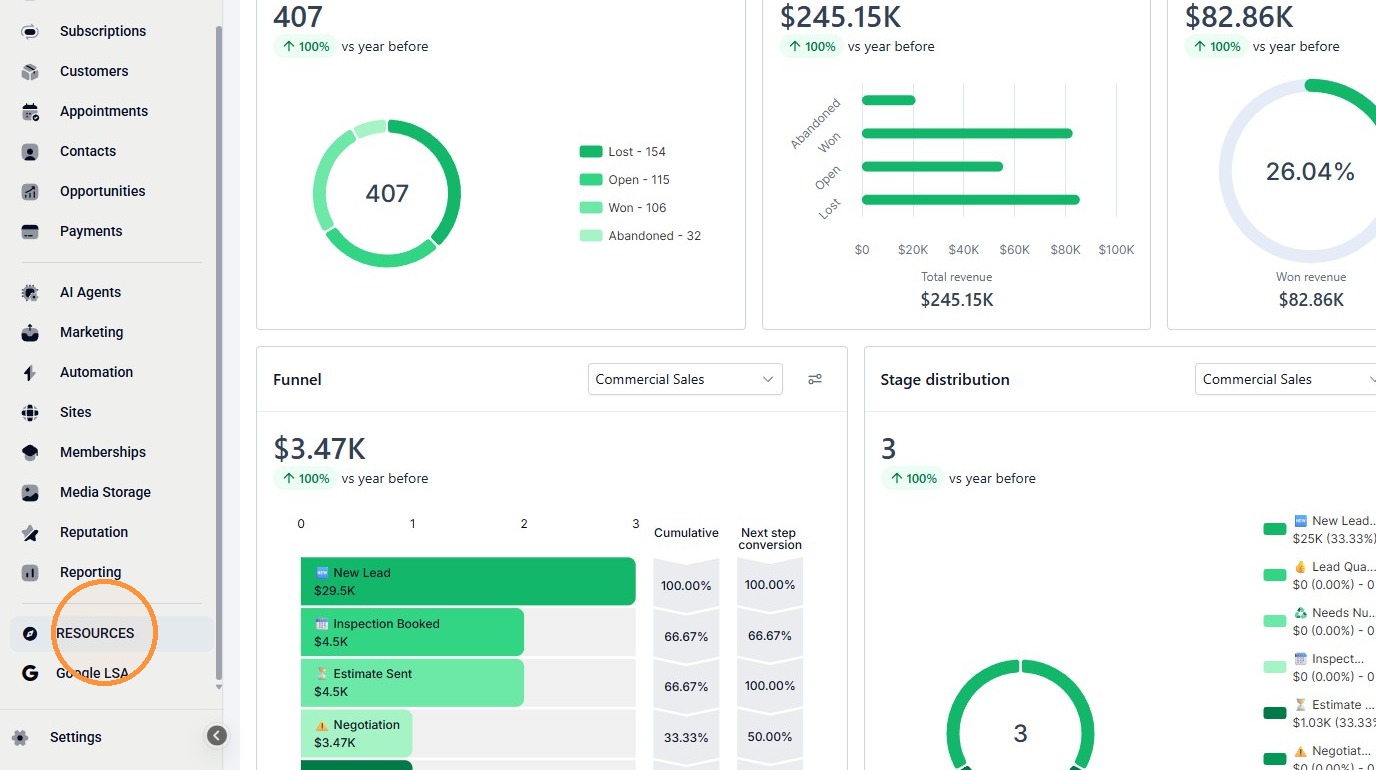
2. Click “RESOURCES”
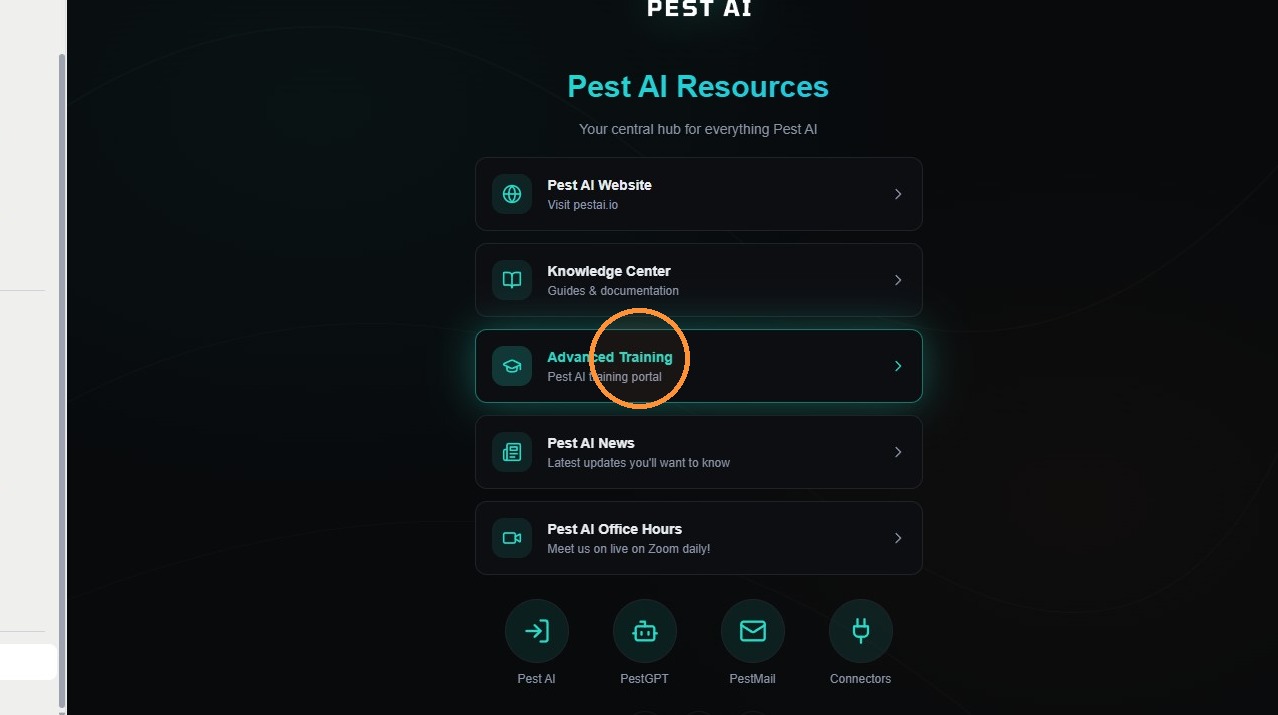
3. Click “Advanced Training”
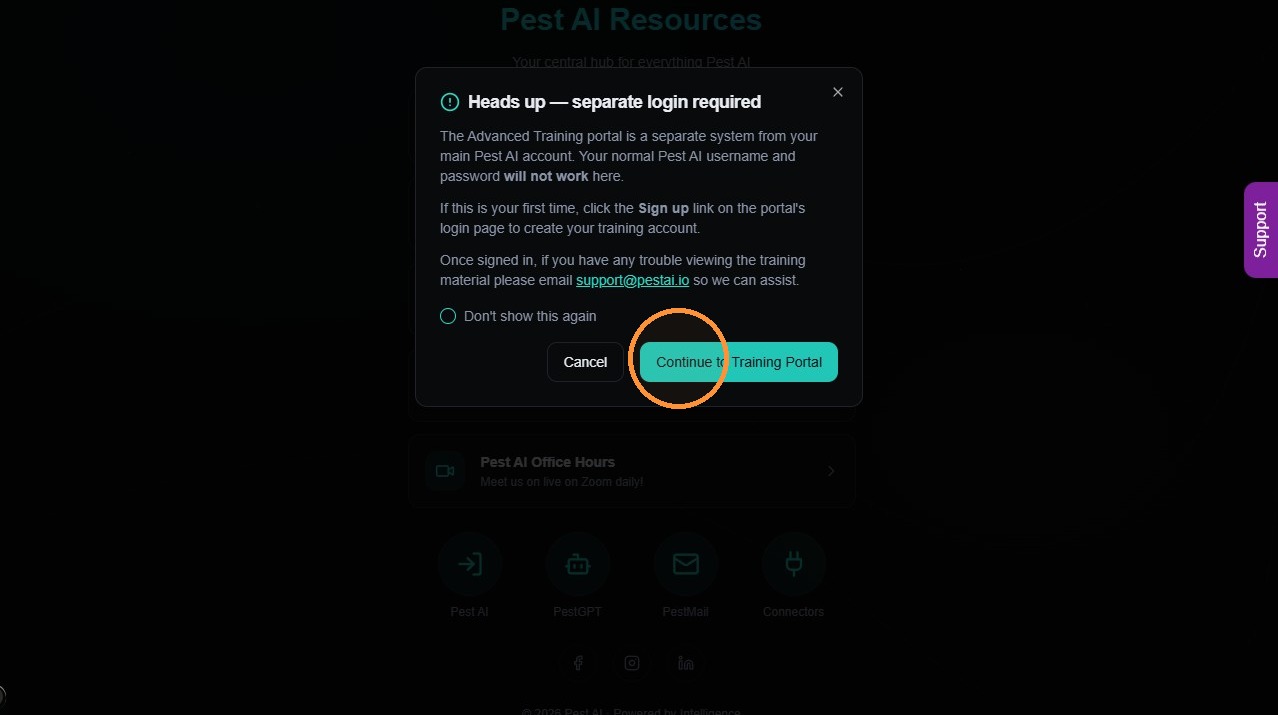
4. Click “Continue to Training Portal”
Select Dashboard Course #
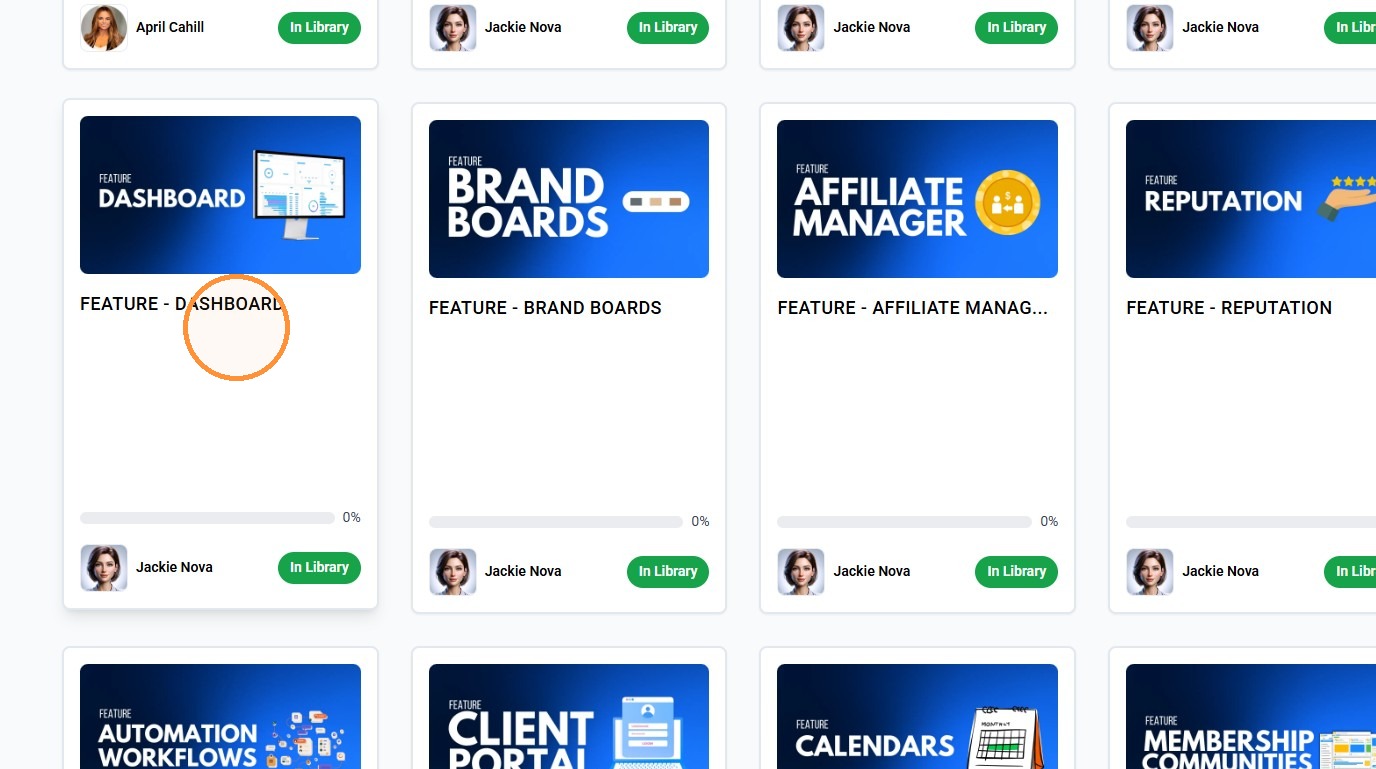
5. Click “FEATURE – DASHBOARD”
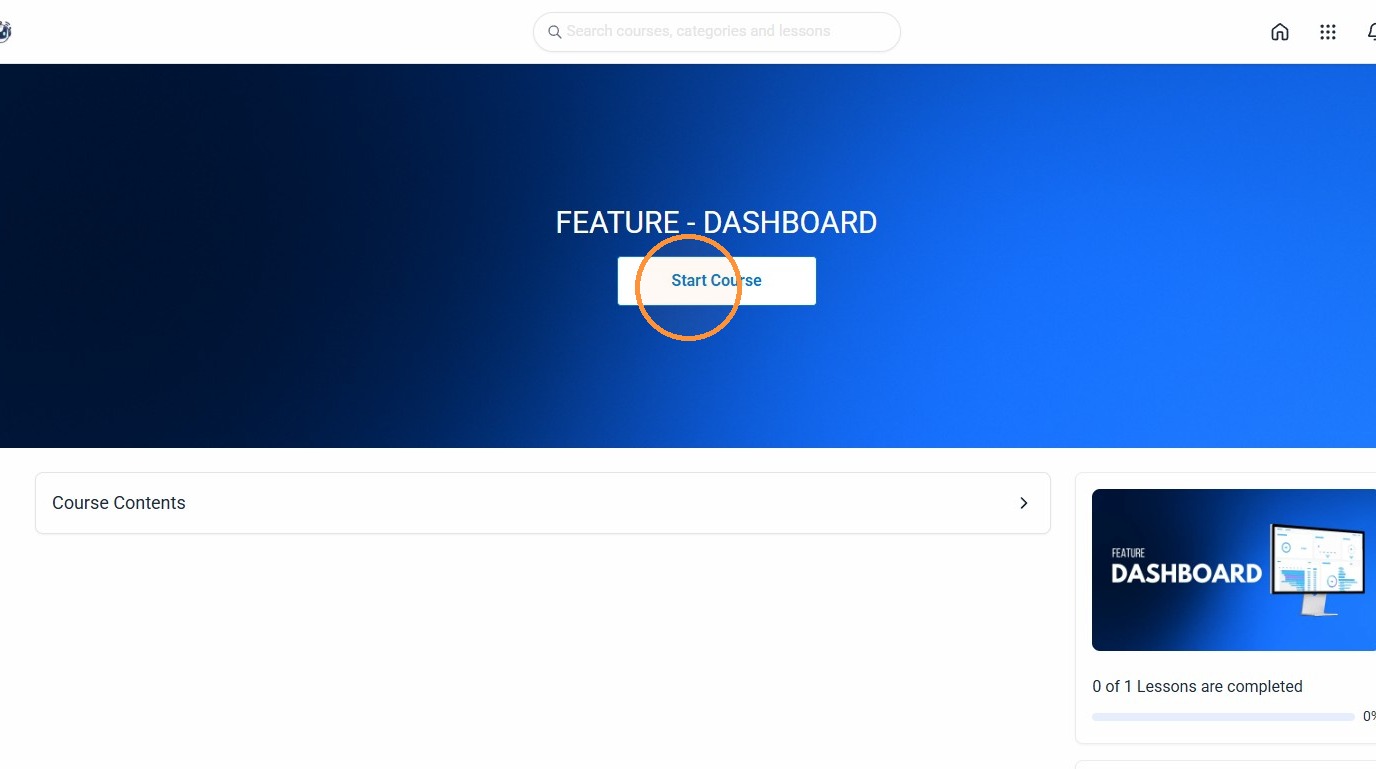
6. Click “Start Course”
Complete Course Lesson #
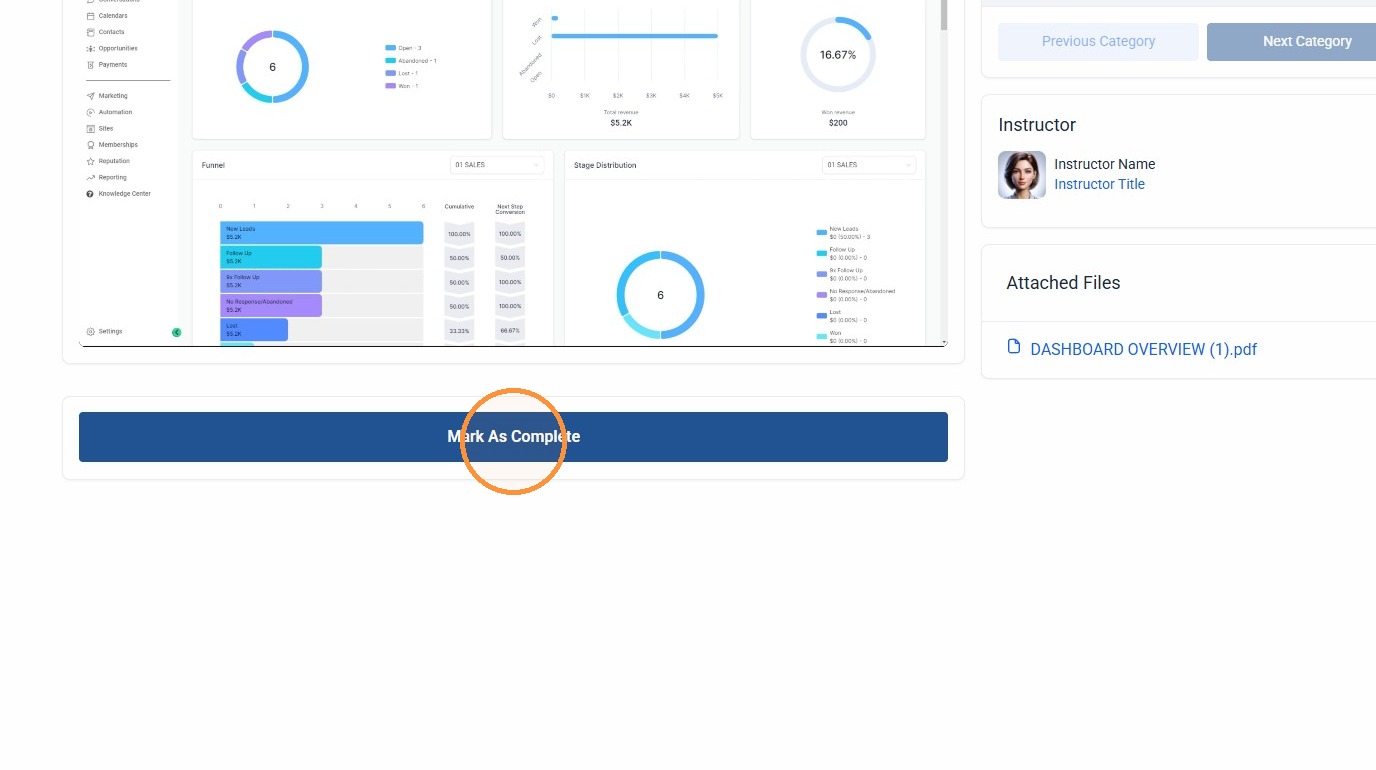
7. Click “Mark As Complete”