 Doc Summary

Learn how to efficiently add a new team member to your PestAI account and configure their access settings. This guide simplifies the process of creating user profiles and copying existing permissions to save you time.
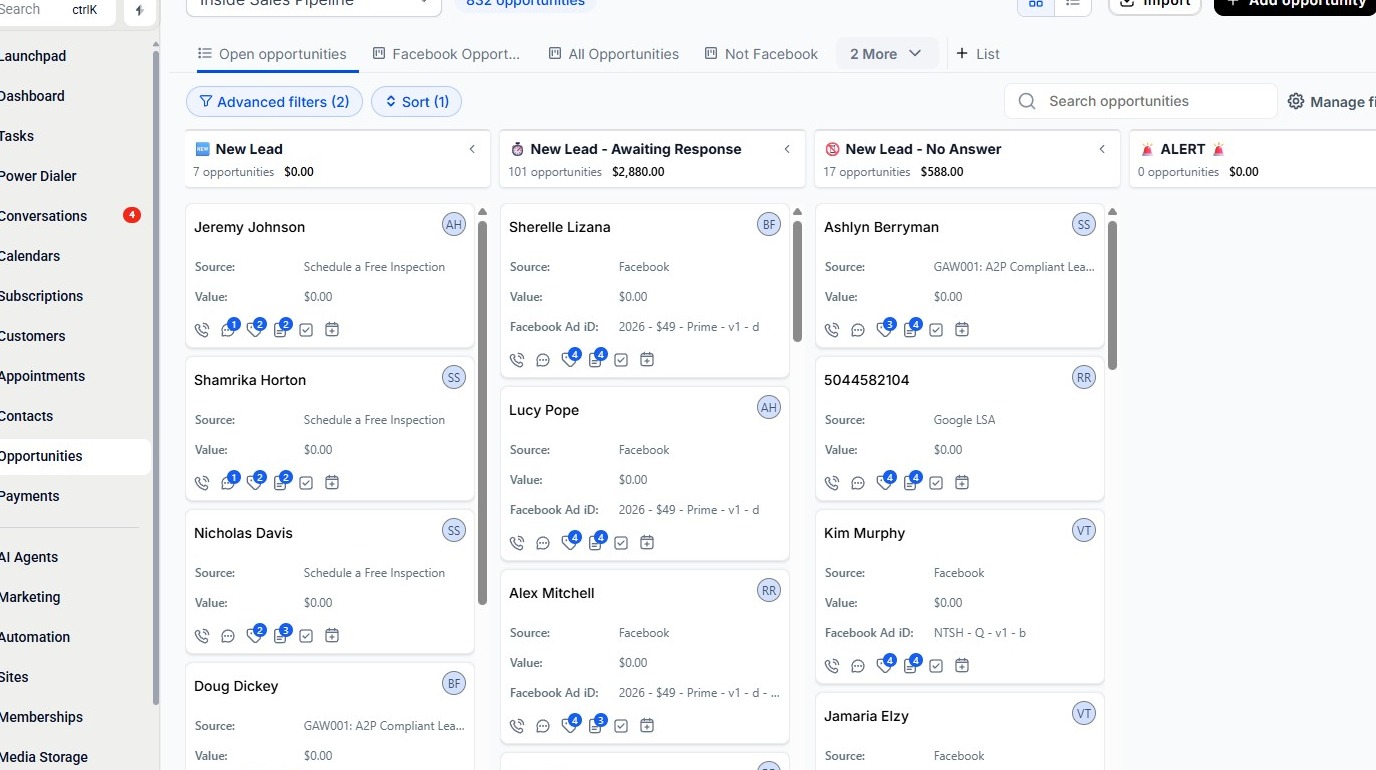
Open Staff Settings #
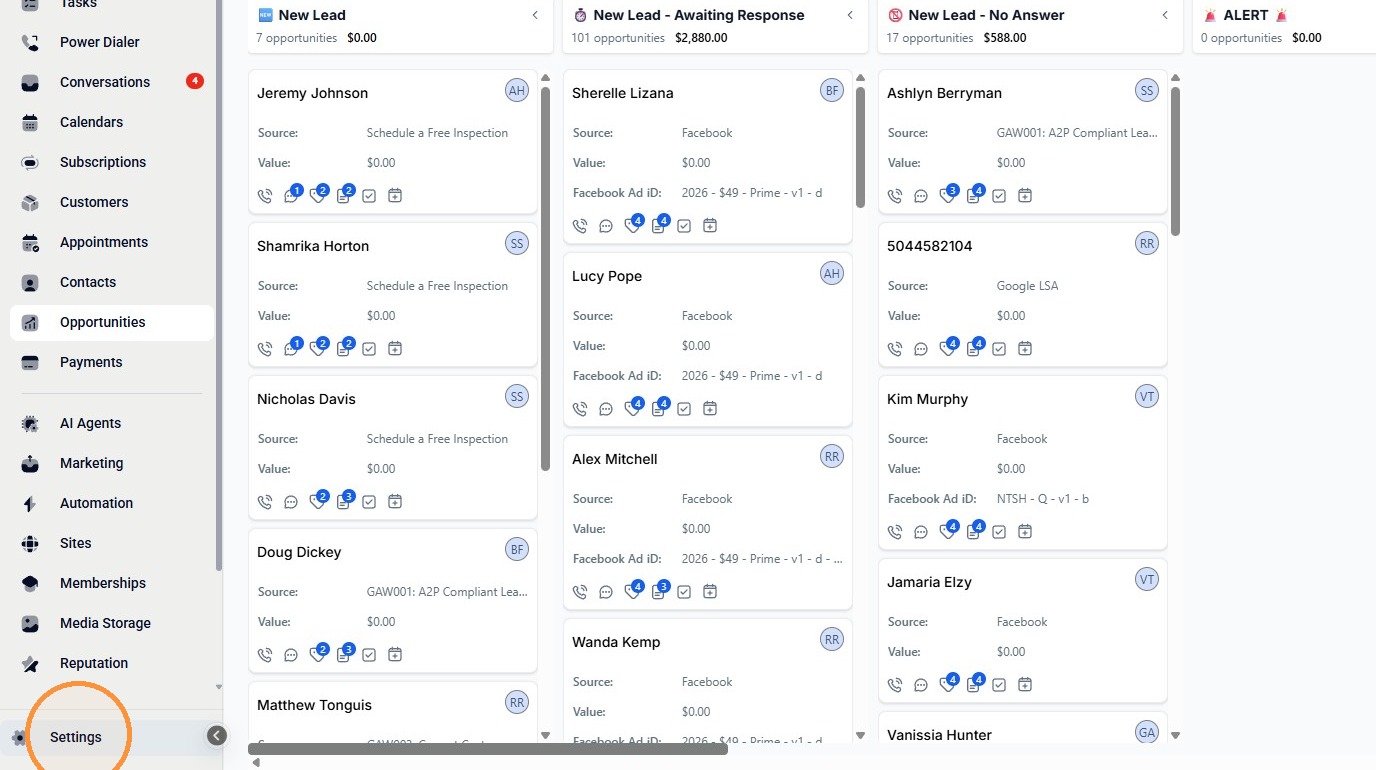
2. Click “Settings”
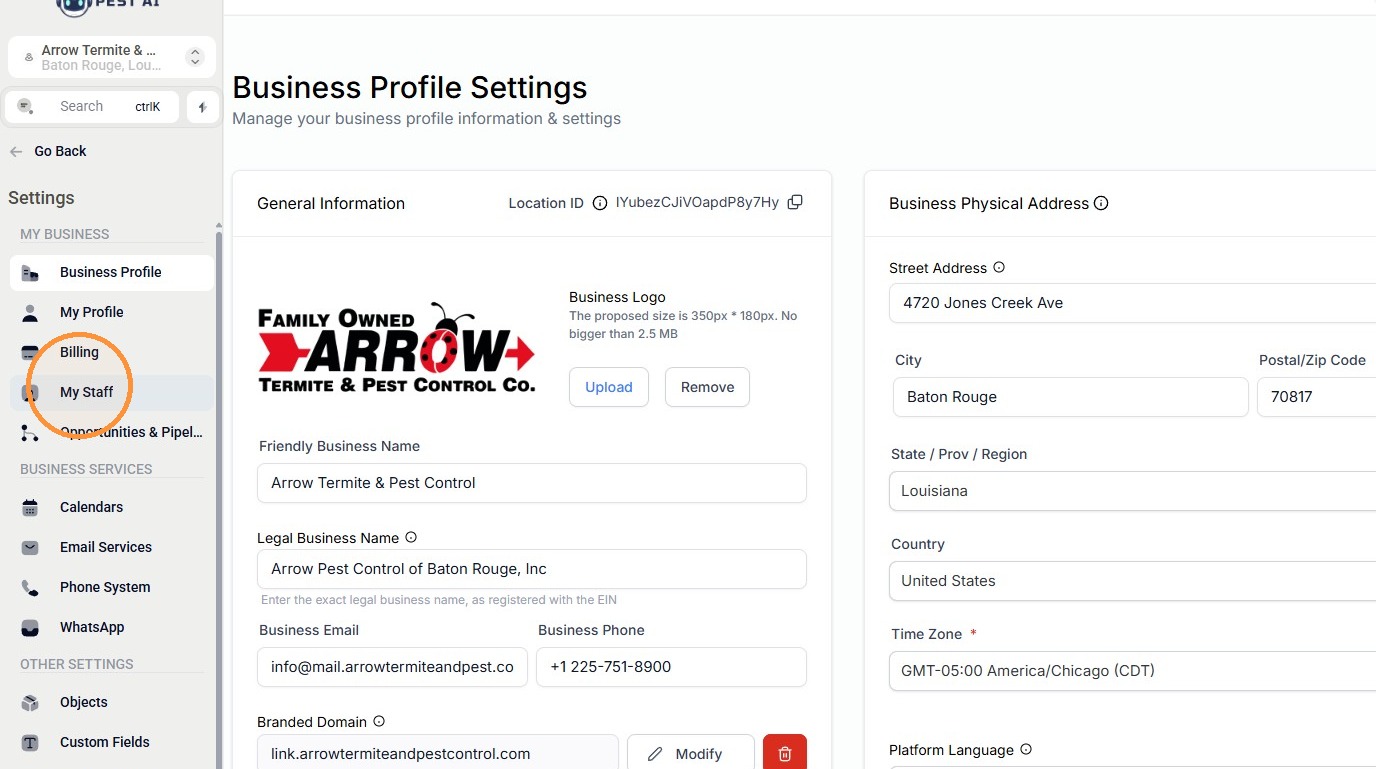
3. Click “My Staff”
Add Team Member #
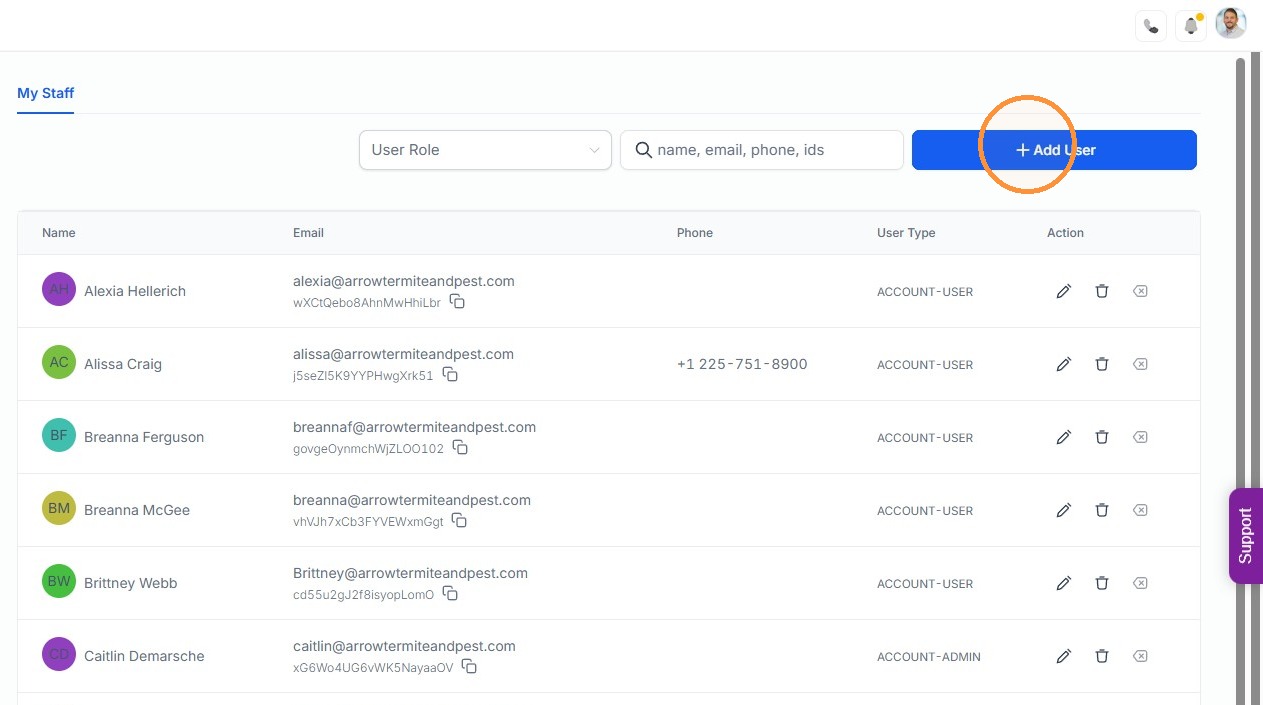
4. Click “Add User”
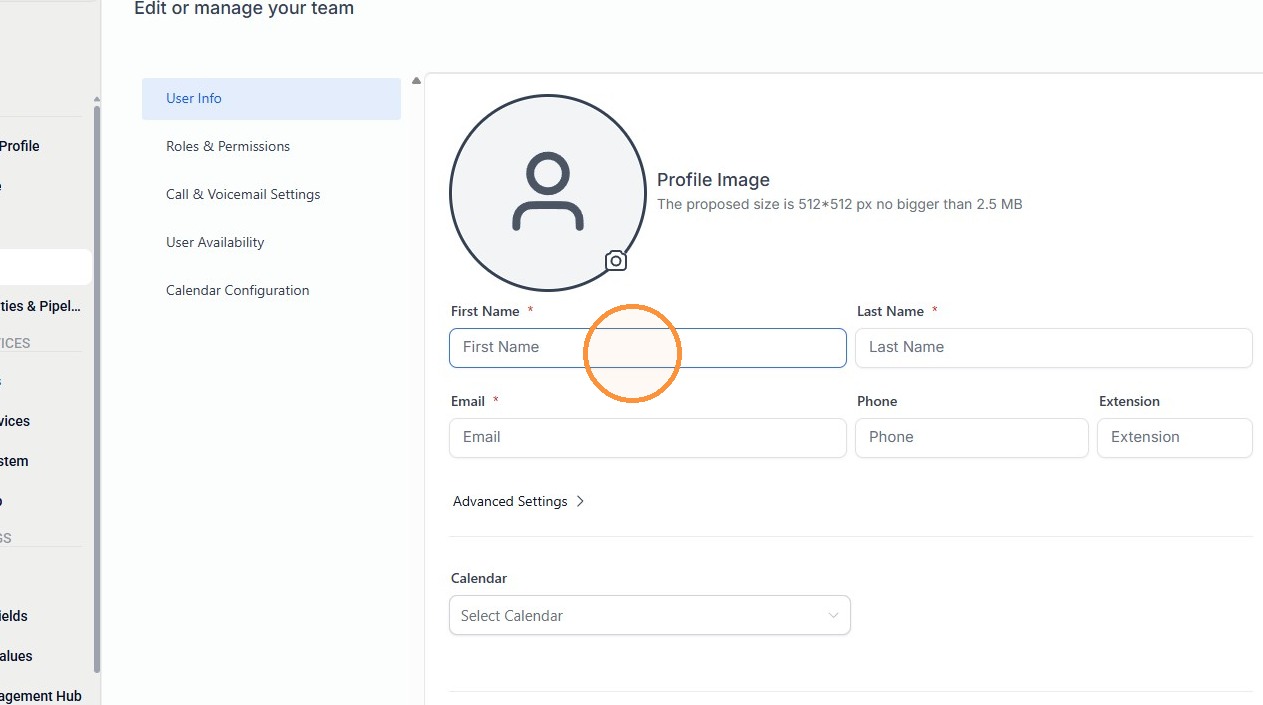
5. Enter First, Last, and test@test.com in the user information fields.
Configure Permissions #
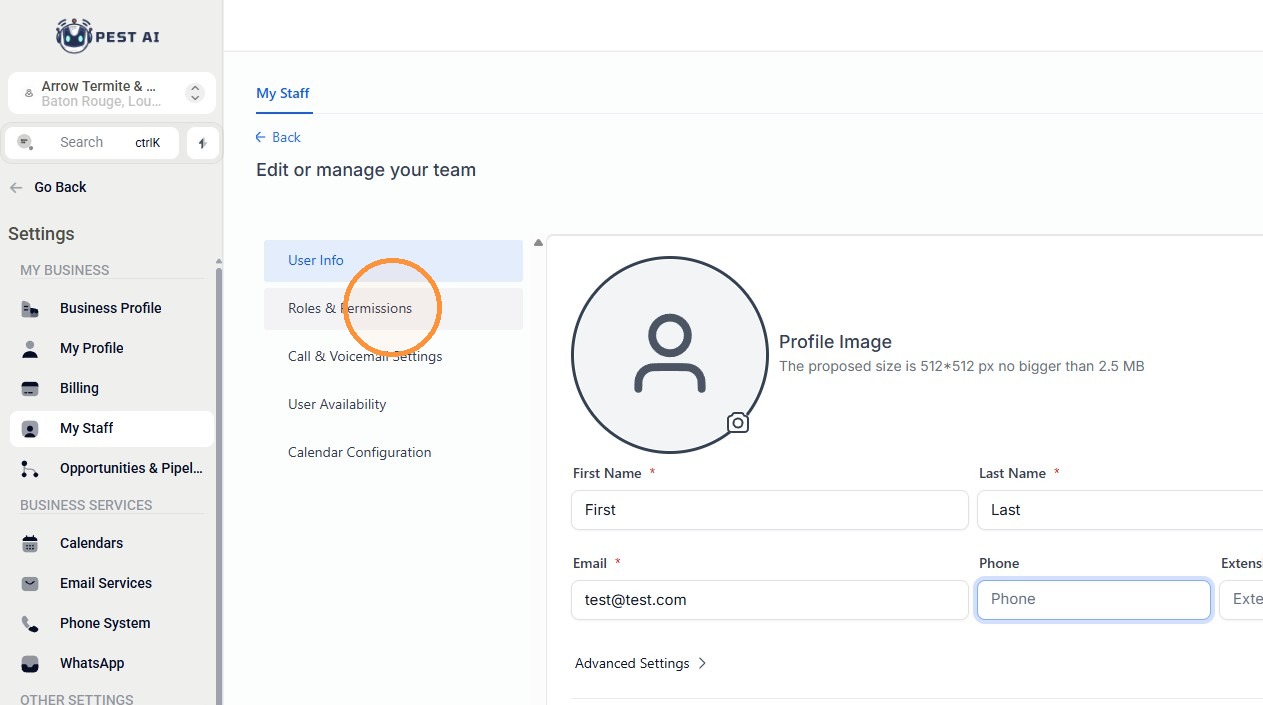
6. Click “Roles & Permissions”
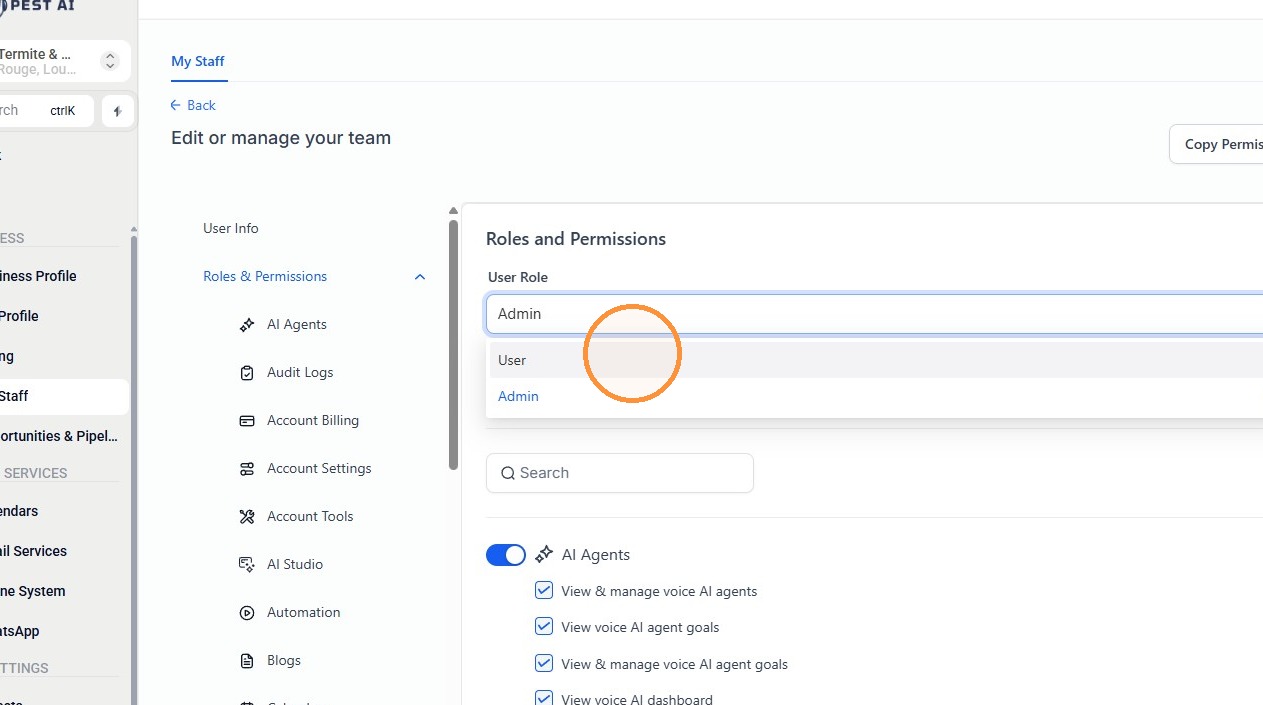
7. Click “User”
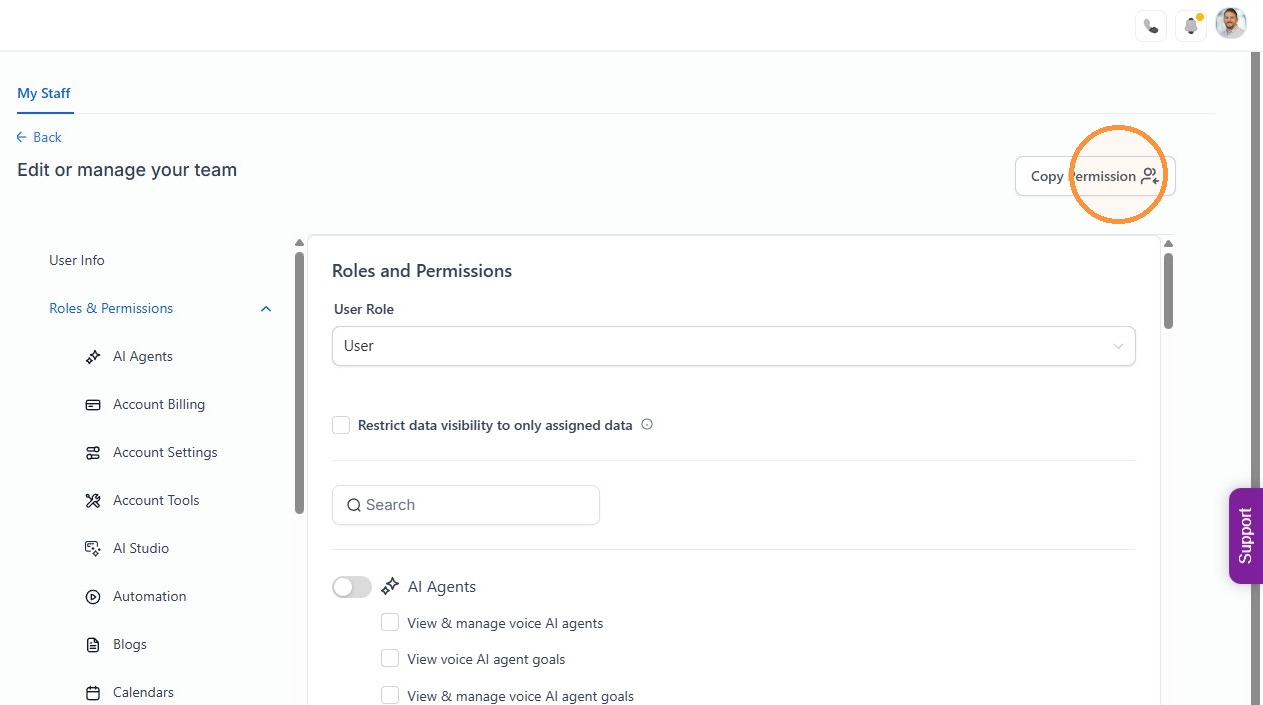
8. Click “Copy Permission”
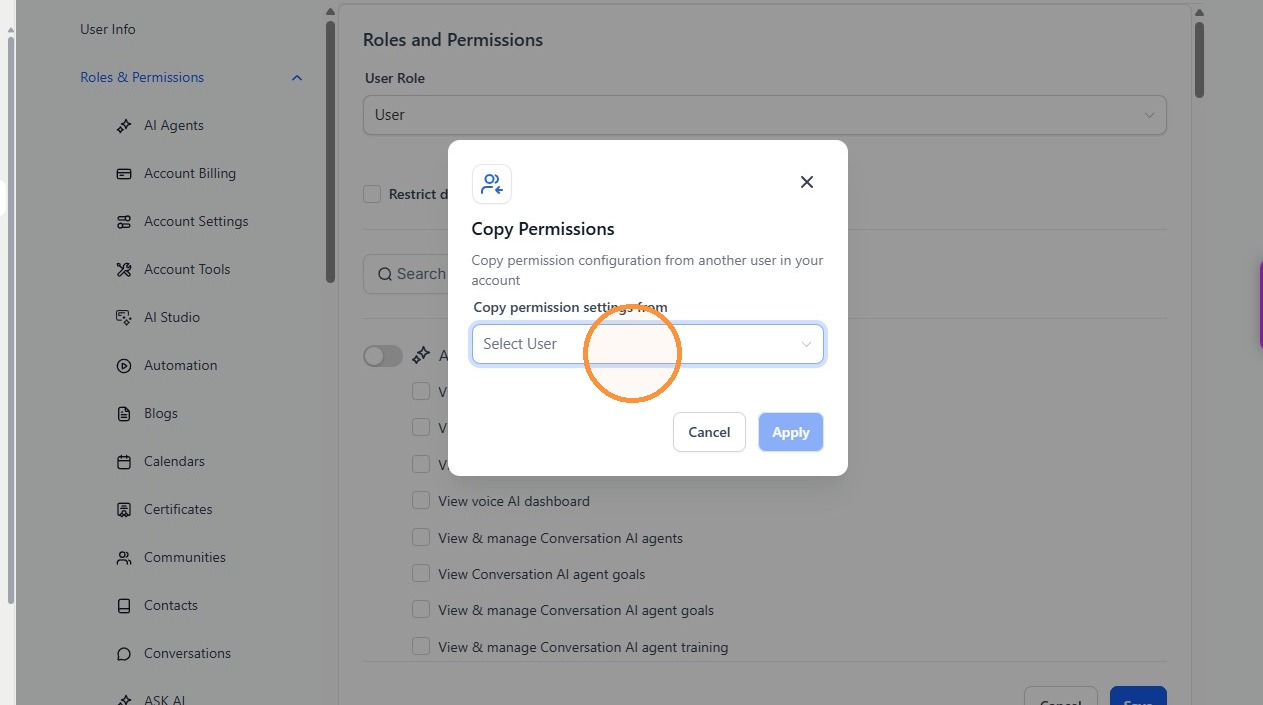
9. Select customerservice@arrowtermiteandpest.com from the user list.
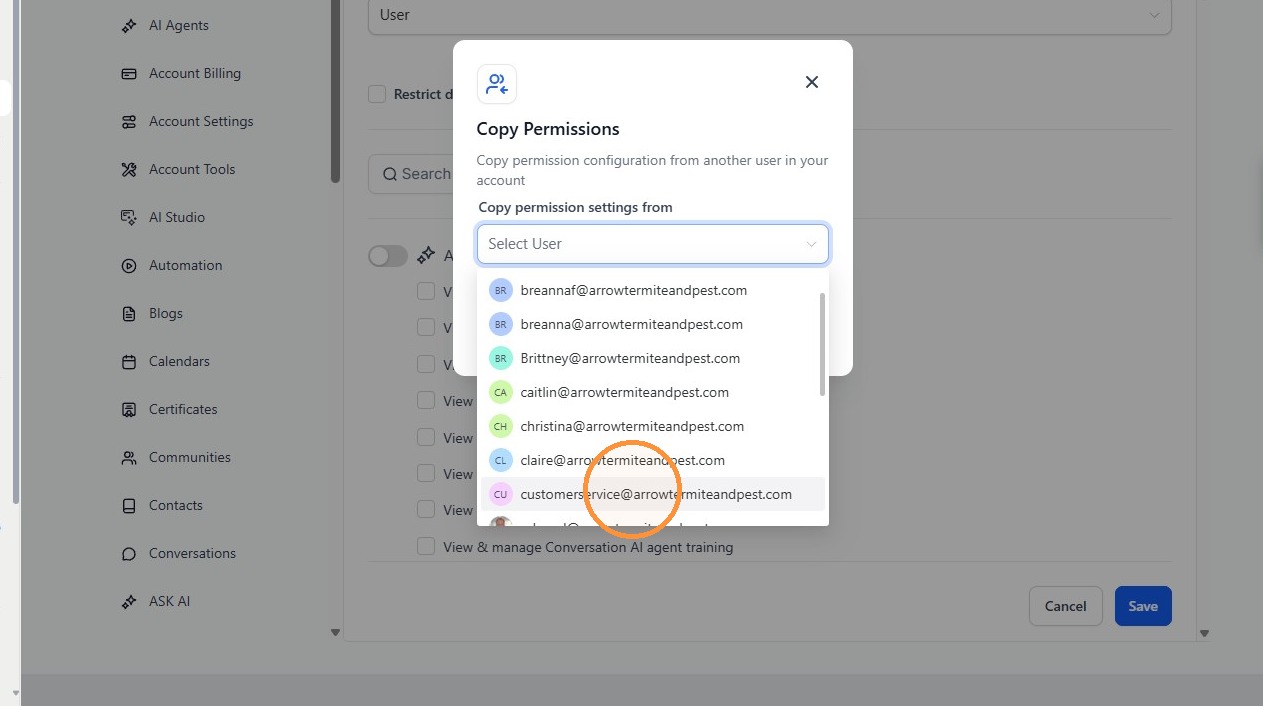
10. Click “Apply”
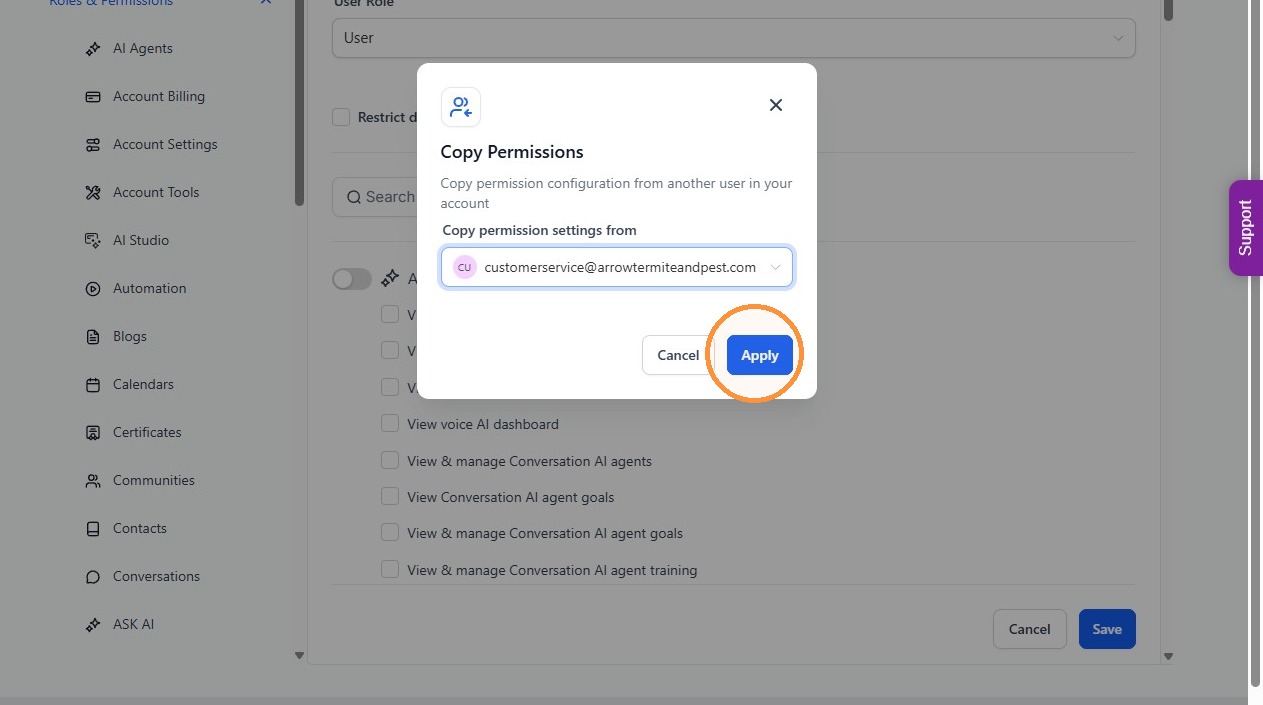
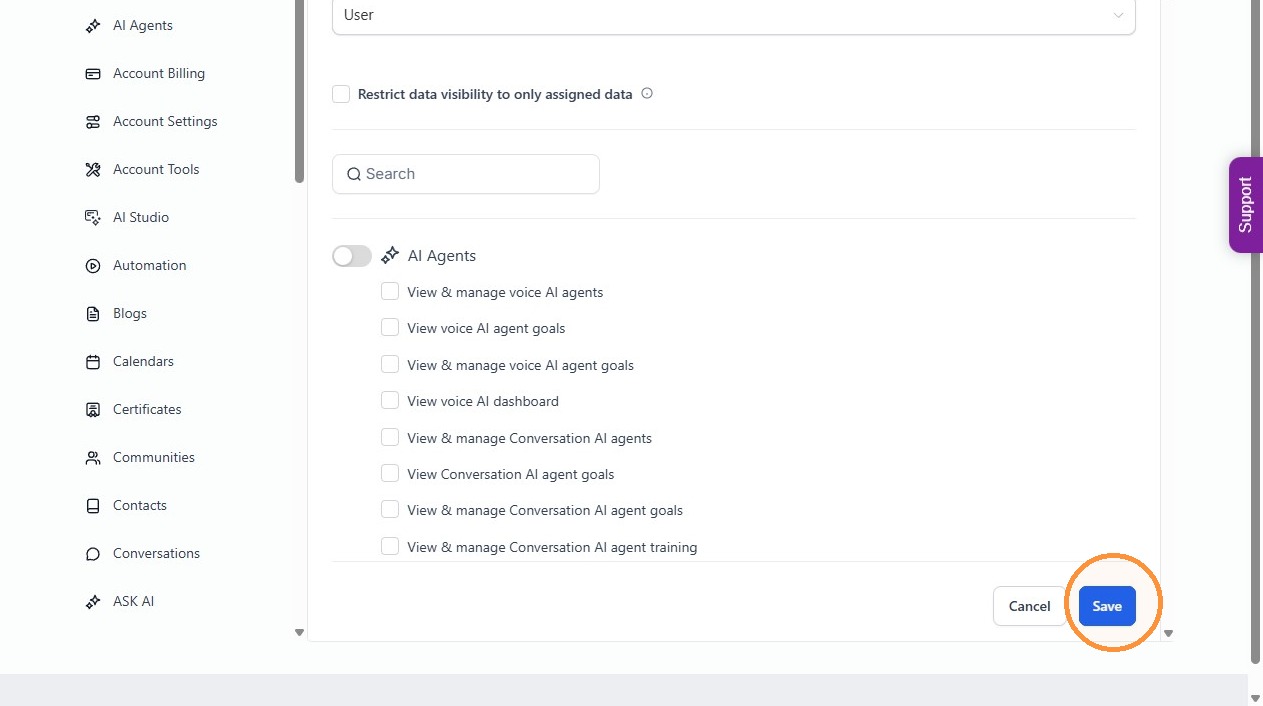
11. Click “Save”