 Doc Summary

Learn how to access and customize your personal notification preferences within the Pest AI platform. This guide helps you manage your account alerts effectively to ensure you stay updated on important tasks.
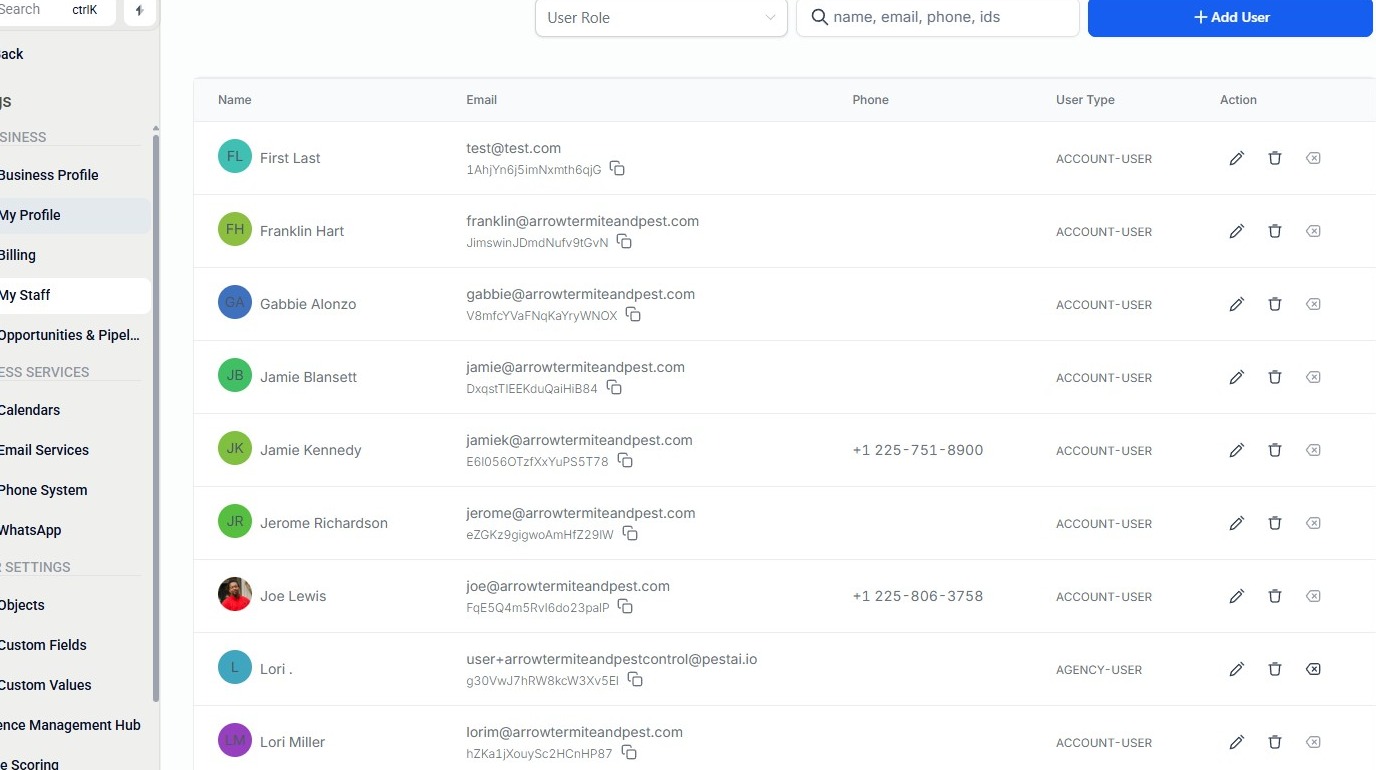
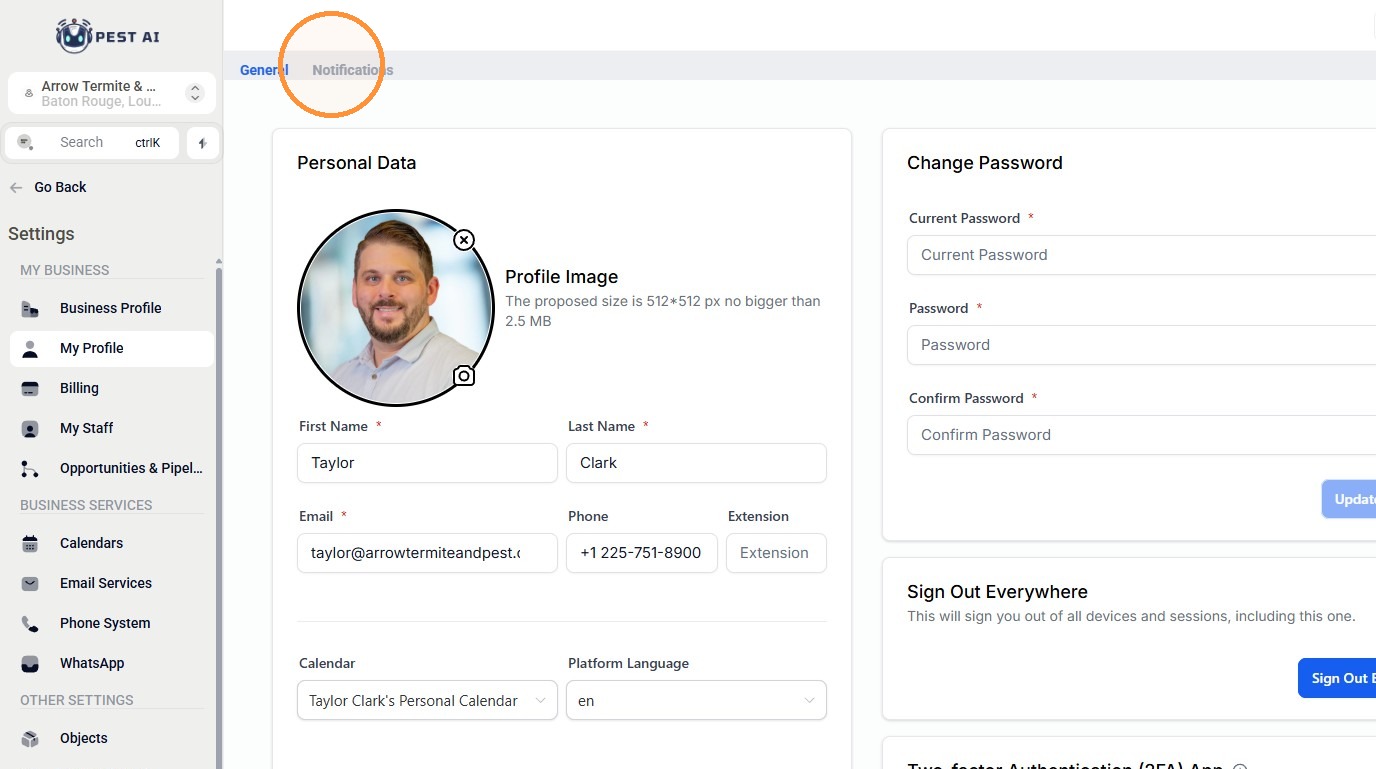
2. Click My Profile.
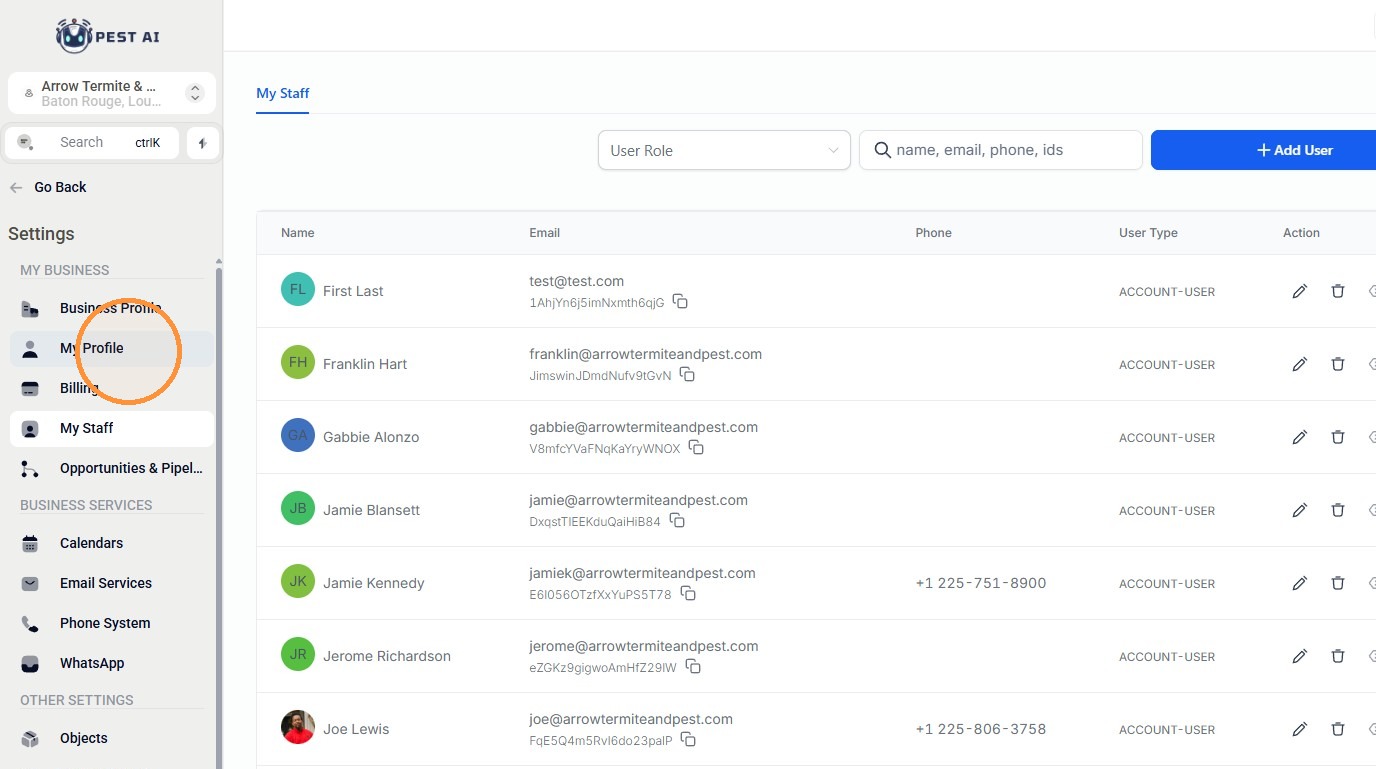
3. Click Notifications.
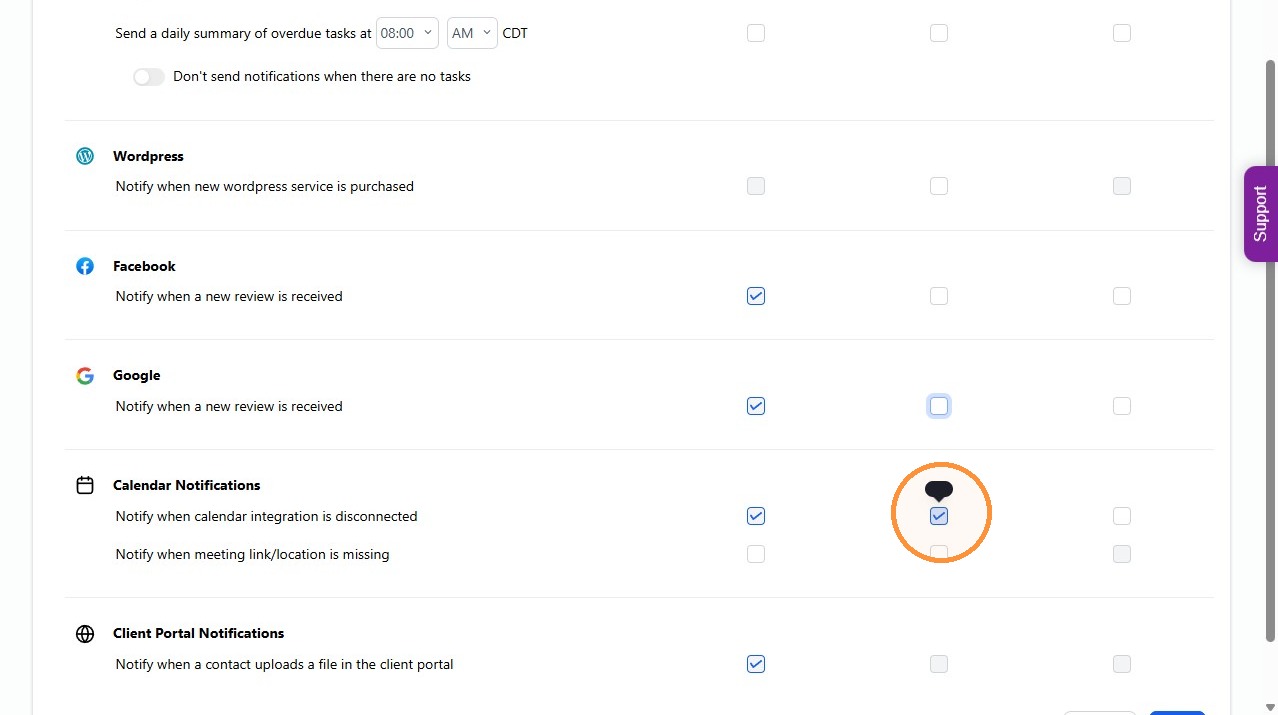
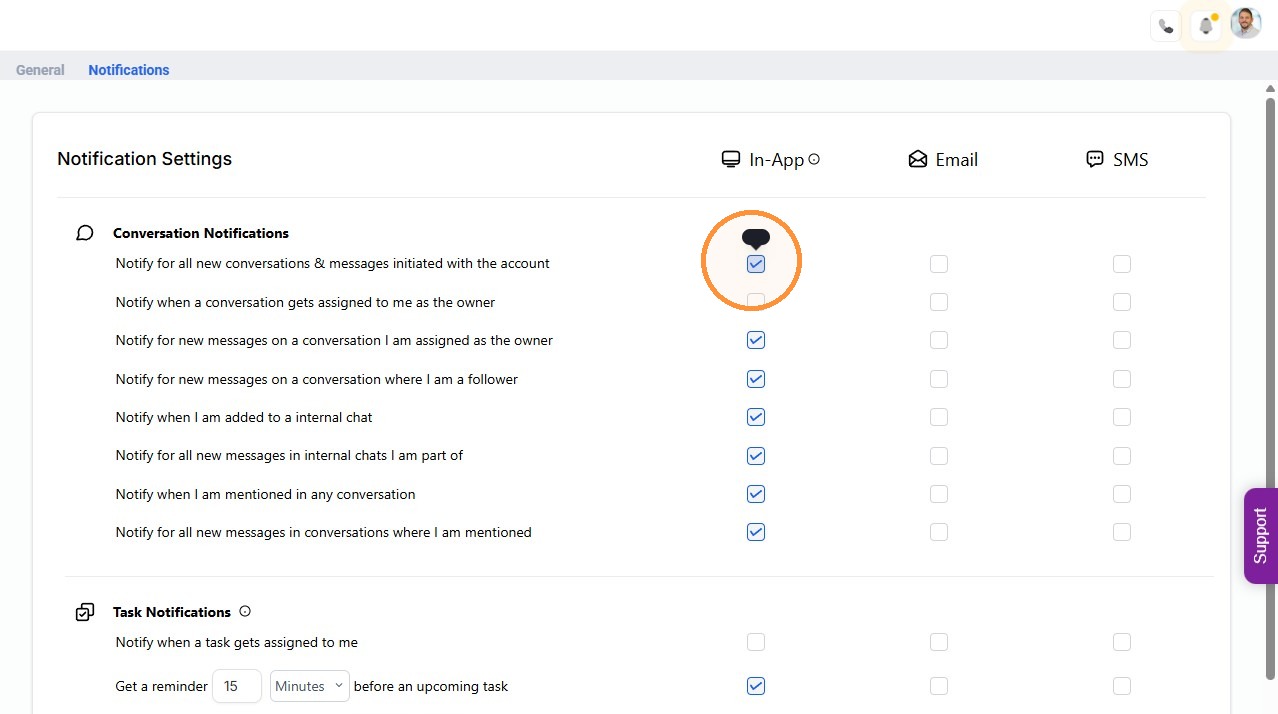
4. Enable In-App notifications for new conversations and messages initiated with the account.
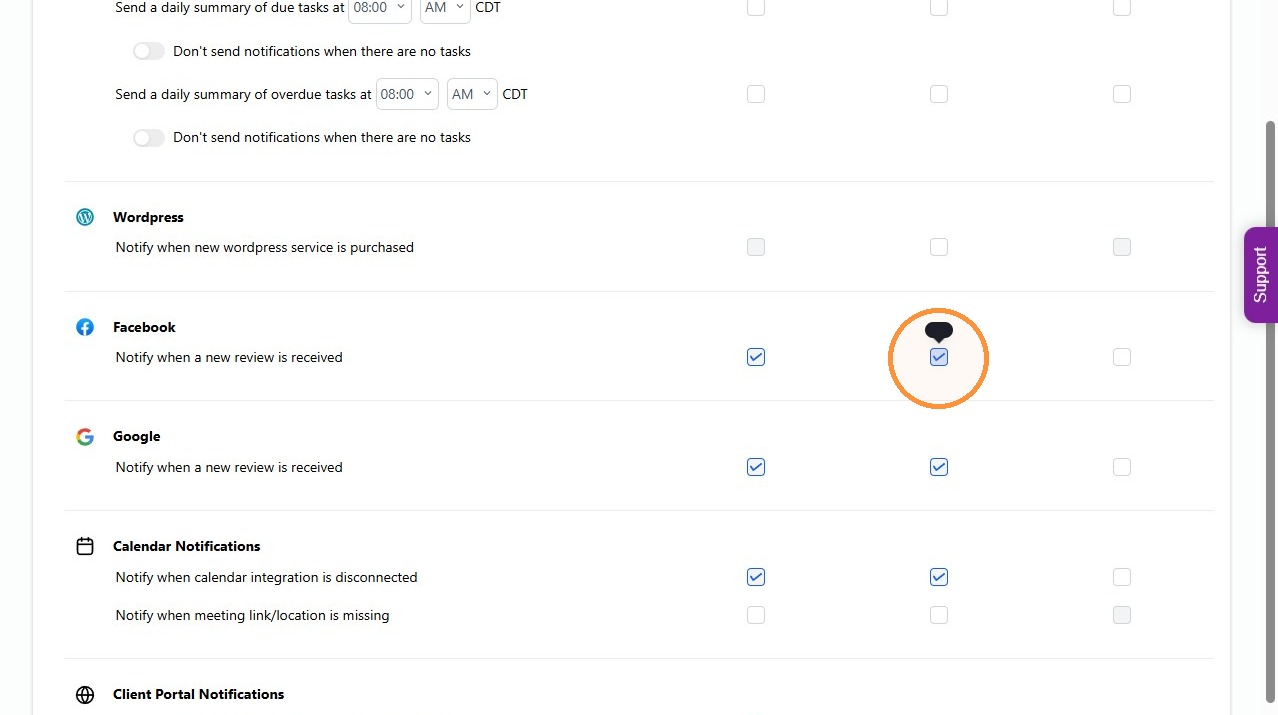
5. Enable Email notifications for new Facebook reviews.
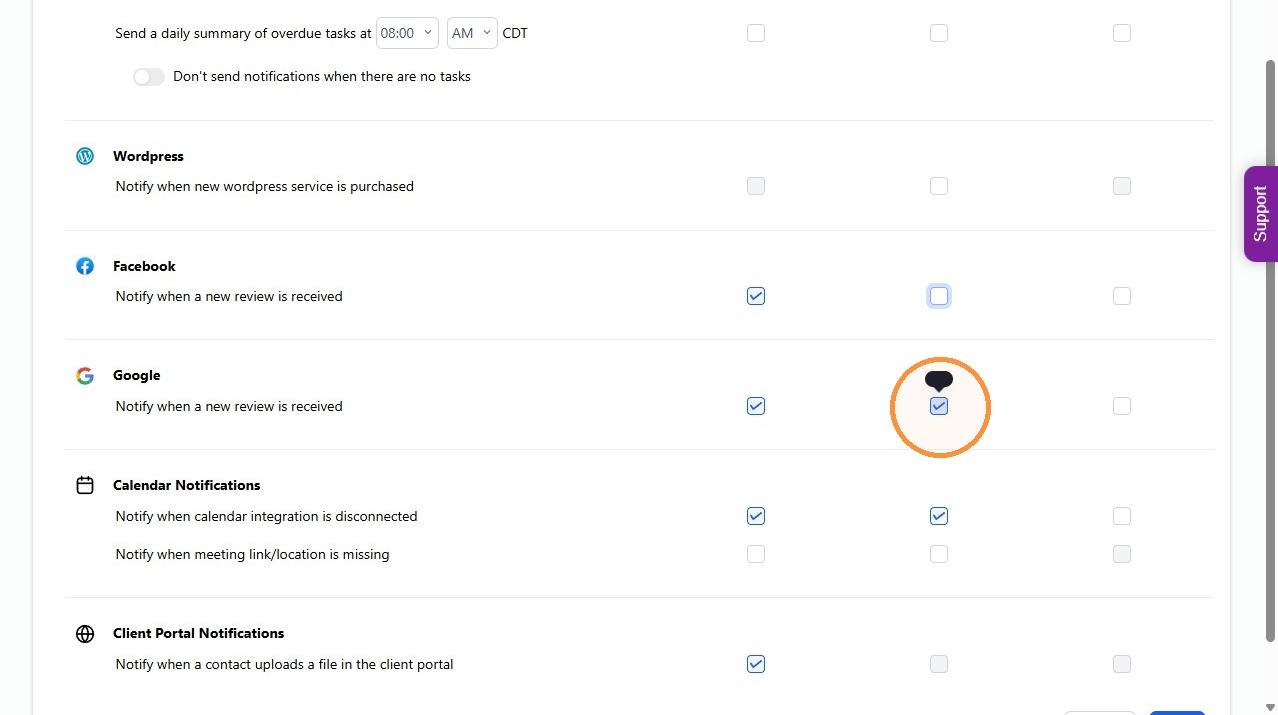
6. Enable Email notifications for new Google reviews.
7. Enable Email notifications when the calendar integration is disconnected.